

Create Beautiful Launch video without editing skills
4.8(6)11VideoSide projectsMarketing
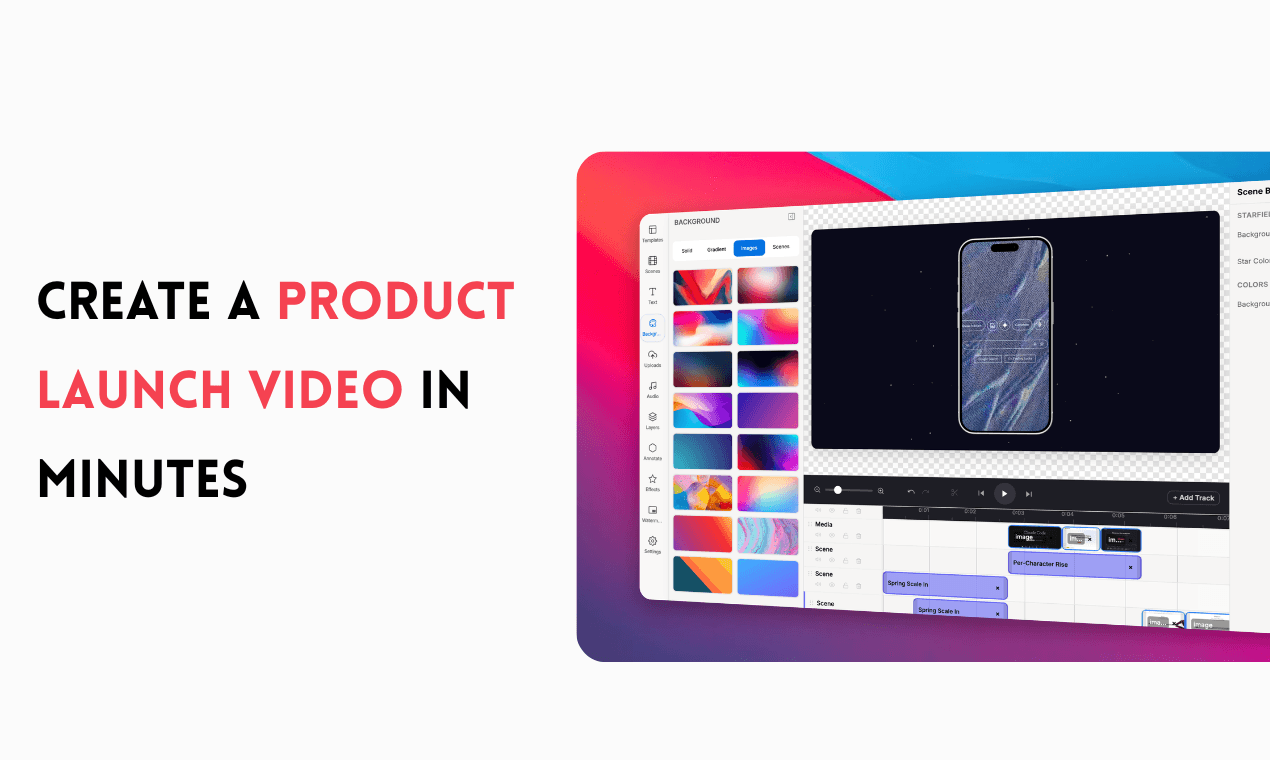
Turn boring screen recordings into launch-ready videos
• Add beautiful animated backgrounds
• Use professionally designed motion templates
• Export videos optimized for Product Hunt, X, LinkedIn, YouTube, and websites
• No video editing experience required
Whether you're launching your first SaaS, shipping a new feature, or sharing product updates, WowMotion helps you create videos that look professionally edited without the learning curve.
6 ratings
I Build Cool Stuff

AI video with native sound, paid per clip. Nothing stored.

A calmer Mac menu bar, one click away.

Enterprise Software. Intelligent Automation. Global Impact.


Comments
11Building Opmaint, CMMS software for manufacturing & facility teams.
Launch videos are one of those things everyone knows they should have but skips because editing takes forever. If this genuinely removes the editing-skill barrier, that's a real unlock for solo founders on launch day. What's the typical turnaround time from upload to finished video?
We can use this for making nice product videos
WowMotion Your product has strong potential, but I found a few key improvements that could make it even better. I'd love to share my feedback and suggestions—please contact me at [email protected].
Free file tools that never upload your files
Launch videos are the thing everyone postpones because editing eats a whole day, so one-click templates targeting this exact use case makes sense. The per-platform export presets (PH, X, LinkedIn) are a nice touch — aspect ratio fiddling is half the pain. Does it handle raw phone-camera footage too, or is it screen recordings only?
solo developer
nice work, man! making video much more easier by using the product!
Turning a script into a launch video without an editor is exactly what solo founders need for Product Hunt week. Does it handle vertical crops for Shorts/Reels too, or only 16:9 output?
Turning static shots into motion clips without a video editor is exactly what small marketing teams need. What is the max output resolution, and does it keep text overlays sharp during the motion?
Building AI video tools. Maker of Hailuo03AI.
As someone who works with video tools daily, the no-editor motion approach stands out. How do you handle camera shake on the source footage - is there stabilization baked in before the motion pass?
Motion from stills without opening an editor lowers the barrier a lot. How long are the output clips, and can you chain them into a longer sequence?
Motion graphics without opening After Effects is exactly what small teams need for product marketing. The template gallery looks polished. How does it handle custom brand fonts and colors across templates?
The export quality in the examples is impressive for a browser-based tool. Being able to go from template to publishable motion graphic in minutes changes how often small teams can ship video content. How heavy are the exported files?