

AI video studio for text-to-video and image-to-video
Vidrush is a free-to-start AI video studio for text-to-video and image-to-video. Keep scripts, voiceovers, captions, and multi-model generation in one project instead of five dashboards.
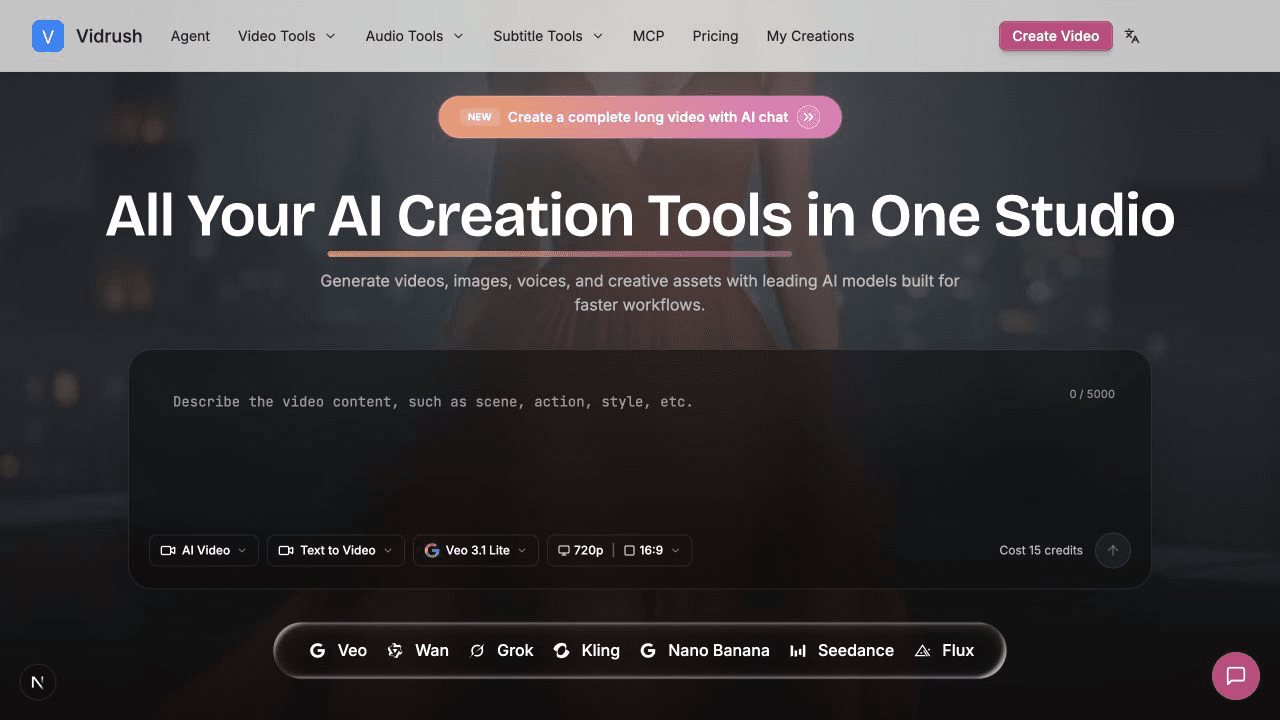
Multi-model video generation (Veo, Wan, Grok, Kling, Seedance), script drafting, voiceover, captions, and viral templates in one workspace.
Creators and marketers who need a short social clip from a still or a prompt, then want voice and captions without exporting to another tool.
4.8
6 ratings
developer

AI video with native sound, paid per clip. Nothing stored.

A calmer Mac menu bar, one click away.

Enterprise Software. Intelligent Automation. Global Impact.


Comments
9developer
I built Vidrush because AI video work was leaking across five dashboards. The useful part is keeping text-to-video, image-to-video, script, voice, and captions in one studio, then switching models only when motion fails. Product: https://vidrush-ai.com
"AI video studio for text-to-video and image-to-video" tells me exactly who Vidrush is for. Being that specific costs you the people it is not for, and that is usually the right trade.
Learn how to communicate. Practice it with AI.
The idea of keeping the whole video workflow in one place makes a lot of sense. Switching between different tools for generation, voice, captions, and editing gets tedious very quickly. Vidrush looks like a practical solution to that. Congrats on the launch!
It makes sense to implements AI video studio for text-to-video and image-to-video.
It makes sense to implement a free-to-start AI video studio for text-to-video and image-to-video. BTW, a free AI image generator tool: https://backgroundcanvas.app
Vascular Surgeon
The "switch models only when motion fails" part is the interesting bit - most multi-model tools make you commit upfront, before you know which one handles your shot. Curious how you handle audio: with Veo generating its own track and the other models silent, does the voiceover/caption layer get rebuilt per model, or do you keep one timeline and re-attach? That mismatch is usually where multi-model pipelines start to hurt.
AI-powered Google review management software
AMAZING VIDEOS,IS A PRETTY GOOD TOOL
The rendering speed and lip-sync accuracy on this are super clean! Curious about the technical side—are you processing frame-by-frame pipeline rendering locally via WebGPU/WASM, or relying heavily on server-side GPU clusters for generation? Congrats on the launch!
Vidrush Your product has strong potential, but I found a few key improvements that could make it even better. I'd love to share my feedback and suggestions—please contact me at [email protected].