

Turn TikTok, Reels & Shorts into timestamped transcripts
4.8(6)15VideoSocial MediaProductivity
VideoToScript turns public TikTok, Instagram Reels, YouTube Shorts, and Facebook videos into accurate, timestamped transcripts. Use the free web app to extract dialogue, review timestamps, and export clean TXT, SRT, or VTT files. Explore dedicated workflows: TikTok transcript: https://videotoscript.app/tiktok-transcript | Instagram transcript: https://videotoscript.app/instagram-transcript | YouTube transcript: https://videotoscript.app/youtube-transcript | Facebook transcript: https://videotoscript.app/facebook-transcript
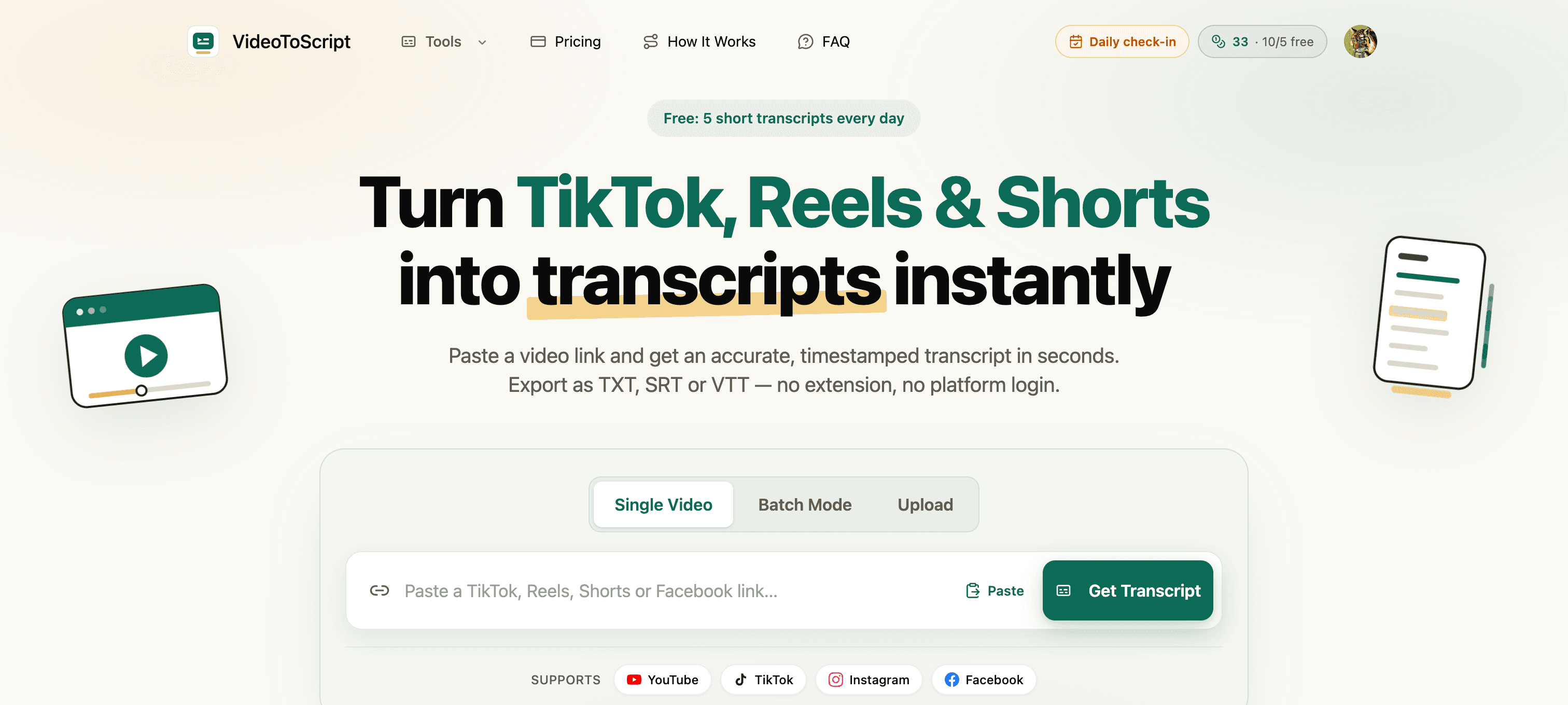
Timestamped transcript extraction
TXT, SRT, and VTT exports
TikTok, Instagram Reels, YouTube Shorts, and Facebook support
Simple browser workflow with a free tier
Repurpose short-form video content into written notes
Create captions and subtitles for social clips
Search and review spoken content
Turn creator videos into scripts for analysis
4.8
6 ratings


AI video with native sound, paid per clip. Nothing stored.

A calmer Mac menu bar, one click away.

Enterprise Software. Intelligent Automation. Global Impact.


Comments
15I built VideoToScript to make short-form video research and caption workflows faster. Try the free transcript generator and share feedback on the timestamped TXT, SRT, and VTT exports.
Software Engineer
This would work really well together with CartCut video editing software.
I build & lead the engineering behind AI agents · Co-Founder & VP R&D @ Dial
The timestamped transcript angle solves a real problem - most creators sit on videos because extracting the actual value takes too long. Having searchable transcripts with timestamps means you can actually repurpose that content across blog posts, newsletters, clips. This bridges the gap between short-form video creation and long-form content discovery. Smart positioning.
Building PZERO, saving you money - pzero.studio
Pulling public TikTok, Reels, and Shorts into timestamped TXT, SRT, or VTT transcripts is a solid way to turn short video into searchable notes. When the models behind caption and script tools get pricey, leftover capacity lives at pzero.studio.
Freelance creator sharing practical tools for better proposals
Timestamped exports in SRT, VTT, and TXT are a strong practical touch for creators. The ability to jump to exact moments should save a lot of review time.
Freelance creator sharing practical tools for better proposals
The timestamped TXT, SRT, and VTT exports are a practical touch for creators repurposing short-form content. A free tier makes it easy to test the workflow before committing.
This app is really helpful. I can track the tiktok videos that are getting great views, download the transcript and build with my own product idea.
Indie developer building AstroMystra (AI astrology app) and Tabreon (55+ free productivity tools) solo.
Exporting straight to SRT/VTT instead of just plain text is the real difference-maker for captioning workflows. For non-English audio - Hindi, for example - how reliable is the timestamp alignment? Curious if transcription is tuned mainly for English speech or genuinely language-agnostic.
Founder, Voyd
I was looking for something like this - thanks
https://meltbead.com
Great Product , keep it up
Timestamped transcripts are handy for repurposing short-form videos. How does the export handle speaker changes or noisy audio, and can creators correct a timestamp without reprocessing the whole clip?
Useful for content research. Does it handle videos where the speech overlaps with background music? That is where most transcription tools I tried start dropping words. The timestamped output format is the right call - makes it easy to quote specific moments when analyzing hooks.
I make short news clips in Spanish (Argentina) and most transcript tools drift on local slang and on proper names. Two questions: which speech model runs under the hood, and can I pass a glossary of names before the run so they come out right? Also, for Reels that already have burned-in captions, do you read those or only transcribe the audio? The timestamped SRT is the right output for my case; the plain wall of text other tools give you is useless for captions.
RT/VTT export is the detail that matters here - a lot of video-to-text tools only give you a wall of plain text.
Building in public from Scotland!
This looks useful - I always worry about accuracy in these tools though but will check it out!