

Monitor real user flows, APIs & cron jobs — 30s checks
4.8(6)29Development ToolsSaaSAnalytics
Ping monitors say "all good" while your login, checkout or API flow is silently broken. UptimeEye runs your real user flows every 30 seconds — multi-step checks, cron job monitoring, status pages, instant alerts. EU-hosted, free tier included.
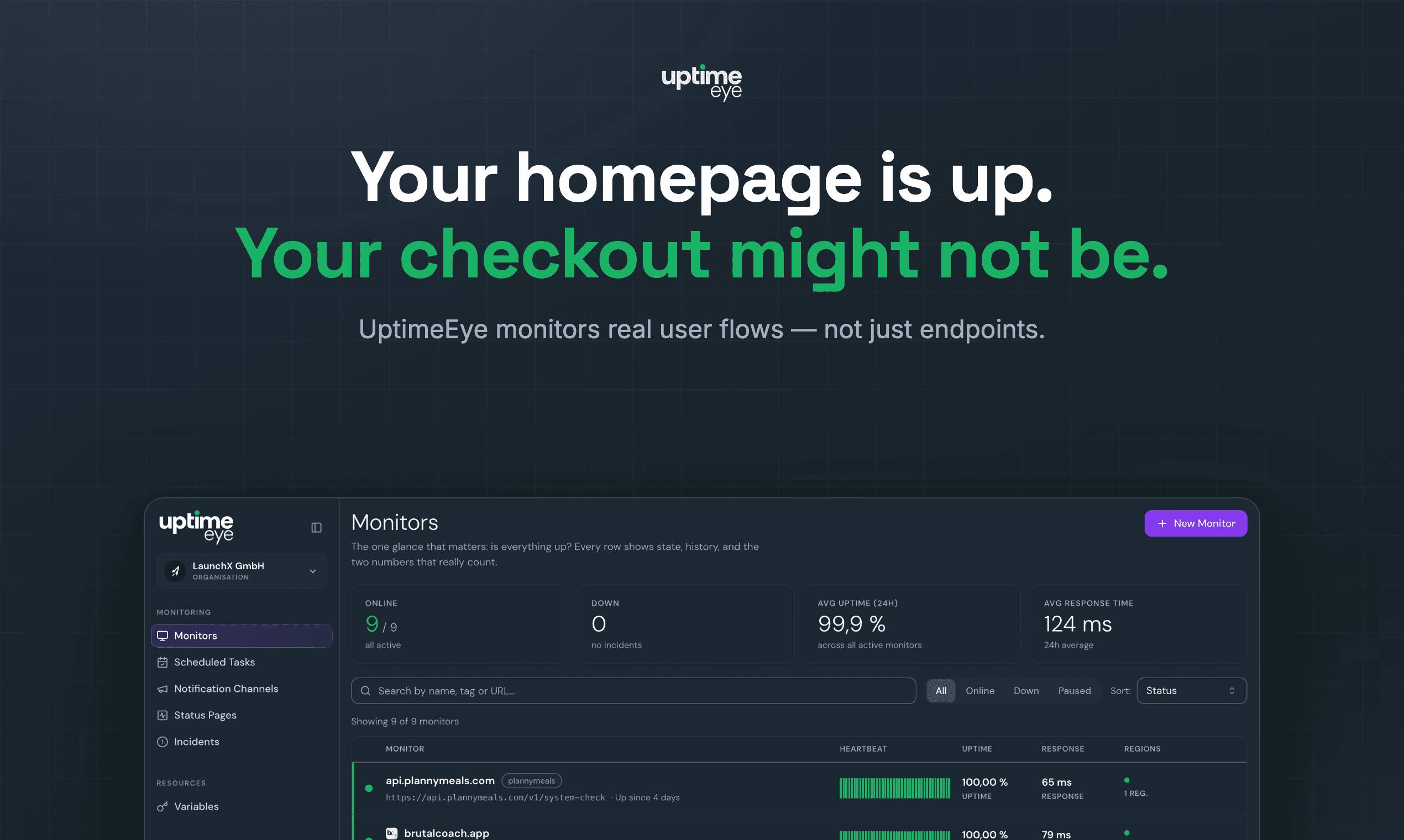
Multi-step user-flow checks (login, checkout, signup) every 30 seconds
API monitoring with assertions on status, headers and response body
Cron job / scheduled task monitoring with heartbeat alerts
Public status pages
Instant alerts: Slack, Discord, Email, Telegram, MS Teams, PagerDuty, webhooks
Checks from up to 6 global regions, EU-hosted platform
Free tier included, no credit card required
Get alerted when checkout, login or signup flows break — before customers notice
Monitor REST APIs and microservices with response assertions
Catch silently failing cron jobs and scheduled backups
Give users a public status page for transparency
Agencies: monitor all client sites and flows from one account
4.8
6 ratings
Senior Software Engineer

AI video with native sound, paid per clip. Nothing stored.

A calmer Mac menu bar, one click away.

Enterprise Software. Intelligent Automation. Global Impact.


Comments
29Senior Software Engineer
Hi Fazier! 👋 UptimeEye exists because of a nightly job that silently stopped running on one of our own products — no error, no crash, and the uptime monitor stayed green because the homepage still returned 200. Users noticed before we did. Ping monitors can't see the things that are supposed to happen but don't. So we built UptimeEye: it runs your real user flows (login, checkout, API calls) every 30 seconds, treats cron jobs and scheduled tasks as first-class citizens, and alerts you the moment something breaks. EU-hosted, free tier included. Happy to answer anything!
Monitoring actual user flows instead of just checking for a 200 response makes a lot of sense. A homepage can be perfectly healthy while login or checkout is completely broken. I’m curious how you handle authenticated flows that involve expiring sessions or 2FA — can users periodically refresh credentials without rebuilding the whole monitor? That feels like one of the harder parts of making this reliable long-term.
I build & lead the engineering behind AI agents · Co-Founder & VP R&D @ Dial
The difference between checking that a server responds and checking that a user can actually complete their flow is night and day. I've been on teams where status pages said green, uptimebots said green, and users were silently getting errors on checkout or login. The 30-second heartbeat on full user flows plus cron job monitoring catches the things that traditional uptime tools miss. Real-world flows almost always have conditional branches - what if auth fails, what if the third-party payment service is slow. Having a tool that can do multi-step assertions and alert you before customers see the problem is genuinely valuable. The fact that it's EU-hosted and free tier included makes it accessible for small teams too.
Software Operations Manager at CDRBStores. Curating over 1,500 lifetime PC & Mac software titles to help teams build high-performance workstations without recurring monthly SaaS overhead.
Reliability is everything for web apps and e-commerce stores, so clean real-time monitoring is a must. Congrats on the launch, team! 🚀
Menstrual cycle calculation website developer
What sold me on UptimeEye is the multi-step flow monitoring — it tells me exactly which step broke, not just "your site is down." Pasting a cURL command to create a monitor takes minutes, no agents or SDKs needed. The free tier allowing commercial use with all alert channels is a rare find these days
Monitoring actual user flows instead of just checking for a 200 response makes a lot of sense. A homepage can be perfectly healthy Ping monitors can't see the things that are supposed to happen but don't. So we built UptimeEye: it runs your real user flows (login, checkout, API calls) every 30 seconds
Building PZERO, saving you money - pzero.studio
Congrats on shipping this. Catching a cron that dies while the homepage still returns 200 is a gamechanger. If you ever need AI capability, you can get discounted rates at pzero.studio.
creator
The 30-second check frequency for real user flows, APIs and cron jobs is a big differentiator — most monitoring tools miss the app-level view. Covering real user flows alongside API health means you catch broken journeys, not just dead endpoints. That is genuinely useful for small teams without a dedicated SRE.
creator
The 30-second check frequency for real user flows, APIs and cron jobs is a big differentiator — most monitoring tools miss the app-level view. Covering real user flows alongside API health means you catch broken journeys, not just dead endpoints. That is genuinely useful for small teams without a dedicated SRE.
This one hit home. This morning our chat login died because the auth provider's project got paused: the homepage answered 200 the whole time, a ping monitor would have been green, and the only signal was a user screenshot of a DNS error. A multi-step "open app, sign in, send one message" check every 30 s is exactly what would have caught it. Two questions: can a flow step handle a third-party OAuth redirect (Google sign-in) without me storing real credentials in your dashboard, and does cron monitoring work as a heartbeat URL my job pings, so I can wire it into a nightly script in five minutes? EU hosting is a plus for us in Denmark. Congrats on the launch, signing up for the free tier now.
indie hacker
Love the focus on real user flows instead of just checking whether a page returns 200. Monitoring login, checkout, APIs, and cron jobs together feels much closer to how products actually fail in production. The 30-second checks and cron heartbeat monitoring are especially useful. Curious how you handle flaky multi-step flows — do you retry before triggering an alert to avoid false positives? Congrats on the launch!
This solves a problem that’s easy to underestimate. A basic uptime check can tell you the server is responding while the actual user journey—login, API calls, checkout, or another multi-step flow—is completely broken. The 30-second real-flow monitoring is especially interesting because it focuses on what users actually experience, not just whether a URL returns 200. The cron job monitoring and built-in status pages make this even more useful for small teams that don’t want to build their own monitoring stack. I’m building and growing https://speakerrescue.online/ myself, so reliable monitoring is definitely something I can see the value of as a website grows. Great product idea! 🚀
AI content creation for Arabic-speaking creators
30s check intervals is impressively tight. Does the pricing scale with number of monitors, or is it a flat rate regardless of how many endpoints you're tracking?
Founder of Rune • Building tools, learning, and creator products for the modern web
Super sleek product! How has the early community feedback been during your beta testing phase? Best of luck with the launch!
Founder of Rune • Building tools, learning, and creator products for the modern web
Super sleek product! How has the early community feedback been during your beta testing phase? Best of luck with the launch!
The 30s interval for cron jobs is the part that stands out — most uptime tools only ping URLs. We run a nightly transcription cron on our project and the real failure mode is always "it silently didn't run", not "the site is down". Does UptimeEye support dead-man-switch style checks (alerting when a job DIDN'T report in), or is it active polling only?
Treating cron jobs and scheduled tasks as first-class monitors is the part I'd actually pay for — a silent nightly job that stops firing is exactly the failure a 200-response ping never catches.
Treating cron jobs and scheduled tasks as first-class monitors is the part I'd actually pay for — a silent nightly job that stops firing is exactly the failure a 200-response ping never catches.
The 30-second check interval is compelling for user-flow monitoring. How do you handle cleanup and isolation when a synthetic browser flow creates state—test accounts, carts, or one-time tokens—so repeated checks don't pollute production data?
AI
congrats very unique