

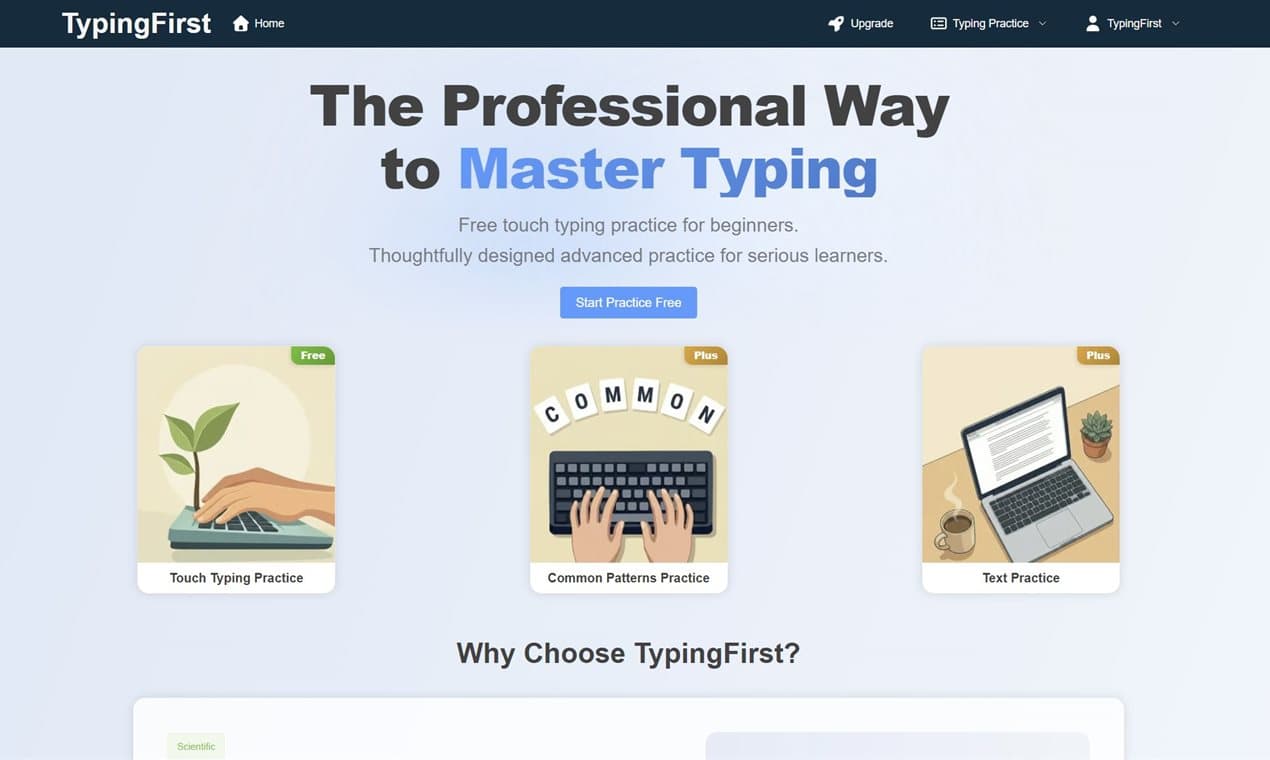
TypingFirst is a structured online typing practice platform with free touch typing lessons, common pattern drills, and text practice.
74 people supporting this launch
4.8
6 ratings


AI video with native sound, paid per clip. Nothing stored.

A calmer Mac menu bar, one click away.

Enterprise Software. Intelligent Automation. Global Impact.


Comments
66TypingFirst is a well-designed tool for improving typing speed with structured practice sessions. The free touch typing lessons make it accessible, and the pattern drills are genuinely useful for building muscle memory. Great resource for anyone wanting to improve their productivity through better typing skills.
Fix the gap between your ads and your landing pages
Love that it loads fast, and can get to basics right away.
It's a simple software, but I like the design. It's very simple and very helpful.
Cool idea, is there a mobile app?
Love that product. The Ui looks sleek
Indie Hacker
Underrated méthod to typing fast
Really impressed by the structured approach to typing education. The combination of touch typing lessons, common pattern drills, and text practice covers all the essential areas for building proper typing habits. The freemium model makes it accessible for beginners while offering depth for serious learners. Would love to see gamification features like streaks or leaderboards in the future!
The structured approach to teaching common patterns first is smart — most tools just throw random texts at you. Does TypingFirst track which specific keys/bigrams users struggle with most, so the drill selection becomes adaptive over time? That kind of targeted weakness analysis would make it really stand out from basic WPM trainers.
I build audiotools
Super fun way to learn typing
Switching to touch typing was the best 'hidden' career skill I ever learned. It’s not just about speed; it’s about the mental energy you save when you aren't fighting the keyboard. If this tool can bridge the gap between 'practice' and actual text (like emails or docs), it’s a massive win for productivity.
Love that product. The Ui looks sleek
Northify is a dynamic software company committed to creating user-friendly Software as a Service (SaaS) products.
The common patterns practice mode is a smart approach, most typing tools just throw random text at you instead of focusing on the combinations you actually use when coding or writing.
The common patterns practice mode is a smart approach, most typing tools just throw random text at you instead of focusing on the combinations you actually use when coding or writing.
Developer helping people create content for social media
Nice idea, keep it up
It's very simple and very helpful.
Founder @ https://nudgen.net
Looks great. How are you thinking about retention? Typing tools are easy to try but hard to turn into daily habits.
Great tool for improving typing speed and accuracy! The pattern-based approach combined with progress tracking makes this a standout typing practice platform.
Great tool for improving typing speed and accuracy! The progress tracking feature is especially useful for learners.
Builder. Making algorithms visual.
If you can make the drills adaptive based on user weaknesses, this could become seriously addictive to use daily. Clean UI + practical learning approach = strong foundation for a standout productivity tool
Most typing tools fail because they feel like practice, not something useful. The moment you close the tab, the habit dies. The “common patterns” direction is interesting because it’s closer to real usage — but retention will still come down to whether it integrates into daily workflows instead of being a separate activity. Are you thinking about that layer (e.g. using real text / emails / writing tasks)?