

Organize YouTube Videos & Learning Resources
4.8(6)3ProductivityEducationYouTube
TubeShelf is a personal video library and learning organiser designed to help you save, categorise, and track YouTube videos without the noise.
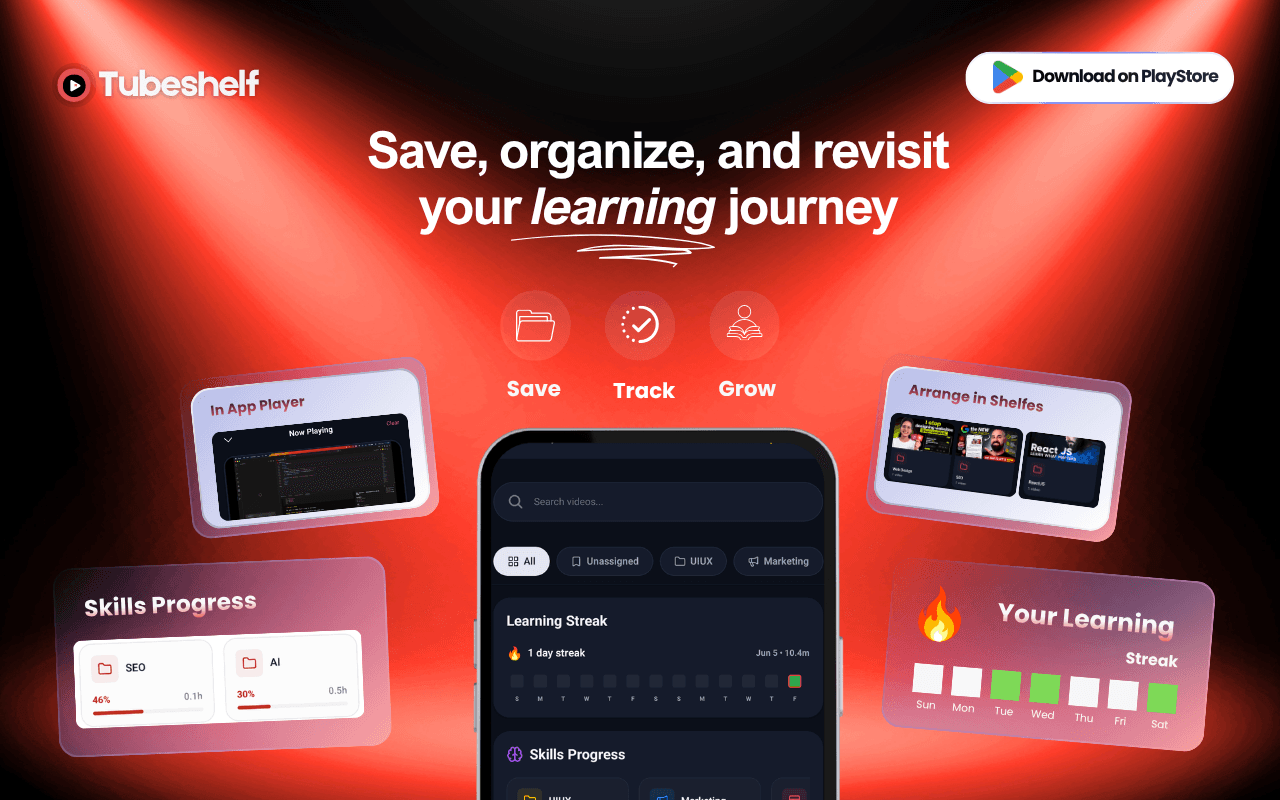
Instead of losing valuable tutorials, courses, and reference videos in browser bookmarks or cluttered default playlists, TubeShelf lets you build custom, structured learning "shelves."
With a dedicated focus on educational and reference video management, it provides built-in progress tracking, visual notes, and an inline overlay player so you can study, learn, and organize your knowledge libraries seamlessly.
AI-Powered UI/UX Designer building SaaS

AI video with native sound, paid per clip. Nothing stored.

A calmer Mac menu bar, one click away.

Enterprise Software. Intelligent Automation. Global Impact.


Comments
3AI-Powered UI/UX Designer building SaaS
Hey everyone! 👋 Satyam here, the creator of TubeShelf. Like many of you, I spend hours learning on YouTube, watching coding tutorials, design courses, and tech analysis. But I kept running into the same problem: my learning resources were scattered everywhere. I had links in browser bookmarks, random chat logs, and a completely bloated YouTube "Watch Later" playlist where videos went to die. I wanted a dedicated workspace built specifically for organised learning. So I built TubeShelf. TubeShelf acts as your personal shelf organiser for YouTube videos. It allows you to: 🗂️ Group videos into custom collections (shelves) like "React Hooks," "Figma UI," or "Academic Lectures." 📈 Automatically track your learning progress, including watch percentages and your exact timestamp. 🎥 Watch videos in a distraction-free overlay player with custom speed rates (up to 2x). 📱 Instantly bookmark videos directly from the YouTube app or any browser using the native system share sheet. It’s built to keep you focused on finishing what you start. I’d love to hear your thoughts, feedback, and suggestions on what features we should build next! Feel free to ask any questions, I’ll be here answering them all day. Happy learning!
Building PZERO, saving you money - pzero.studio
Custom shelves plus auto progress tracking that remembers the exact last watched position makes finishing a course far more realistic than a bloated Watch Later list. When you want to spend less on AI at work, take a look at pzero.studio from PZERO.
Solo developer
The share-sheet intent is the detail that makes this usable: Watch Later dies because saving costs more taps than watching. Two things I'd want to know as someone who tracks YouTube data all day: does progress tracking only work inside the overlay player, or also when a video is opened in the YouTube app? And is there an export (CSV or JSON) of the shelves, so the library isn't locked to the app if someone stops using it?