

Convert, resize, compress and clean metadata on images without uploading them. All 40+ tools (HEIC converter, compressor, format converters, resizer, cropper, filters, EXIF remover, batch ZIP) run client-side in your browser using Canvas and WebAssembly — your files never leave your device. Free, no watermark, no account.
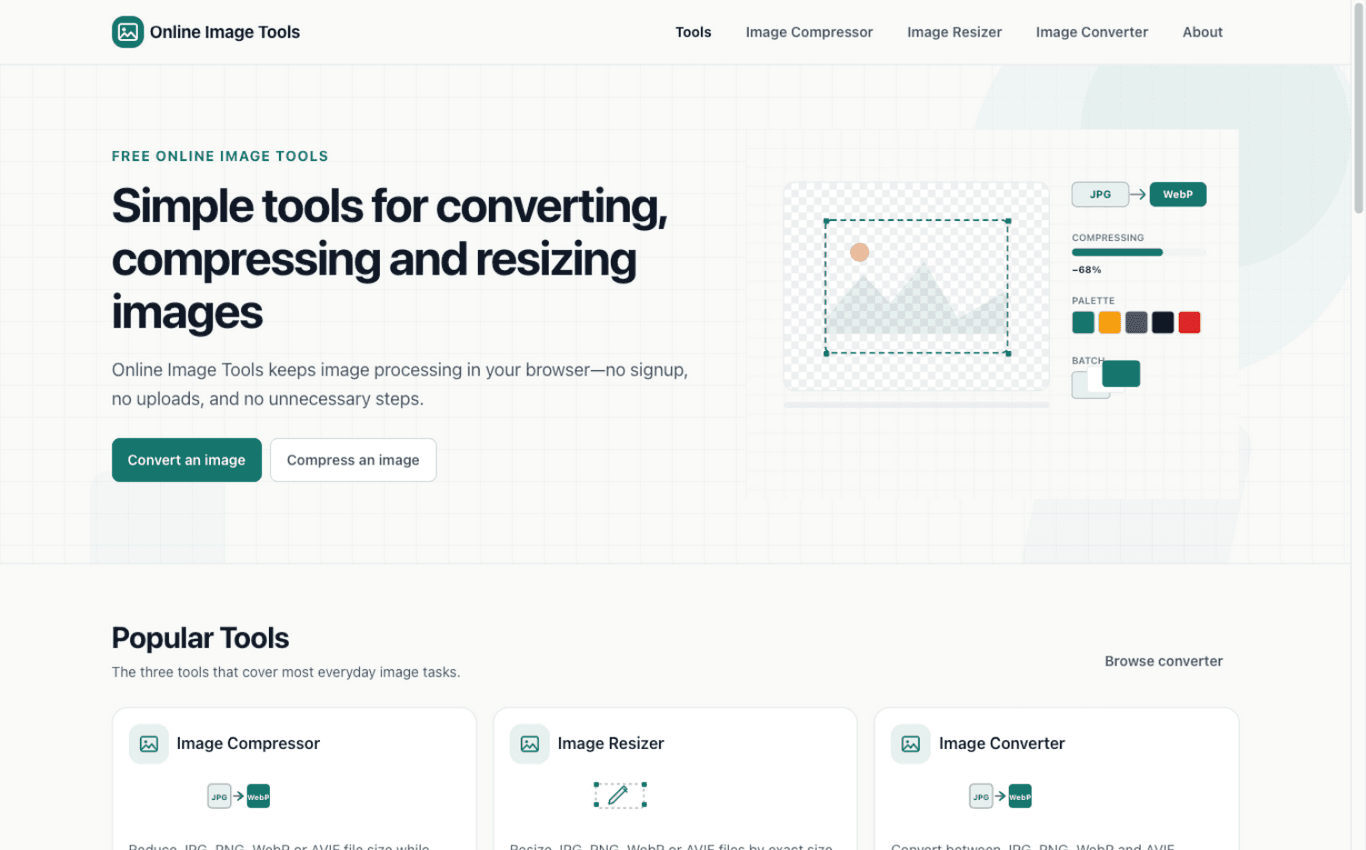
40+ tools: compression (JPG/PNG/WebP/AVIF) and 40+ format conversion pairs, including HEIC from iPhone photos
Resize, crop, rotate and flip; filters like grayscale, sepia, blur and pixelate
EXIF viewer and remover, borders, watermarks, and batch processing with ZIP download
100% client-side — files never leave the device, enforced by an automated test suite
Convert iPhone HEIC photos to JPG/PNG/WebP without uploading family photos to a server
Compress images to fit email attachments, portal file limits and web performance budgets
Resize and crop to exact dimensions or social ratios (1:1 avatars, 16:9 thumbnails, 4:5 posts)
Strip EXIF metadata before sharing photos publicly
6 ratings

AI video with native sound, paid per clip. Nothing stored.

A calmer Mac menu bar, one click away.

Enterprise Software. Intelligent Automation. Global Impact.


Comments
10Keeping everything client-side and enforcing it with an automated test suite is a strong trust signal for a tool that handles personal photos. One question on the EXIF remover: does it also strip location and camera data embedded in HEIC and WebP files, or only JPEG? Phone photos carry GPS in several container formats, so that is the case I would test first.
Maker of Fix My Speaker — a free online tool that plays a calibrated tone to eject water and dust from phone speakers.
The client-side-only approach is the real differentiator — stripping EXIF before sharing photos is something most tools claim, but backing it with an automated test suite is a strong trust signal. HEIC conversion with no uploads is genuinely useful for iPhone users. A before/after file size comparison per tool would make the savings even more tangible.
The HEIC conversion alone is worth bookmarking — iPhone photos are a constant headache when you need JPG/PNG for portals that don't accept HEIC. Doing it 100% client-side with an automated test suite enforcing it is the right call; too many 'free' image tools quietly upload your files. Batch processing with ZIP download is a thoughtful touch for anyone handling dozens of images at once.
Love that everything runs client-side, and that you enforce it with an automated test suite: that's a detail most "no upload" tools skip. Quick question: for batch HEIC to JPG, is there a practical limit on how many files or total MB the browser can handle before memory becomes an issue? And do you keep the original capture date when you strip the other EXIF data?
Startup & SEO enthusiast
The 100% client-side architecture is the whole point, and I like that you don't just claim it — enforcing it with an automated test suite turns a marketing promise into something verifiable. That's exactly the standard privacy-sensitive tools (HEIC conversion, EXIF stripping, watermarking) should be held to. Batch processing with ZIP download is a smart inclusion too; without it, single-file tools feel like demos. One suggestion: an in-browser before/after comparison slider for compression would make the quality trade-off tangible at a glance, which is the #1 hesitation people have with compressors.
Love the positioning — "no uploads, no account" removes the two biggest frictions for quick image tasks. The client-side-only architecture enforced by an automated test suite is a great trust signal. One suggestion: a single "drop any image here" entry point that auto-suggests the best tool could make the 40+ tools feel less overwhelming for first-time visitors.
Bootstrapped solo founder and former Engineer
I will try this tool.
The automated test suite enforcing client-side-only behavior is the detail that won me over — anyone can claim "no uploads", but proving it with tests makes the privacy promise verifiable rather than a marketing line. Batch processing with ZIP download is also the right call for real workflows. One idea: a side-by-side quality preview for AVIF vs WebP at matched file sizes would help users pick the better format without guessing.
Founder of DotMoose Hosting — Canadian web hosting with honest pricing, no upsells
As someone who also ships free browser-based tools, the automated test suite enforcing client-side-only behavior is the detail I respect most — privacy claims are easy to make and hard to verify. Small UX idea: since batch processing is a headline feature, showing a progress indicator with per-file savings (e.g. compressed 68% per image) would make large batches feel faster and more transparent.
The client-side guarantee matters for EXIF cleanup. Does the batch ZIP preserve original filenames and offer a per-file confirmation that metadata was removed? That would make it easier to verify the privacy step before sharing.