

🎬 Create Stunning AI Videos with Seedance 2.0
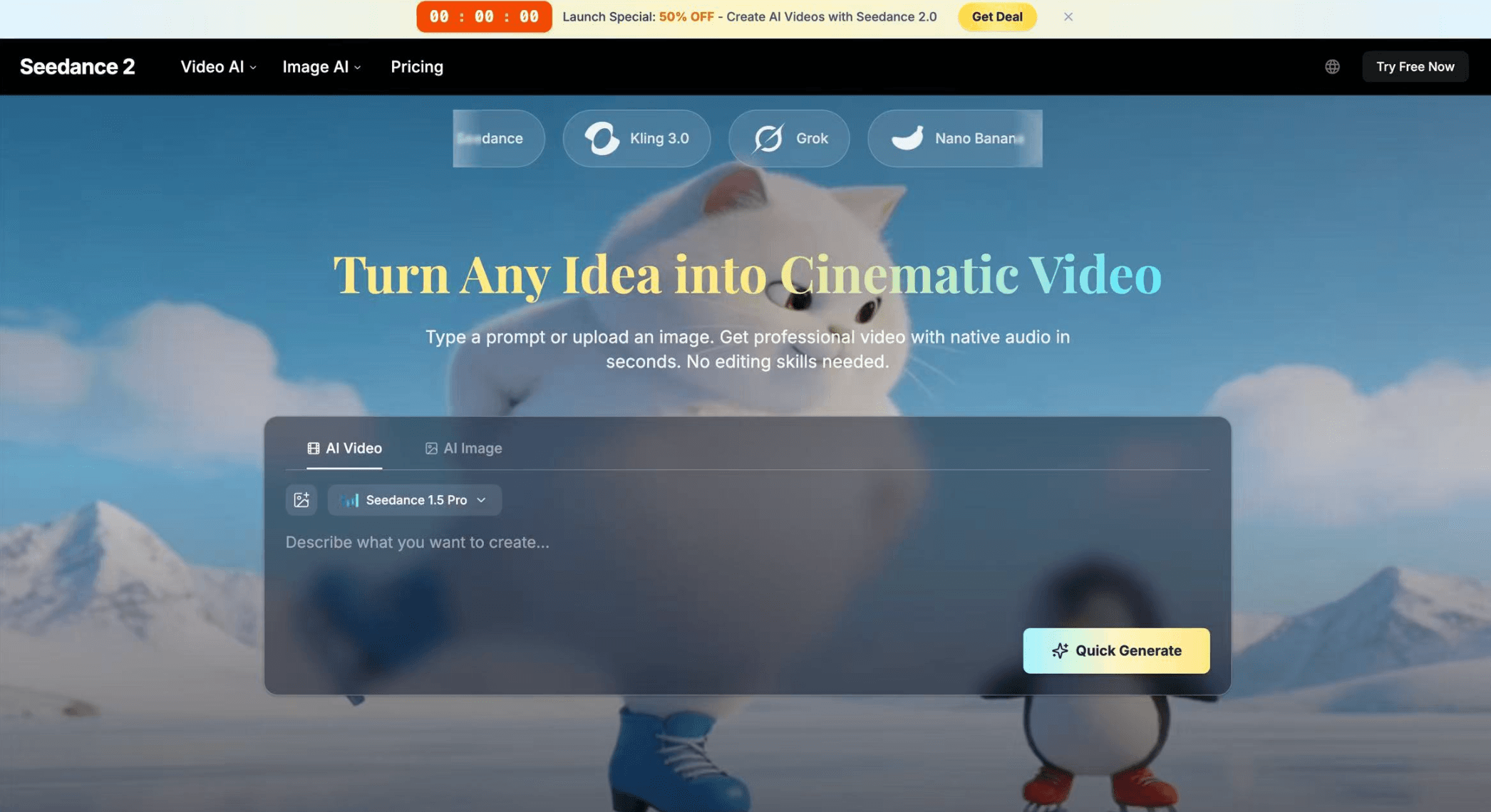
Seedance 2.0 is a next-generation AI video generator that turns your ideas into cinematic videos in seconds. Simply enter a prompt, upload an image, or combine multiple inputs — and watch your vision come to life.
Unlike traditional tools, Seedance 2.0 supports multi-modal generation, allowing you to mix text, images, video, and audio in one workflow.
🚀 Why Use Seedance 2.0?
Seedance 2.0 is built for creators, marketers, and teams who want fast, high-quality video production without complex editing.
It eliminates traditional editing workflows and lets AI handle everything — from motion to sound.
⚡ What Makes Seedance 2.0 Powerful?
🎯 Use Cases
6 ratings
Indie Hacker

AI video with native sound, paid per clip. Nothing stored.

A calmer Mac menu bar, one click away.

Enterprise Software. Intelligent Automation. Global Impact.


Comments
3Find and Book Trusted Driving Schools Across the USA
This looks like a game-changer for content creation. The ability to generate cinematic videos from simple prompts and combine multiple inputs in one workflow is incredibly powerful. I especially like the focus on consistency and ready-to-use outputs for marketing—it makes scaling video content much more practical and efficient.
An indie dev building a simple app to help with inbox paralysis: www.calmyourinbox.com.
Seems like a great idea and I like the UI on the site. The workflow to try writing a prompt and generate a video without logging in did not work for me (chrome browser), however, the options to create the video were really helpful. I really liked that you can specify a "last frame." This could be really useful to transitioning seamlessly to other marketing material (like a tag-line/product name screen). I will be keeping an eye out on this tool.
Seems like a great idea and I like the UI on the site. The workflow to try writing a prompt and generate a video without logging in did not work for me (chrome browser), however, the options to create the video were really helpful. I really liked that you can specify a "last frame." This could be really useful to transitioning seamlessly to other marketing material (like a tag-line/product name screen). I will be keeping an eye out on this tool.