
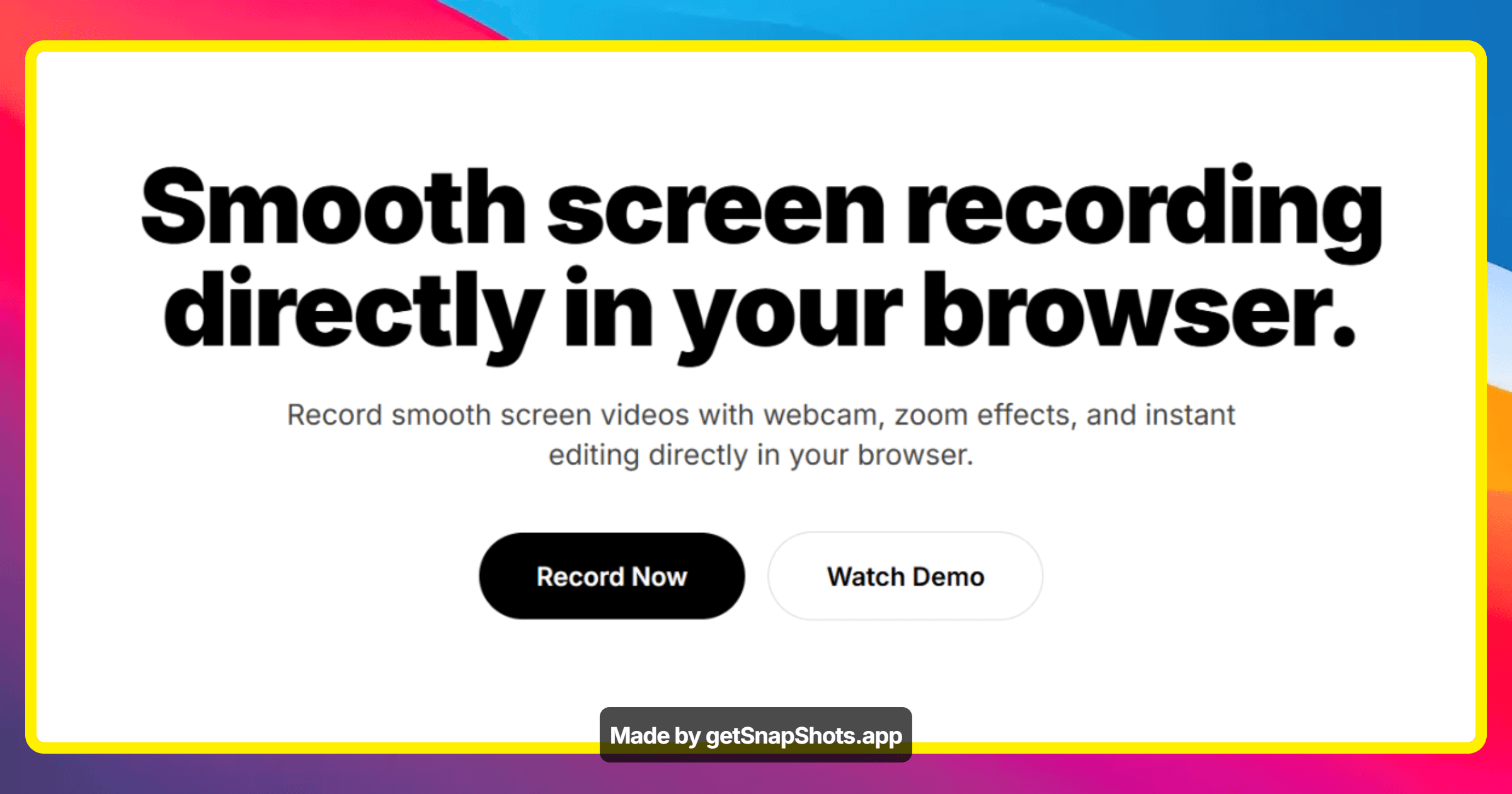
Smooth screen recording directly in your browser.
ScreenFlowy offers a seamless and professional solution for screen recording directly within your browser. It empowers users to capture smooth screen videos, incorporate webcam footage, apply zoom effects, and perform instant editing without any downloads or watermarks. The platform is designed for creators, teams, and individuals needing to produce tutorials, demos, or quick shareable content.
The platform is designed for creators, teams, and individuals needing to produce tutorials, demos, or quick shareable content.
6 ratings

Hi there! I'm WebLancerDev, a SaaS Creator and Indie Hacker, constantly learning by building. Let's innovate together!

AI video with native sound, paid per clip. Nothing stored.

A calmer Mac menu bar, one click away.

Enterprise Software. Intelligent Automation. Global Impact.


Comments
5I loved that it doesn't need installation and allows to edit the recording directly in the browser.
nice one. needed it. will test it today
Marketing geek, growth hacker.
The zoom effects being built into a browser recorder is the standout for me — that's usually the one thing people jump into a separate editor for, so keeping it inline removes the whole export/re-import round trip. For tutorial and demo creators the make-or-break is almost always audio: are you capturing system audio and mic on separate tracks, and is there any noise cleanup? And since it runs in-browser with no install, what's the practical recording-length limit before memory or performance starts to degrade on longer walkthroughs?
Tech enthusiast
Sounds cool, I will test the size of the recording
Founder of Tie Haus – curated neckties and bow ties for every occasion
Screen recording directly in the browser solves a real pain point — no downloads, no permissions dialogs, no context switching. The ability to capture specific tabs or the full screen without installing anything is genuinely useful for product walkthroughs and async team communication. Would be interested to see annotation features added so you can highlight key areas during the recording.