
AI Receipt Scanner to Google Sheets for easy expense tracker
4.8(6)10FinanceProductivityBudgeting
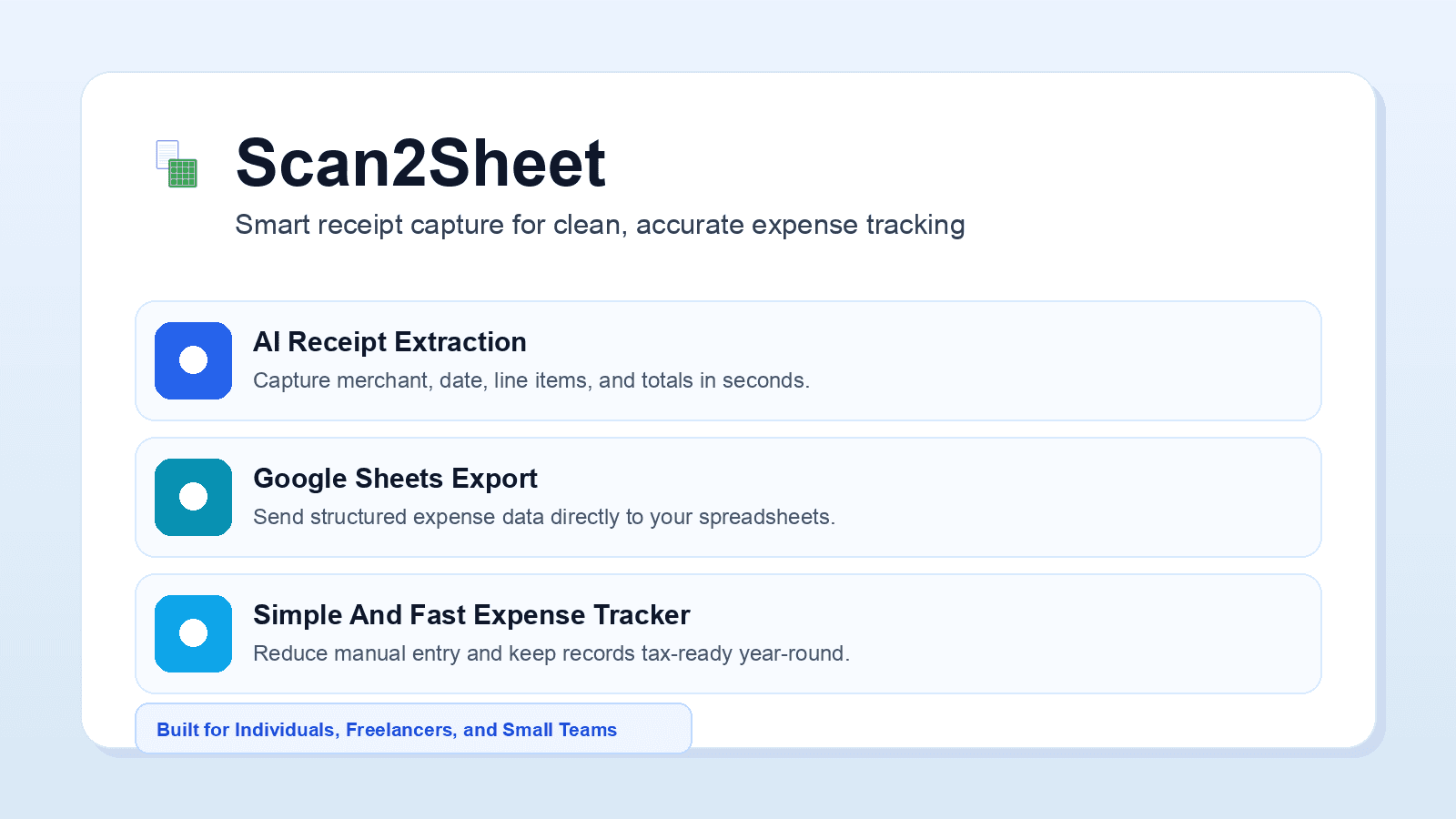
Scan2Sheet is a mobile app that lets you scan or photograph receipts and uses AI to automatically extract key expense data. With just one tap, your expenses can be saved directly to Google Sheets. Simple, convenient, and time-saving, Scan2Sheet is ideal for individuals, sole traders, and small businesses who want an easy way to track expenses for tax deductions and reimbursement claims.
4.8
6 ratings
40% off on all paid plans
Visit deal
AI video with native sound, paid per clip. Nothing stored.

A calmer Mac menu bar, one click away.

Enterprise Software. Intelligent Automation. Global Impact.


Comments
10The idea for Scan2Sheet came from a problem I saw at home. My partner was preparing documents for tax deductions and had stacks of paper receipts to process. Every receipt had to be entered manually into a spreadsheet—vendor, date, amount, GST, category. It was repetitive, time-consuming, and incredibly frustrating. Even though receipt scanning apps already existed, most of them stored data inside their own apps or required exporting CSV files before the data could be used elsewhere. We were already using Google Sheets to manage expenses, so I kept thinking: why can't a receipt go straight into a spreadsheet? As a software developer, I decided to build the solution myself. Scan2Sheet lets you scan or photograph a receipt, uses AI to extract the important information, and sends the structured data directly to Google Sheets with a single tap. No copying, no typing, no importing CSV files. My goal wasn't to build another expense tracker. It was to eliminate one of the most tedious parts of bookkeeping. I believe spreadsheets remain the tool of choice for many freelancers, small business owners, accountants, and anyone who likes to stay in control of their data. Instead of forcing people into another closed ecosystem, Scan2Sheet works with the spreadsheet they already use. If Scan2Sheet saves someone just a few hours every week, those hours quickly add up over months and years. That's the kind of software I enjoy building—simple tools that solve real problems and quietly make everyday work a little easier.
https://toolssy.com/ Free Random Generators That Make Everyday Choices Easy
Nice tool A great product .
Try it then come on conclusion can be recomended
Sending extracted receipt data directly to the user’s own Google Sheets is a practical advantage, especially for sole traders who want full control of their records. Flagging low-confidence fields and duplicate receipts before syncing would make it even more reliable. Does Scan2Sheet support custom column mappings and multi-currency receipts?
Hi, custom column mappings are not supported yet. Can you tell me a more specific use cases? Multi-currency are supported by default, but the side effect of that is doing report and data aggregation is harder
Data science
Scan2Sheet has great potential and offers some useful features, but I encountered a few issues that could be improved. Please contact me so I can share detailed feedback and suggest the changes I'd like to see. Email: [email protected]
i write a16z speedrun scout checks within 24hours | Co-Founder & CTO at Dial AI
The broken part of expense tracking for freelancers is the two-step shuffle: receipts pile up in your email, photos, or a folder, then you have to manually transfer each one into a spreadsheet. Scan2Sheet demolishes that friction with a single unified workflow. Scanning a receipt and having it land directly in your Google Sheets as structured data saves hours every month. The accuracy gain matters too - manual entry always has typos, currency conversions get botched, and details get lost. For solo operators doing their own accounting or small teams managing reimbursements, having a receipt in Google Sheets within seconds changes the math on what's worth documenting. The fact that it lives in Google Sheets (not locked inside the app) gives you full control and flexibility for tax season reporting or client invoicing. This is especially valuable for international freelancers who deal with receipts in multiple currencies.
i write a16z speedrun scout checks within 24hours | Co-Founder & CTO at Dial AI
Manual receipt entry is a killer for freelancers and small teams. Everyone knows they should track expenses properly but the friction of manually typing each receipt into a spreadsheet means most people just don't do it. Scan2Sheet solves this by removing the single biggest bottleneck - the data entry step. The combination of phone camera + AI extraction + direct Google Sheets export means you can actually go from receipt in hand to recorded in spreadsheet in seconds. For contractors juggling multiple clients, this is a game-changer for keeping expense records tax-ready without burning hours on administrative work.
I build & lead the engineering behind AI agents · Co-Founder & VP R&D @ Dial
The key insight here is that most receipt tools trap you in their ecosystem - you scan a receipt and it lives in their app. Scan2Sheet flips that by extracting the data directly into your Google Sheets. For freelancers managing multiple clients, this changes the game. You don't need yet another password or another app taking up phone storage. The data lands directly where you do tax prep or billing. Multi-currency receipts and the automatic export to sheets is especially powerful for international contractors who deal with invoices in several currencies. This is the kind of invisible infrastructure that saves hours every quarter.
Thanks, good to hear