

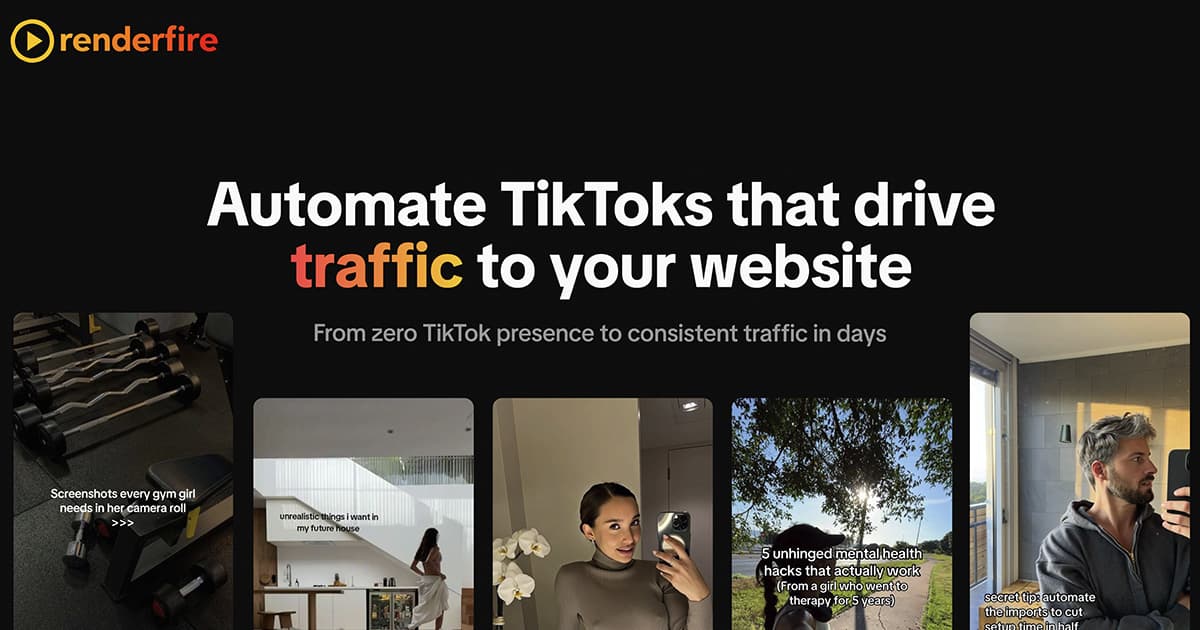
Automate TikToks that drive traffic to your website
Renderfire is an AI-powered social media content automation platform that helps businesses create and publish faceless marketing content across TikTok, Instagram, YouTube, Facebook, Pinterest, Threads, and LinkedIn. It supports UGC videos, hook-and-demo videos, storytelling videos, image slideshows, greenscreen memes, chat mockups, and virtual try-on content, with built-in scheduling, automations, and team collaboration. The platform is aimed at SaaS founders, e-commerce brands, agencies, consultants, and creators who want to scale organic traffic and customer acquisition without manually producing content.
4.8
6 ratings

40% off on yearly plans
Visit deal
AI video with native sound, paid per clip. Nothing stored.

A calmer Mac menu bar, one click away.

Enterprise Software. Intelligent Automation. Global Impact.


Comments
7.
This feels built for people who just want to launch fast without stitching a bunch of tools together and a clear list of what is included would make it an easy yes for me
My app is all about transcription and translation in english.
Amazing app i want to use for my platform in futur to generate traffick
Oh this is great for some of my consumer apps!
founder of Lemon-ai.com, openclaw-setup.me, studyjunkie.co dev & AI engineer
helped me with tiktok automation, recommend this!
how many videos per month can i export?
Real-time rendering platforms are really compelling for creative professionals. The ability to preview renders instantly without waiting for local renders to complete changes the workflow entirely. I'd love to know more about the pricing model — is it per render minute, per project, or subscription-based? The GPU acceleration piece is what really makes or breaks tools like this for production use.
The faceless TikTok automation for Shopify stores is a clever angle — product demo videos without needing a camera or actor is a real barrier most small brands hit. Curious how the AI handles brand consistency across multiple generated videos (fonts, color palettes, tone). Does it support saving brand presets, or is it per-video configuration each time?