

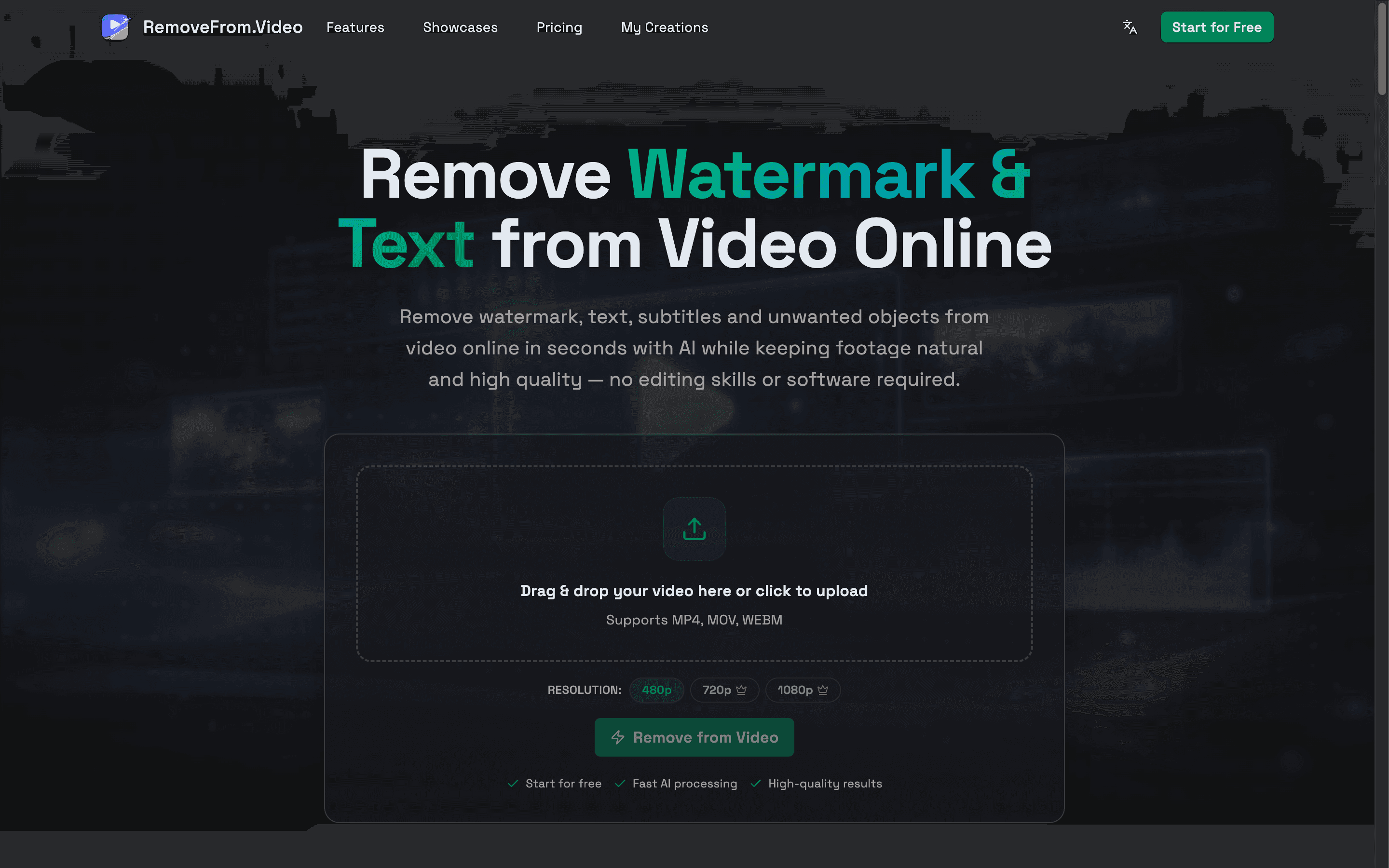
RemoveFrom.Video is an AI-powered online video cleanup platform built for users who want to remove watermark from video, remove text from video, remove subtitles from video, and remove objects from video in a faster and simpler way. It helps clean up logos, captions, overlay text, burned-in subtitles, icons, stamps, and distracting elements while keeping footage natural, smooth, and more usable for real video workflows.
Powered by AI video inpainting and smart scene reconstruction, RemoveFrom.Video is designed to preserve background continuity, motion consistency, and overall visual quality during processing. It is suitable for many common use cases, including social media video cleanup, content repurposing, tutorial and screen recording editing, product demo polishing, ecommerce video optimization, marketing video preparation, and general footage cleanup.
RemoveFrom.Video supports practical online processing without requiring heavy editing software or advanced editing skills. It is a useful solution for creators, marketers, ecommerce sellers, educators, agencies, and everyday users looking for an easier way to clean video content online. Whether users need a video watermark remover, video text remover, subtitle remover, or AI object remover, RemoveFrom.Video offers a focused and efficient workflow for producing cleaner and more professional-looking videos.
1. AI Video Cleanup
Remove watermarks, text, subtitles, logos, and unwanted objects from videos online with AI.
2. Smart Scene Reconstruction
AI rebuilds the background naturally after removing overlays and distractions, helping videos stay smooth and visually consistent.
3. Automatic Detection
Detect common video elements such as watermarks, captions, subtitles, and logos automatically to reduce manual editing work.
4. High-Quality Output
Preserve video clarity, motion continuity, and overall visual quality while cleaning unwanted elements from footage.
5. Online Processing
Clean videos directly in the browser without installing heavy editing software or using professional editing tools.
6. Multiple Removal Modes
Choose dedicated modes for watermark removal, text removal, subtitle removal, and object removal based on different video cleanup needs.
1. Remove Watermarks from Videos
Clean TikTok watermarks, brand logos, channel marks, and other overlays to make videos reusable across platforms.
2. Remove Text and Captions
Erase titles, on-screen text, and overlay captions from videos for cleaner presentation and better reuse.
3. Remove Burned-In Subtitles
Delete hardcoded subtitles from short videos, tutorials, or other recorded footage without complex manual editing.
4. Clean Product Demo Videos
Improve product videos and software demos by removing distracting labels, text overlays, or unwanted scene elements.
5. Repurpose Social Media Content
Prepare short videos for YouTube Shorts, Instagram Reels, TikTok, and other platforms by cleaning existing overlays and branding.
6. Improve Tutorial and Screen Recordings
Remove distracting text, labels, or visual clutter from tutorials, training videos, and screen recordings.
6 ratings
https://aighibli.app/

AI video with native sound, paid per clip. Nothing stored.

A calmer Mac menu bar, one click away.

Enterprise Software. Intelligent Automation. Global Impact.


Comments
3Can it detect at what point in the video watermark is, and delete it?
Full-Stack Developer | Python • FastAPI • Firebase • MySQL | AI/ML Projects | B.E. ECE @ KIT
good and it very helpfull
A tool like this could be useful for businesses that create short videos for marketing and social media. Local service companies can also benefit from cleaner videos when showing their services, projects, or before-and-after results. For example, a business like https://lawtondumsterrentalok.com/ could use simple video content to show dumpster delivery, cleanup projects, or how the rental process works. Keeping those videos clean and easy to watch can make the content more useful for potential customers.