

Figma to clean WordPress code - deterministic, not AI.
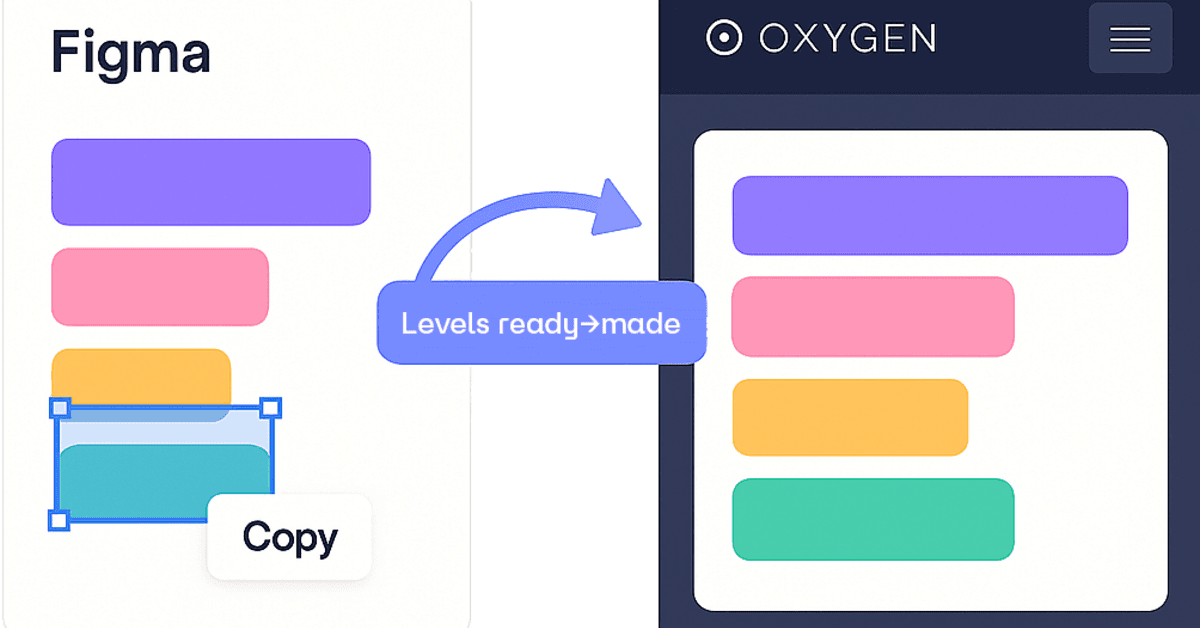
ready→made is a Figma plugin that converts your designs into production-ready WordPress code — deterministically, with a real layout engine, not AI guesswork.
Select a frame in Figma, hit convert, and paste the result straight into your target: Gutenberg blocks, Oxygen Builder (Classic and the new Oxygen 6), Bricks, or clean semantic HTML. Layout, spacing, typography and structure all come across — responsive flexbox/grid, no div-soup, no absolute positioning, no "looks right until you resize it."
We're a web agency and built this because we were tired of manually rebuilding pixel-perfect Figma designs in WordPress. We use it daily on client work; the same layout engine has shipped dozens of real client sites. One plugin, four output targets — the free tier lets you convert your own designs before paying anything.
4.8
6 ratings

Web Developer with interrest in automating everything there is to automate.

AI video with native sound, paid per clip. Nothing stored.

A calmer Mac menu bar, one click away.

Enterprise Software. Intelligent Automation. Global Impact.


Comments
21Web Developer with interrest in automating everything there is to automate.
Hi Fazier 👋 I run a small web agency in Austria, and ready→made started as our internal tool: we were tired of getting a pixel-perfect Figma design approved, then spending a day manually rebuilding it in WordPress. So we built a converter that does it deterministically — a real layout engine that outputs actual flexbox/grid, not an AI guessing at absolute positions. The part I'm proudest of: it survived contact with real client work. Every conversion quirk you hit (Figma's gradient transforms, auto-layout edge cases, markup that Gutenberg won't mangle) has been fixed because one of our own projects forced us to. What's new at launch: four output targets from the same design — Gutenberg blocks, Oxygen Classic, the new Oxygen 6, and clean semantic HTML. Free tier lets you convert your own designs before paying anything. I'd genuinely love feedback from folks who do client WordPress work — what target should we build next? Happy to answer anything about how the conversion works under the hood.
The 'deterministic, not AI' angle is refreshing - for layout conversion you want the same input to produce the same output every time, and debugging AI-generated markup usually takes longer than writing it yourself. Curious how you handle Figma auto-layout edge cases, like absolutely-positioned children inside auto-layout frames? Also nice that you target Bricks and Oxygen 6 and not just Gutenberg.
Web Developer with interrest in automating everything there is to automate.
We handle this case explicitly. A child with layoutPositioning: ABSOLUTE is the designer's instruction, so we obey it. The child leaves the auto-layout flow. It takes no part in gap or grid math. The parent becomes position:relative. The child becomes position:absolute. The offsets are re-expressed for resize. Horizontal offset becomes a percentage of the parent's width. Vertical offset anchors to top or bottom, whichever half the child sits in. A badge in the bottom corner stays in the bottom corner while the card grows. Full-bleed decorations (stretch on both axes) become inset skins. One known gap. A single-side constraint, say an explicit RIGHT anchor without full-bleed stretch, is not yet a true CSS right anchor. It falls back to percentage-left. Exact at design width, drifts at other widths. Deterministic means you get the same output every time, including the same gaps, listed instead of hidden. On Bricks and Oxygen 6: those two targets got the deepest recent work, checked against real renders, not diffs.
I build & lead the engineering behind AI agents · Co-Founder & VP R&D @ Dial
The friction between design and development is real - mockups look great until you realize Figma's auto-layout doesn't always match how browsers actually render. Having a tool that converts deterministic Figma designs directly to production WordPress code removes that gap entirely. The fact that you built this from real agency pain points (manual pixel-perfect rebuilds) means it solves problems that generic converters miss. This is the kind of tool that would save teams weeks on every project.
The friction between design and development is real - mockups look great until you realize Figma's auto-layout doesn't always match how browsers actually render. Having a tool that converts deterministic Figma designs directly to production WordPress code removes that gap entirely. The fact that you built this from real agency pain points (manual pixel-perfect rebuilds) means it solves problems that generic converters miss. This is the kind of tool that would save teams weeks on every project.
Helping local businesses grow through better online visibility, digital storefronts and direct customer enquiries.
This solves such a real pain point. Rebuilding a finished Figma design in WordPress can take ages, so getting clean, responsive code without the usual messy output sounds genuinely useful.
A deterministic Figma-to-WordPress workflow is compelling for teams that need predictable production code.
I make AI
Looks nice ok yes? yes? ok?
Free online tools for smarter everyday work
Really useful set of tools for anyone working with WordPress builders. The Oxygen migration and Figma conversion features can save a lot of repetitive work. Simple idea, but it solves a real problem for developers and designers. Looking forward to seeing more converters added.
Web Developer with interrest in automating everything there is to automate.
More are coming. The suite just crossed 15. Which conversion would save you the most time next? The last three tools came from user requests. This is a genuine question.
great tool very helpful
This is a refreshing approach. Using a deterministic layout engine instead of AI makes the output far more predictable, especially for production websites. I also like the support for multiple WordPress builders, which makes it useful for agencies and freelancers working across different client stacks. Great work.
Web Developer with interrest in automating everything there is to automate.
One deterministic engine, N targets. That is the agency angle. Bricks and Oxygen 6 got the deepest recent work. Etch is next.
Data science
ready→made has great potential! A few improvements could make it even better. I'd love to share my feedback and suggestions. Email: [email protected]
Web Developer with interrest in automating everything there is to automate.
Feedback is welcome. Post it here so others can weigh in. What would you improve first?
Find your co-founder, investor, or team
The deterministic approach is what stands out here. AI-generated code always needs cleanup, so a real layout engine that outputs clean semantic HTML with no div-soup is a genuine time-saver. The fact that you use it daily on real client work speaks for itself. Solid tool.
As someone who's rebuilt way too many Figma designs in WordPress by hand, this plugin is a godsend—the layout engine spits out clean, responsive code that actually holds up on resize, not that "looks fine until you test it" nonsense. Tested it on a few real client frames and the free tier already paid for itself in time saved; honestly considering keeping it just to avoid the Sunday night pixel-pushing dread.
Web Developer with interrest in automating everything there is to automate.
Love hearing it held up on real client frames, that's exactly the bar we build against. Which target did you use (Oxygen, Gutenberg, Bricks)? The newest targets got a big fidelity push recently and real-world frames are what move it forward. If you hit anything odd, send the frame. Worst case it becomes a regression test with your name on it.
e
Looks nice! Great use cases
Predictable output is the real win: a Figma-to-WordPress step that emits the same markup on every run is worth a lot to a production team.
WordPress enthusiast!
Does this work with Elementor? Or at least plans to add support for it?