

Turn your cursor into the reason they remember your call 😀
4.8(6)4DesignFunnyCommunication
Corporate calls don’t have to feel like a root canal
We’ve all been there. You’re sharing your screen, the room goes silent, and your tiny default cursor is doing all the heavy lifting. Yikes.
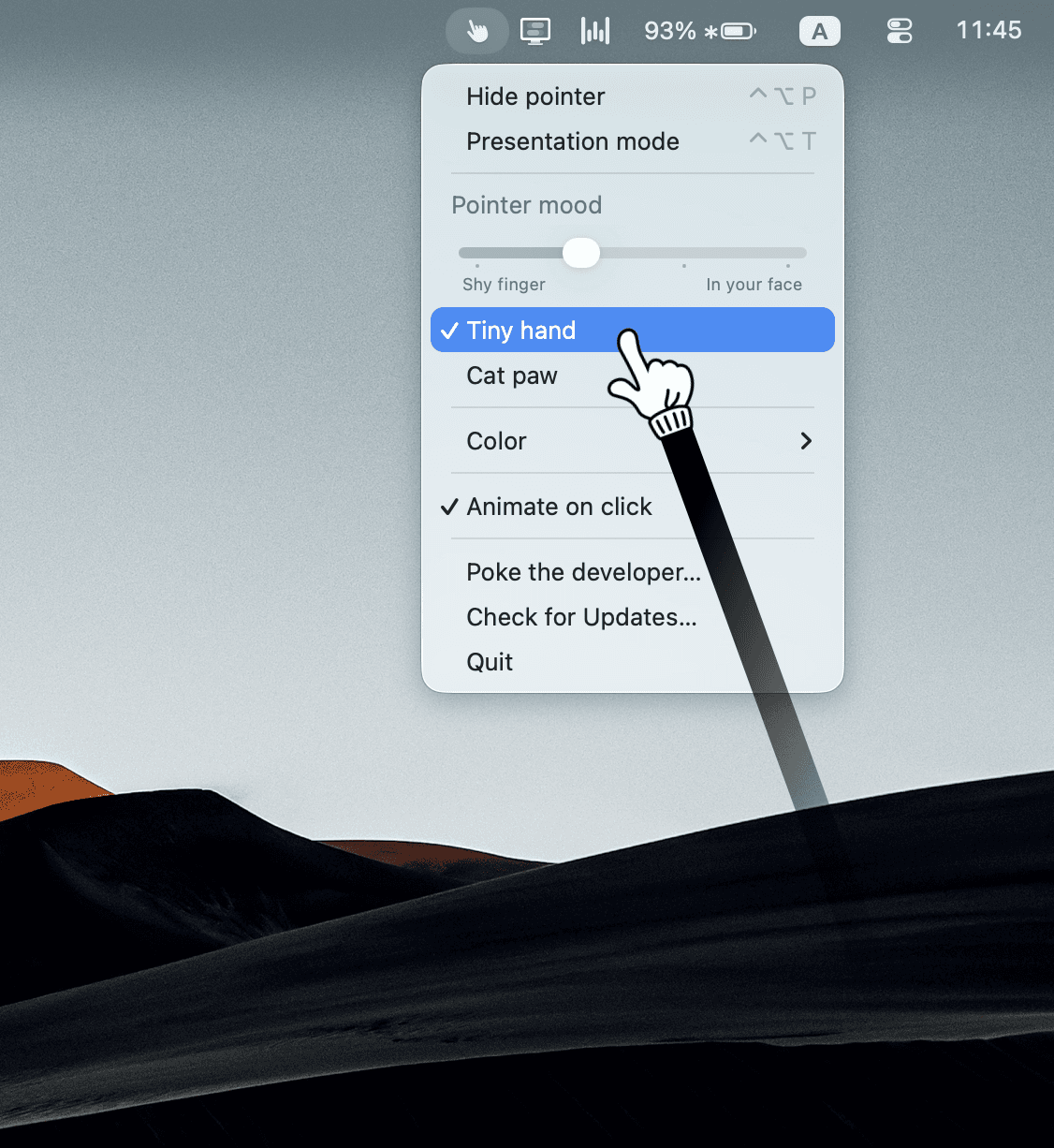
Pokey turns your Mac cursor into an expressive, tap-dancing tiny hand (and much more) that brings instant life and emotion to your screen shares. It’s the ultimate icebreaker for anyone who lives in video calls.
Whether you want to give a subtle, polite nudge to a design detail or go full-on, impossible-to-miss tap-tap-tap on a revenue chart — Pokey lets you express how you actually feel in real time.
A tiny app you’ll love:
Who is Pokey for?
Life is too short for lifeless presentations. Grab Pokey and have some fun on your next call 😃


AI video with native sound, paid per clip. Nothing stored.

A calmer Mac menu bar, one click away.

Enterprise Software. Intelligent Automation. Global Impact.


Comments
4Data science
Pokey has great potential and offers some useful features, but I encountered a few issues that could be improved. Please contact me so I can share detailed feedback and suggest the changes I'd like to see. Email: [email protected]
thansk
This is such a fun idea! Small details like an expressive cursor can completely change the energy of a presentation. Screen sharing often feels too static, so adding personality and engagement is a clever way to keep people focused. Pokey feels like a simple tool that solves a surprisingly common problem — making virtual meetings feel more human. https://www.sunpass.com.co
Does Pokey work with all major video conferencing apps like Zoom, Google Meet, and Microsoft Teams, or are there any compatibility limitations?
Cool! Making the meetings more dynamic :)