

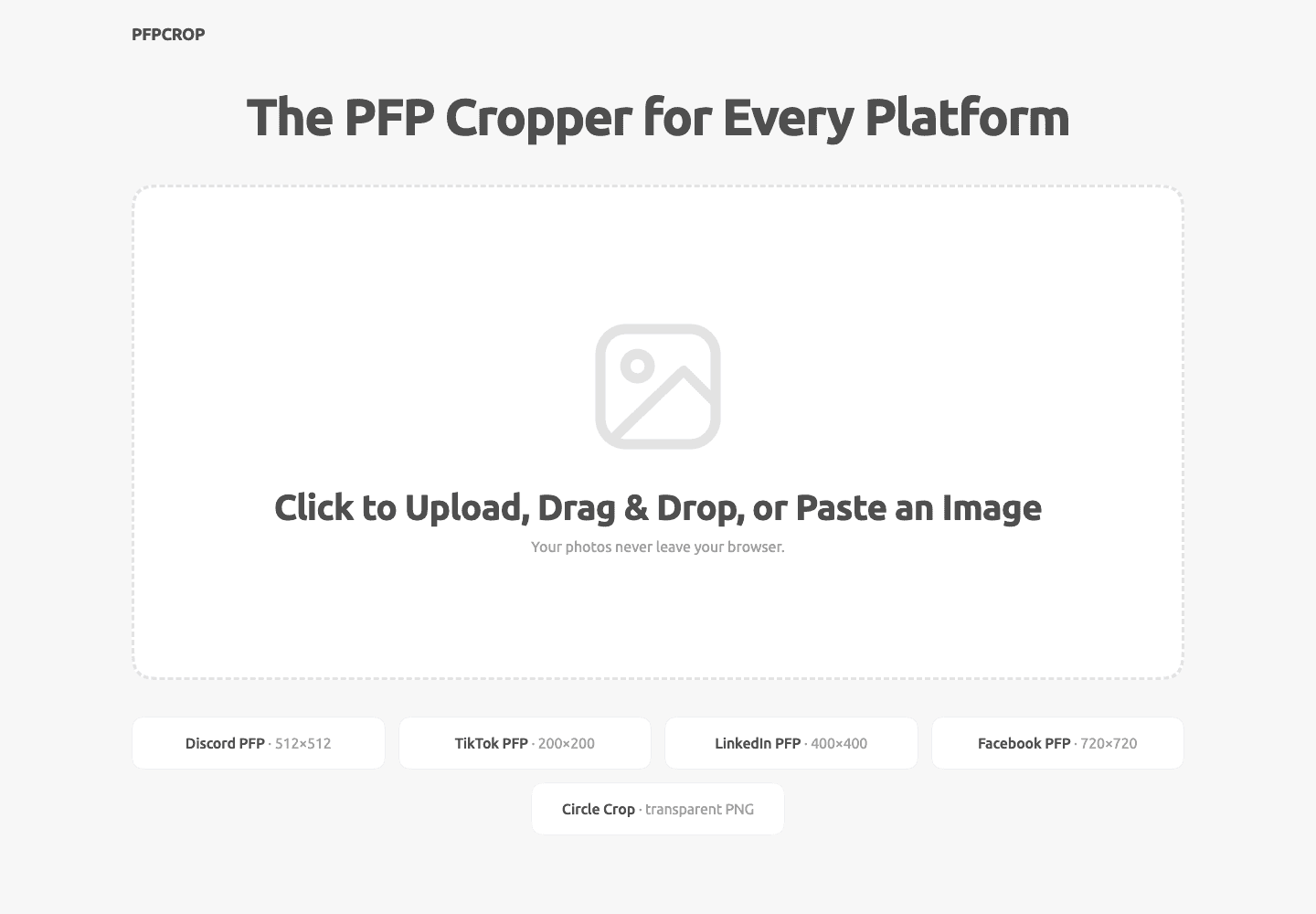
pfpcrop is a free browser tool for cropping profile pictures. Upload a photo, adjust the crop, and preview it for Discord, TikTok, LinkedIn, or Facebook. Download a square image or a transparent circle PNG. Photos are processed on your device.
6 ratings

AI video with native sound, paid per clip. Nothing stored.

A calmer Mac menu bar, one click away.

Enterprise Software. Intelligent Automation. Global Impact.


Comments
4Showing the crop at small avatar sizes right next to the editor is the useful part. Most crops look fine at 800px and fall apart at 32px, so you catch it before uploading. One question: the page says iPhone HEIC photos need converting to JPG first. Since everything already runs in the browser, have you considered decoding HEIC client-side (e.g. libheif compiled to WASM)? A lot of people cropping a profile picture will be uploading straight from their phone, so that may be the first error many of them see.
Building PZERO, saving you money - pzero.studio
Previewing the crop for Discord, LinkedIn and the rest while the photo stays on your device is a neat touch. Should you ever fancy adding some AI to what you build, PZERO has an option waiting at pzero.studio.
Processing the photo on the device is the right call for profile pictures. Could you add a WhatsApp preview? It also crops to a circle, and for many small shops in Pakistan the WhatsApp photo is a logo with text that gets cut off at the edges.
Exporting a transparent circle PNG is a nice touch, since most croppers only give you the square. Does the export pick a size per platform (for example the recommended pixel size for Discord vs LinkedIn), or is it always one fixed size? A small note on the recommended upload size next to each preview would save people a second trip to the platform's help page.