

100 free browser tools for PDF, image, video & text
4.8(6)4ProductivityDesign Tools
PdfVane is a free toolbox of 100 browser-based tools: PDF editing and conversion, image compression/resizing/format conversion, video and audio recording/conversion, text cleanup utilities, dev tools (JSON, hashing, regex, Base64), and everyday calculators (loan EMI, BMI, GPA, and more). Everything runs 100% client-side in JavaScript — no file, photo, video, or piece of text you upload ever leaves your browser. No sign-up, no watermark, no upload limits.
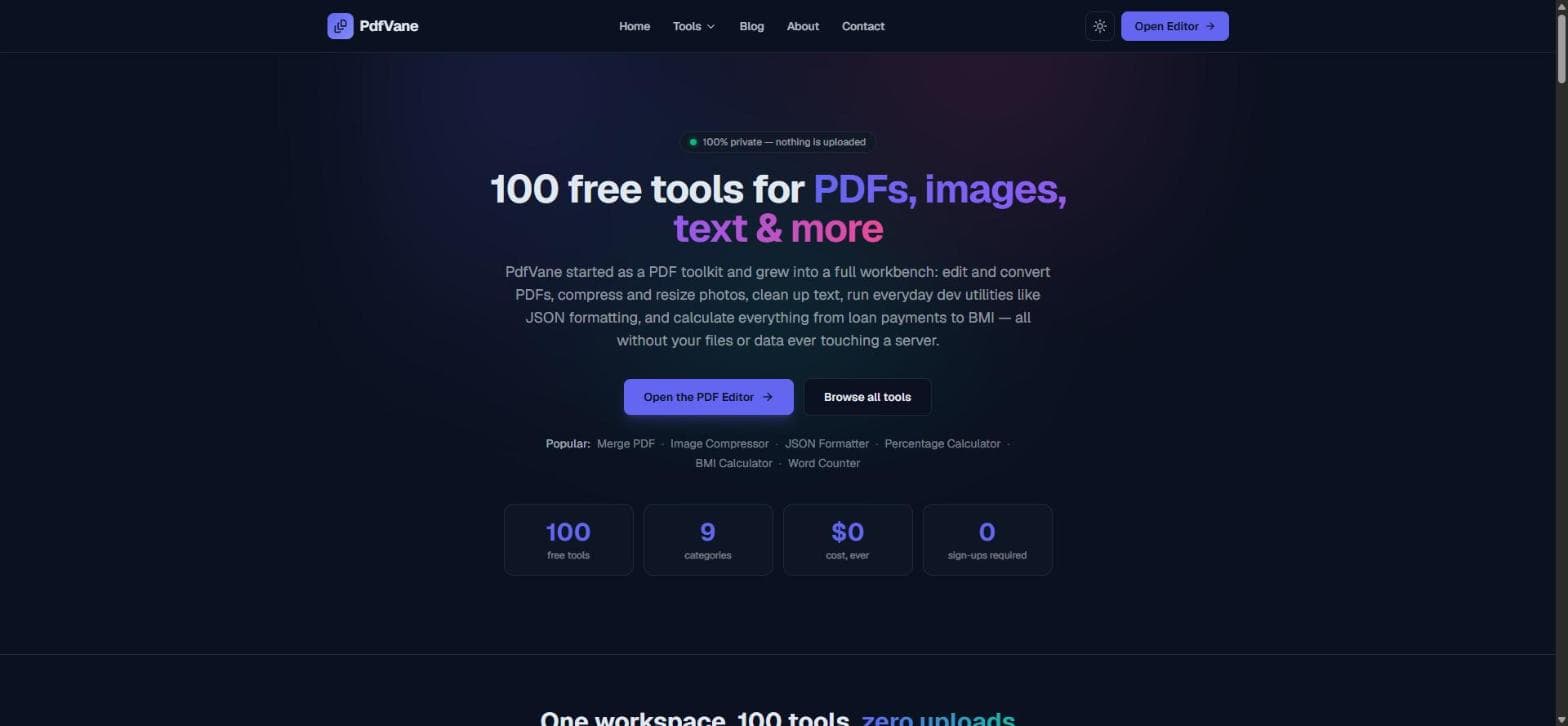
100% client-side — files never uploaded to a server
PDF editing, merging, splitting, compressing, and converting
Image compression, resizing, cropping, and format conversion
Video/audio recording, trimming, and converting (FFmpeg in-browser)
Dev tools: JSON formatter, hash generator, regex tester, Base64
25+ calculators for finance, health, and everyday math
Merge, split, or compress a PDF without an account
Compress a photo to a target KB for a form or exam upload
Record your screen or voice and download the file directly
Format or validate JSON, or decode a JWT token
Calculate a loan EMI, BMI, or GPA in seconds

AI video with native sound, paid per clip. Nothing stored.

A calmer Mac menu bar, one click away.

Enterprise Software. Intelligent Automation. Global Impact.


Comments
4Built PdfVane after getting tired of uploading personal documents to random web tools just to merge or compress a PDF. Everything here runs client-side in the browser — files never leave your device. Happy to answer any questions!
Building PZERO, saving you money - pzero.studio
Running FFmpeg in the browser so you can trim and convert video without the file ever leaving your device is a nice touch next to compressing a photo to a target KB for an exam upload. For lower-cost AI behind the scenes at work, PZERO is over at pzero.studio.
The breadth here is impressive, but what makes it credible is that video and audio conversion also run fully client-side — most '100 free tools' sites quietly ship the heavy media work to a server the moment you look away. Client-side media conversion in plain JavaScript is not easy to keep fast, so I'd be curious how you handle large files: do you process in chunks with OffscreenCanvas/Workers, or does the tool just warn users past a certain size? Also good call including the text cleanup utilities — those are tiny to build but get disproportionate daily use.
Love that there are no upload limits! That’s honestly one of the biggest selling points for me. I usually get frustrated when I find a useful free tool then it hit the upload limit. The fact that you can use it without signing up is another big plus. Definitely one to bookmark!