

AI agent that turns long videos into scored short clips
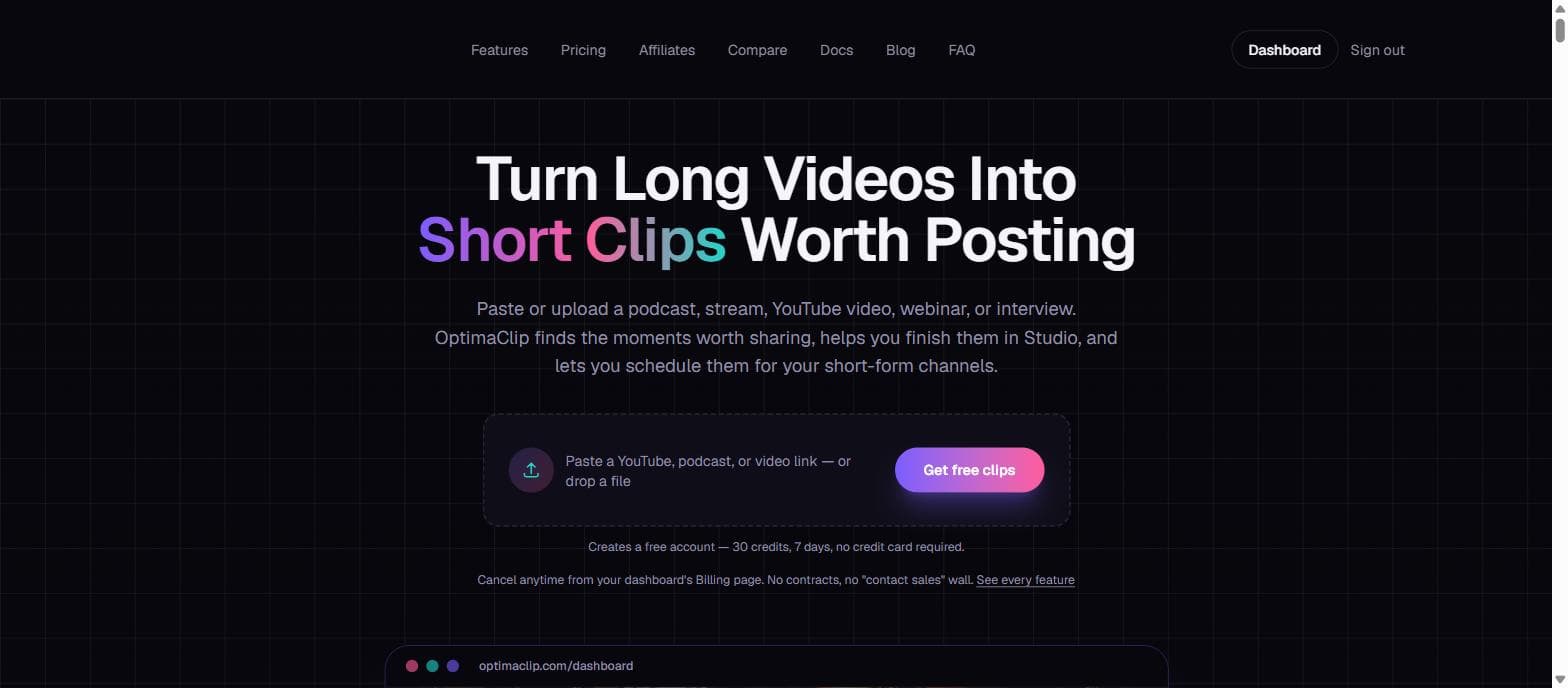
OptimaClip is an AI clipping agent for creators, streamers, podcasters, and agencies. Paste a link or upload a podcast, stream VOD, webinar, or interview, and it transcribes the whole recording, finds the moments worth sharing, and returns a library of vertical clips - each auto-captioned, reframed to 9:16, and scored 0-100 for virality with the reasoning behind the pick. Finished clips move into OptimaClip Studio, a chat-driven timeline editor, then schedule straight to 8 platforms: YouTube Shorts, TikTok, Instagram Reels, Facebook, X, Threads, LinkedIn, and Bluesky. Free trial: 30 credits, 7 days, no credit card required.
6 ratings

OptimaClip

AI video with native sound, paid per clip. Nothing stored.

A calmer Mac menu bar, one click away.

Enterprise Software. Intelligent Automation. Global Impact.


Comments
9OptimaClip
Hey Fazier! I built OptimaClip because clipping tools handle the AI cut but leave you juggling a separate captioning app, a separate editor, and a separate scheduler. OptimaClip's agent watches your full podcast, stream, or YouTube video, scores the moments worth posting, and hands them back captioned and reframed - then OptimaClip Studio (a chat-driven timeline editor) finishes the edit and schedules it to 8 platforms. Free trial is 30 credits/7 days, no card required. Would love your feedback!
Building PZERO, saving you money - pzero.studio
Transcribing long videos, scoring viral moments, then auto-captioning and scheduling clips to eight platforms is a full cut-to-post loop in one place. If you want to spend less on the models behind clipping tools, take a look at pzero.studio.
UK vehicle history checks with free DVLA/DVSA MOT summaries and paid one-off reports. No subscription.
Turning long recordings into scored, captioned vertical clips could save creators a lot of editing time. The multi-platform scheduling and reasoning behind each score are a strong combination—does it also learn from a creator’s preferred clip style?
Most clipping tools hand you a pile of cuts and wish you luck. The 0-100 virality score with plain-English reasoning is the part that stands out here — it turns "which clip should I actually post?" from a guess into a decision. For product demos and webinar replays that usually sit unwatched, having the score, captions, reframe and 8-platform scheduling in one loop is exactly what busy sellers need.
I run a couple of faceless Shorts/TikTok channels to promote a mobile game, and manually re-watching gameplay footage to find the clippable moments is the most time-consuming part. The 0-100 virality score with reasoning attached is the part that stands out to me - it turns editing from guesswork into a checklist. Does it handle silent, no-commentary gameplay footage well, or is it tuned mainly for talking-head/podcast content?
For screen-recorded product demos, the important UI can sit far from the speaker. Can Smart Reframe lock onto a selected screen region, or use a split layout to keep interface labels readable in 9:16? A demo of that case would help founders judge whether their tutorials will survive the crop.
The simplicity here is what stands out to me. No complicated setup and the interface feels very straightforward. This could save a lot of time for anyone working with PDFs on a daily basis.
i am a web developer
Most clipping tools hand you a pile of cuts and wish you luck
AI researcher · Apple apps · AI consulting
The reframe-follows-the-subject detail is the one most tools get wrong. A fixed centre-crop ruins any recording where the speaker sits off to one side, which is most screen-share and interview footage. A question from the recording end: how does transcription hold up when the source has system audio and voice premixed into a single track? Most screen recordings arrive that way, and background music or app alerts sitting on top of speech is where I would expect word-level caption timing to drift. Do you separate sources before transcribing, or is a clean voice track effectively a prerequisite for a good score?