
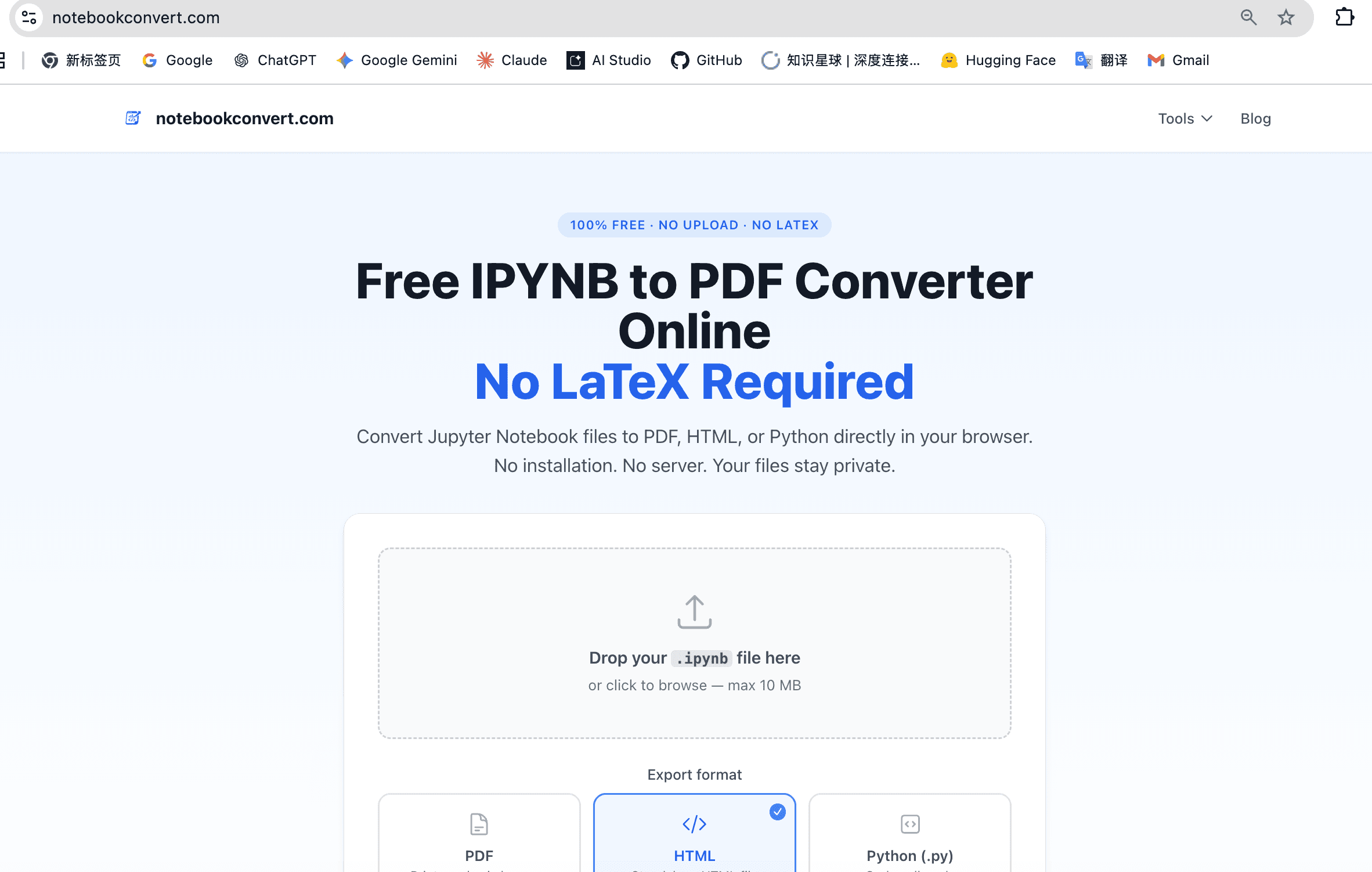
NotebookConvert is a free, privacy-first tool to convert Jupyter Notebook (.ipynb) files to PDF and HTML — fully client-side in your browser. No upload, no signup, no server processing.
Built for data scientists, students, and researchers who need to share notebooks as readable documents without installing LaTeX, Inkscape, or any other toolchain. Just drag, drop, and download.
Students sharing Jupyter assignments as PDF for submission
Data scientists exporting analysis notebooks for clients or reports
Researchers archiving reproducible notebooks as static documents
Anyone on Windows who failed to install LaTeX for nbconvert
Teams sharing notebook output without exposing raw .ipynb files

AI video with native sound, paid per clip. Nothing stored.

A calmer Mac menu bar, one click away.

Enterprise Software. Intelligent Automation. Global Impact.


Comments
2Hey Fazier community 👋 I built NotebookConvert because I got tired of helping friends debug LaTeX and Inkscape setups every time they needed to turn a Jupyter notebook into a PDF. Especially on Windows, the nbconvert toolchain is painful. Meanwhile, most online converters ask you to upload your notebook to their servers — which isn't great if you're working with client data, research results, or anything sensitive. So I made a version that runs 100% in your browser. Nothing gets uploaded, nothing gets stored, no signup required. Drag, drop, download. This is an indie project and I'm still iterating. Feedback very welcome — what would make this more useful to you? — Aaron
WMaster Cleanup | Free All-in-One Windows Cleaner & Optimizer
Clean, fast, and privacy-friendly—makes notebook sharing effortless.