

Inspect any website's design without DevTools
4.8(6)14DevelopmentDesignWeb development
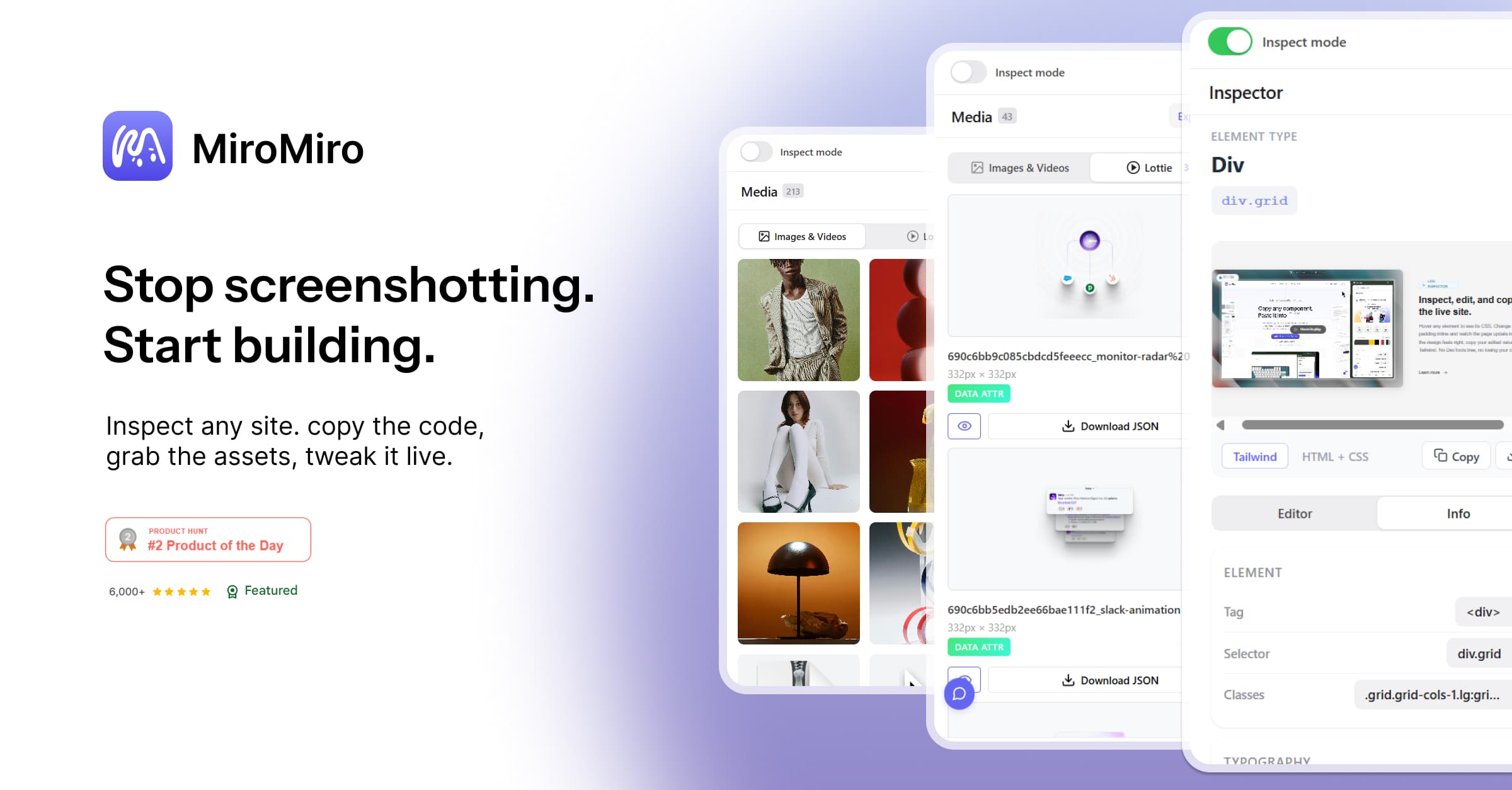
MiroMiro is a Chrome extension for inspecting UI and extracting design assets directly from any website. Instead of jumping between DevTools, Figma, and browser tabs to reverse engineer a design, you just open MiroMiro and get everything in one click. Colors, typography, spacing, icons, assets, all pulled from the live page with no setup needed.
39 people supporting this launch
4.8
6 ratings

dev

AI video with native sound, paid per clip. Nothing stored.

A calmer Mac menu bar, one click away.

Enterprise Software. Intelligent Automation. Global Impact.


Comments
14170+ Free Online Tools — No Sign-Up, No Fluff
The Lottie extractor is a feature I haven't seen in any other inspect tool — that alone makes this worth installing. The WCAG contrast checker built directly into the inspector is also a smart addition, most devs have to switch to a separate tool for that. One thing I'd love to see: a way to export the full design token set (colors + typography + spacing) as a single JSON file alongside the CSS variables and Tailwind config. Would make it much faster to bootstrap a new project from an existing design. Really clean execution overall. How does it handle sites that heavily use CSS-in-JS or dynamic class names like Emotion or styled-components?
Interesting approach to X — how do you handle Y use case?
This solves a real annoyance — opening DevTools just to inspect a website's layout or spacing feels like overkill for quick design research. Being able to inspect fonts, spacing, colors, and components visually without touching the DOM inspector is a nice workflow improvement for designers. Would love to see export functionality so you can pull detected design tokens directly into a design system or Figma library.
This solves a real annoyance — opening DevTools just to inspect a website's layout or spacing feels like overkill for quick design research. Being able to inspect fonts, spacing, colors, and components visually without touching the DOM inspector is a nice workflow improvement for designers. Would love to see export functionality so you can pull detected design tokens directly into a design system or Figma library.
Developer
Interesting approach to X — how do you handle Y use case
Saas builder
The "paste exported Tailwind into Cursor/Claude" use case is the killer angle for 2026 — that's how frontend work actually happens now. Curious if you've thought about the inverse flow too: extract from a live site, export straight to a Figma plugin.
I like the positioning here: not just another inspector, but a faster way to turn live website UI into usable design assets and code. The design token extraction and WCAG contrast checker are the parts that stand out most to me. One question: can users export a full token package as JSON or Tailwind config for reuse in a design system?
AI-powered resume builder that beats ATS filters. Get your ATS score in 30 seconds, generate tailored cover letters, and land more interviews.
Interesting approach to X — how do you handle Y use case
Founder of multiple micro saas and web tools.
That’s quite interesting. Will surely give it a try.
Co-Founder of Tminus
Very cool idea, what inspired the idea behind MiroMiro?
Hey there! I'm a solo developer building Skipioo to help you watch YouTube without distractions.
how have you managed to build this tool?
Quotaflow is a useful tool for teams using AI coding agents, LLM APIs, or multiple AI subscriptions who want to improve how their quota and token capacity is used. Instead of letting paid AI resources sit idle or run out unpredictably, Quotaflow helps teams manage temporary access, overflow capacity, and shared AI resource utilization in a more controlled way. For engineering and product teams that care about AI cost efficiency and operational visibility, Quotaflow is worth checking out: https://quotaflow.ai
Master IELTS, PTE, NAATI & LanguageCert with Expert Coaching
I think that this is quite a good idea and alot of people will and SHOULD use it!
AI tools for apparel e-commerce and clothing brands
MiroMiro feels like the missing layer between the browser and Figma — instead of digging through DevTools to pull a hex code here and a font stack there, one click surfaces the whole design system of a live page: colors, type, spacing, icons, assets, all in one panel. What I appreciate is how little setup it asks for; it just works the moment you land on a site, which makes "borrowing" inspiration or auditing a competitor's UI feel less like reverse engineering and more like reading the page natively.