

AI layer that understands and acts across your desktop
4.8(6)4Development Tools
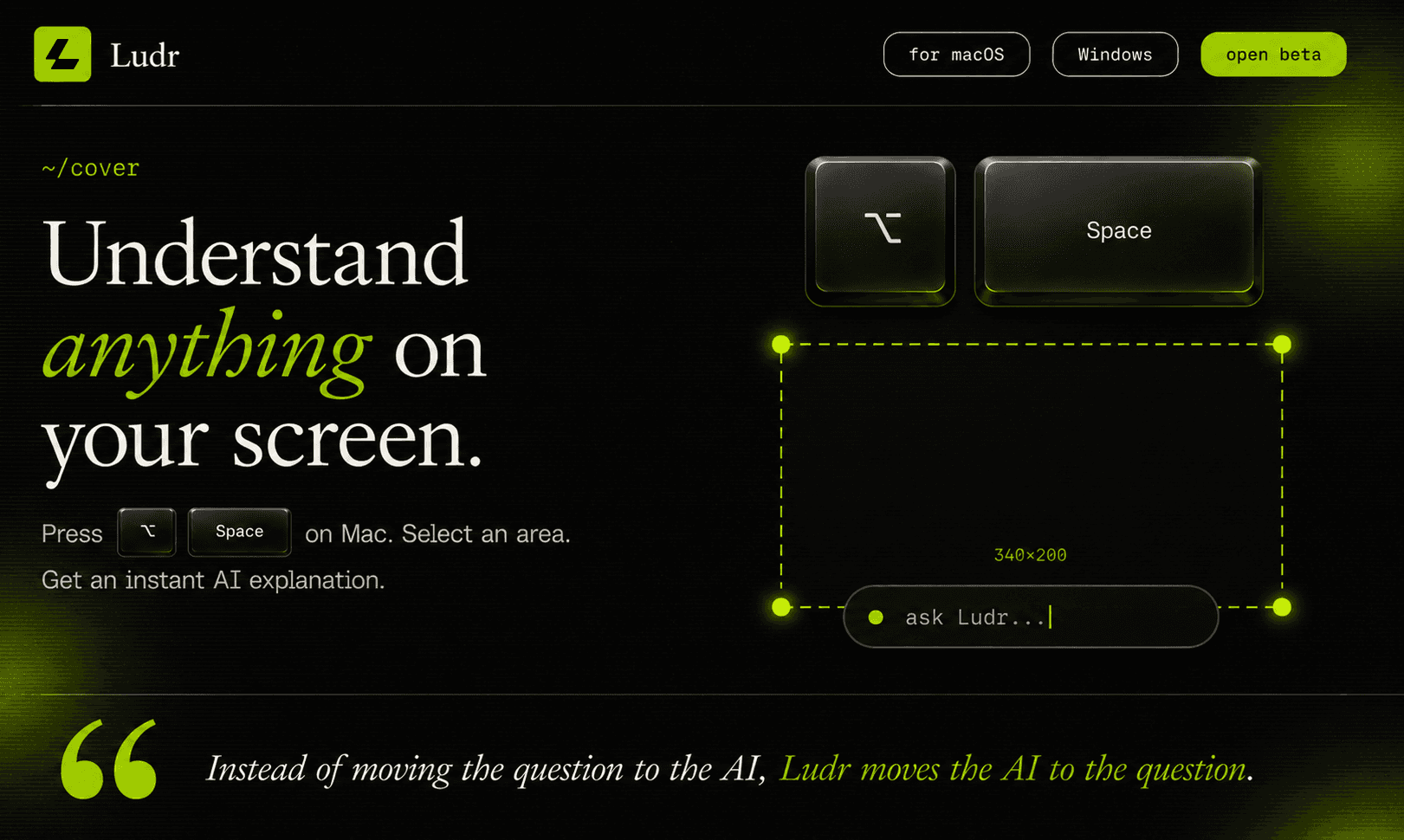
Ludr AI - is a screen AI for macOS and Windows. Press ⌥ Space anywhere to draw a box over code, a chart, a foreign menu, or an error — get a streamed answer right next to your selection. Press ⌘ ⇧ L on highlighted text in any app to ask without a screenshot. Follow-ups remember the whole thread. The model can extract text, fix grammar in place via Accessibility, draft replies into focused fields (Slack,Mail,Telegram), and render real charts inside the answer. Voice input too.
Features include:
• screen selection AI
• highlighted text shortcut
• voice input
• smart visual grounding
• inline text editing
• floating AI panel
• history and search
• Markdown and code rendering
• AI powered grammar fixing
• fullscreen app support
• multi monitor support
• cloud sync
• light and dark themes
• Pro subscription at 9 dollars/month
Use Cases
• Explain code errors directly on screen
• Translate foreign text instantly
• Summarize PDFs, articles, and dashboards
• Fix grammar inside any app
• Rewrite emails and messages in place
• Understand charts and data visualizations
• Ask questions about UI designs and mockups
• Extract text from screenshots or images
• Get ELI5 explanations while studying
• Analyze terminal output and logs
• Generate replies in Slack, Telegram, or Mail
• Brainstorm ideas without leaving your workflow
• Use voice to ask questions hands free
• Keep AI context persistent while multitasking
• Work with AI across fullscreen apps and multiple monitors
6 ratings

AI video with native sound, paid per clip. Nothing stored.

A calmer Mac menu bar, one click away.

Enterprise Software. Intelligent Automation. Global Impact.


Comments
4Founder & AI developer
Desktop AI that actually understands what you're looking at rather than requiring you to paste context manually is the right direction. The multi-monitor support is a good call — that's where most power users actually live. What's the model access pattern: does it send screenshots to a cloud API or is inference running locally? Curious about the latency and privacy tradeoffs.
This is a clever approach to desktop AI - having it understand screen context directly saves so much time compared to copy-pasting into a chat window. The hotkey-to-select interaction feels very natural. Curious if it works well with terminal output and code editors too.
have tried it out for Taxicloud project and found it very useful
This looks like a useful productivity tool. The ability to get AI insights directly from selected content without switching tabs could save a lot of time. I'm curious how well it performs with complex documents and technical content.