
Screenshot, double-tap the back of your iPhone, done. No ads.
4.8(6)13ProductivityMobile development
iPhone's built-in full-page screenshot only works in Safari and a few apps. For chats, comment threads, receipts, and most apps, you're stuck sending five separate screenshots.
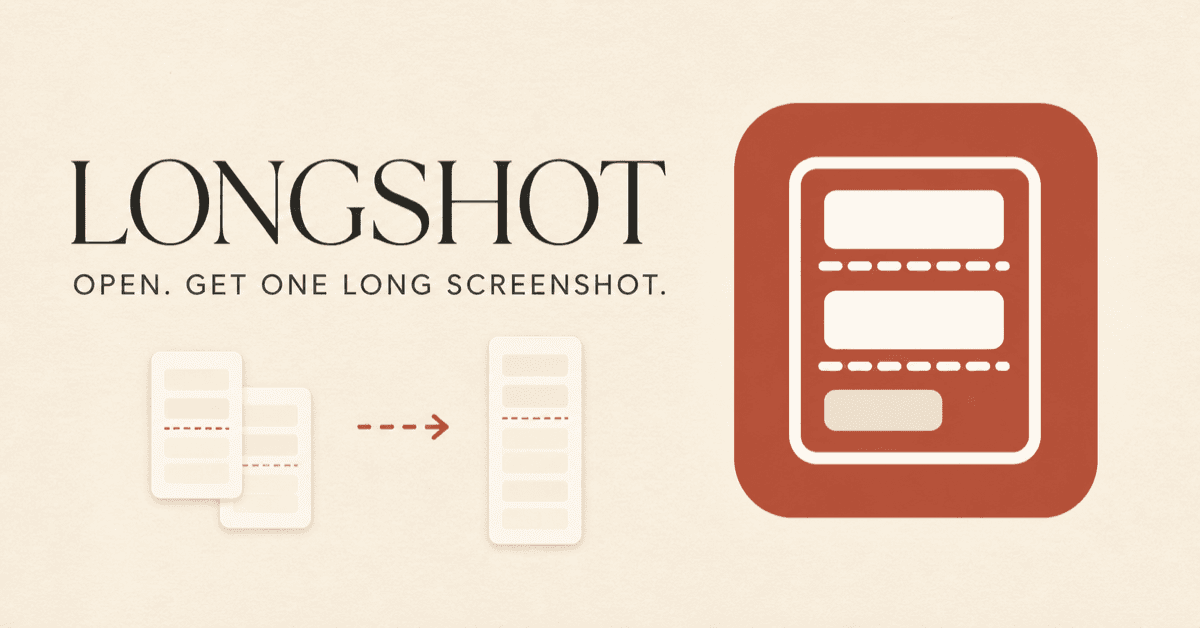
LongShot fixes that with the least possible friction: take a few overlapping screenshots, double-tap the back of your iPhone (via a Shortcut), and the stitched image is in Photos. You never open the app. If you do open it, the result is already waiting in preview.
It verifies that screenshots actually overlap before merging, so you don't get ghosting. Everything happens on your device: no uploads, no account, no ads, no analytics SDK. Built by a solo developer. iOS 16+.
Back Tap + Shortcut: stitch without opening the app
Verified overlap before merging, so no ghosting or misaligned seams
Opens straight into preview; manual picker only when no safe match is found
Fully on-device: no uploads, no account, no ads, no analytics SDK
Saves a full-resolution PNG, up to 100 screenshots in one go
Save a whole chat thread as one image
Capture a full comment section or feed
Keep a complete receipt or order page
Grab long articles and notes that Safari's full-page screenshot can't reach
65 people supporting this launch
4.8
6 ratings
Engineer, 10 yrs. Going indie. Building LongShot, an iPhone screenshot stitcher — no ads, no account, on-device.

AI video with native sound, paid per clip. Nothing stored.

A calmer Mac menu bar, one click away.

Enterprise Software. Intelligent Automation. Global Impact.


Comments
13Engineer, 10 yrs. Going indie. Building LongShot, an iPhone screenshot stitcher — no ads, no account, on-device.
Hi! I'm the developer. I built LongShot because I kept sending people 4 screenshots of one chat and hated it. Two things I cared about: it should just work without picking or aligning anything, and nothing should leave your phone. The part I'm proudest of is that it verifies the overlap before stitching, so you don't get ghosting. With a Shortcut on Back Tap you don't even open the app. Happy to answer anything about how the overlap detection works.
I launch small helpful web tools and directories.
The overlap verification before merging is the feature that actually matters — most stitching apps just stack images and you end up with ghost seams on chat bubbles. Doing it through Back Tap + Shortcut is clever too, zero friction. One question: does it handle screenshots where the status bar or a sticky header shifts between captures, or does it need clean consistent scrolls?
Finally, a proper fix for stitching screenshots outside of Safari! The Back Tap integration sounds super slick, and keeping everything 100% on-device with zero ads or tracking is a massive plus. Great utility tool—congrats on the launch!
The fallback that only opens the manual picker when no safe overlap is found is the right default. I would use this for long comment threads and order receipts that Safari full-page capture misses. Before relying on the full-resolution PNG, does the 100-screenshot cap also keep memory safe on older iPhones, or can a shorter thread still run out of memory before that limit?
I am Prince Jindal, who post about AI on @PrinceJindalAI on Instagram and YouTube.
Make one for Android devices too.
Splitaha allows user to easily manage shared expenses Try it yourself here https://splitaha.com
Have you tried Splitaha - it’s a more premium version of Splitwise
Building ometv.media – free random video chat, no sign-up needed.
The Back Tap + Shortcut combo is the smartest part of this — most stitching apps make you open the app and fiddle, and that friction is why I never bothered. Removing it is the difference between actually using it and not. The overlap verification also fixes a real problem: ghosted seams are exactly why I stopped trusting the free stitching apps. Question: how does it handle uneven scrolling? If one screenshot overlaps less than expected after a fast flick, does the manual picker kick in?
GigaRAG is a shared memory and knowledge layer for AI agents, accessible through MCP, APIs, and integrations.
That's actually cool
Love that everything stays on the phone. No upload and no account is exactly how a tool like this should work, especially for chats and receipts. Verifying the overlap before stitching is a really nice touch too. Two questions: what happens if something on screen changes between shots, like a GIF playing in a chat or a new message arriving? And for receipts and order pages, have you thought about an option to save the result as a PDF as well as a PNG? That would make it easy to send to accounting or keep for records. Congrats on the launch!
Finally, a proper fix for stitching screenshots outside of Safari! The Back Tap integration sounds super slick, and keeping everything 100% on-device with zero ads or tracking is a massive plus. Great utility tool—congrats on the launch!
Checking the overlap before merging is the right call. A ghosted seam is what ruins most stitching apps. How does the matcher handle chats where the overlap is mostly repeated content, like several identical short replies or a sticky header that appears in every screenshot? That's where I've seen other tools lock onto the wrong offset. Triggering it with Back Tap so you never open the app is a nice touch.
Ghosting is usually what gives a stitched screenshot away, so checking the overlap before merging is the right thing to be proud of. Triggering it with Back Tap so you never open the app is a nice touch too. How does it cope with apps that have a sticky header, like the top bar in a chat, or do those need trimming first?
Preparing iPhone Duo screenshots for App Store Connect.
The Back Tap flow is the differentiator here: keeping Photos as the destination and opening the preview only when needed is a nice fit for quick capture. One detail I'd make clear in onboarding is how LongShot signals success from the Shortcut, especially when it can't find a safe overlap. A notification or haptic would help users trust a gesture they can't watch on screen.