

Turn flat diagrams into editable Visio files
Most diagram converters put a screenshot inside a new file and call it editable. LayerBack rebuilds the diagram instead. Upload a PNG, JPG, PDF page, whiteboard photo, flowchart, architecture diagram, or network topology; its AI identifies boxes, labels, connectors, and relationships, then recreates them as real objects. One conversion produces editable Visio (VSDX), PowerPoint (PPTX), draw.io XML, and SVG outputs. You can inspect and refine the reconstruction in the browser before downloading. LayerBack is built for operations teams, consultants, engineers, educators, and anyone who inherited a flat diagram but needs to update its wording, layout, colors, or structure without redrawing the entire thing from scratch. Conversion and preview are available before sign-in, and new accounts include credits for trying the workflow.
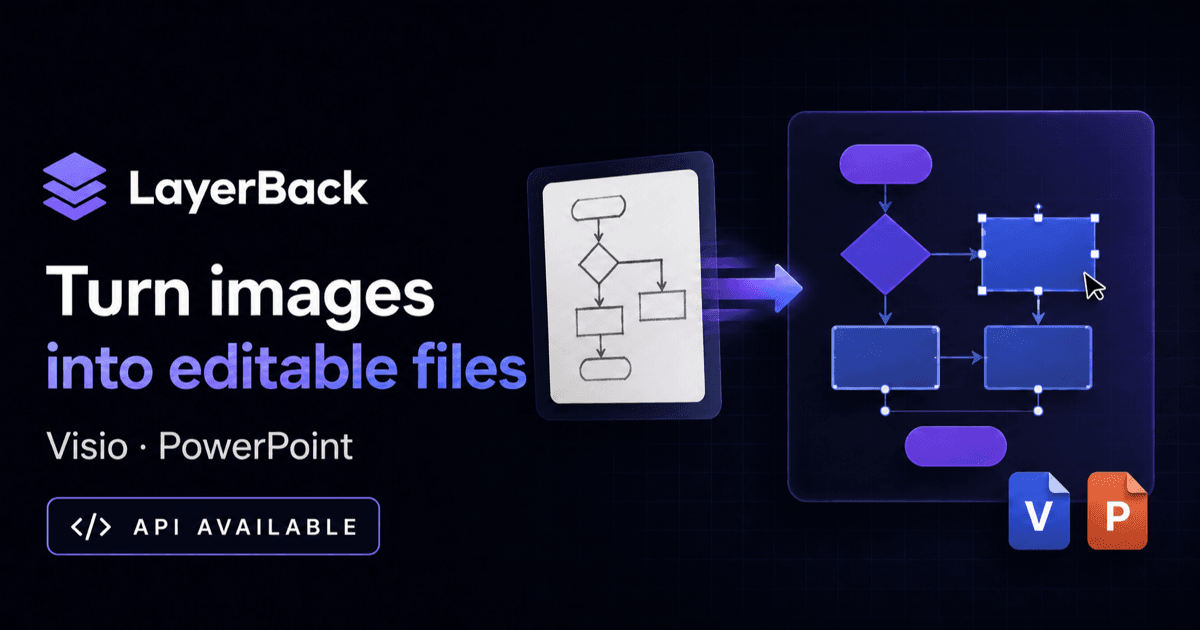
Reconstructs shapes, connectors, and labels as native editable objects
Generates VSDX, PPTX, draw.io XML, and SVG from one conversion
Accepts PNG, JPG, PDF pages, screenshots, sketches, and whiteboard photos
Built-in editor for correcting layout and text before export
Keeps connectors attached when shapes are moved
Recover a Visio diagram when only a screenshot or PDF remains
Turn whiteboard photos into reusable project documentation
Rebuild network architecture diagrams and process flowcharts
Convert technical diagrams into editable PowerPoint slides
Update legacy diagrams without the original source file
6 ratings

CEO of SciDraw AI

AI video with native sound, paid per clip. Nothing stored.

A calmer Mac menu bar, one click away.

Enterprise Software. Intelligent Automation. Global Impact.


Comments
15CEO of SciDraw AI
Hi Fazier! LayerBack is for that moment when you have a diagram screenshot, but not the editable source. Instead of wrapping the image in a document, it reconstructs the shapes, text, and connectors so you can actually change them. Try a flowchart, network diagram, or whiteboard photo, review the reconstruction, and export it to Visio, PowerPoint, draw.io, or SVG. We would love feedback on the diagrams that are hardest to recover and which export format your team uses most.
Know where you stand. Know what to do next.
This is so useful for creating attention grabbing PPTs
Building PZERO, saving you money - pzero.studio
Reconstructing flat diagram screenshots into native editable objects with a single export to VSDX, PPTX, draw.io XML, and SVG, plus connectors that stay attached when shapes move, saves re-drawing architecture slides from scratch. If AI spend on conversion work starts to matter, PZERO is at pzero.studio.
I like to create stuff in fun time
hmm, seems interesting
LayerBack solves a very real problem for anyone who has ever received a flat diagram and needed to edit it without rebuilding everything from scratch. I especially like that it reconstructs boxes, labels, connectors, and relationships as actual editable objects instead of simply embedding an image. Supporting Visio, PowerPoint, draw.io, and SVG in one workflow also makes it useful across different teams. How accurately does it handle complex network diagrams or flowcharts with overlapping connectors and small labels?
Rebuilding the diagram instead of pasting a screenshot into a new file is the right call. That's exactly where other converters disappoint. How does it handle connectors that cross or bend around other shapes? Do they come back as real connectors attached to the boxes, so moving a box drags the line with it?
Building Snapvibr
This is so useful for generating beautiful PPTX and Draw.io files <3
Good product! I use it and works very well!
Editor at GLPcompare, comparing GLP-1 prices and access.
Converting static diagrams back into editable Visio objects saves hours of rework. In-browser preview is super helpful.
Rebuilding real shapes and connectors instead of dropping in a screenshot is the right approach. How does it deal with messy whiteboard photos where the arrows cross or overlap?
Recovering editable diagrams from whiteboard photos is the killer use case — every engineering org has a backlog of legacy flowcharts that only exist as screenshots. The built-in editor for fixing layout before export is a smart touch, since AI reconstruction is never pixel-perfect on first pass. Question: how well does it preserve connector routing on dense network diagrams where text labels overlap lines?
Getting draw.io XML alongside VSDX from one conversion is a nice touch for teams that moved off Visio. Does it try to map shapes to standard stencils, like network or cloud icons, or does everything come back as generic boxes and connectors?
SMS-Act Managed Verification
Rebuilding real objects instead of pasting a screenshot is the right call. On architecture diagrams with dense, crossing connectors, how does it decide which line belongs to which box, and can a wrong connector be fixed in the browser preview before download?
I maintain a lot of architecture diagrams, and the format I'd want out of a flat image is diagram-as-code: Mermaid or D2 next to draw.io, so the result can live in a repo and be reviewed in a PR. Is a text export on the roadmap? Also curious how it handles nested boundaries, like services grouped inside a VPC or cluster box. Those groupings are usually what gets lost when diagrams are redrawn.
Must be thoughtful, specific, and helpful.