

IPOK checks any IP address and shows you why it scored the way it did. It reads seven live reputation sources (Scamalytics, proxycheck, AbuseIPDB, ipapi.is, StopForumSpam, ip-api, plus an offline database built from the Tor exit list, X4BNet's VPN ranges and the Spamhaus DROP list) and weights them instead of averaging blindly. A datacenter address needs two specialist sources to agree before it gets flagged, which stops whole AWS or Hetzner ranges from being written off as proxies. A residential address needs only one. You also get the /24 neighbourhood score, ASN history with first-seen and last-seen dates, and a per-source breakdown of the final number. There is no account to create and no paywall. A CLI and a Chrome extension are available too.
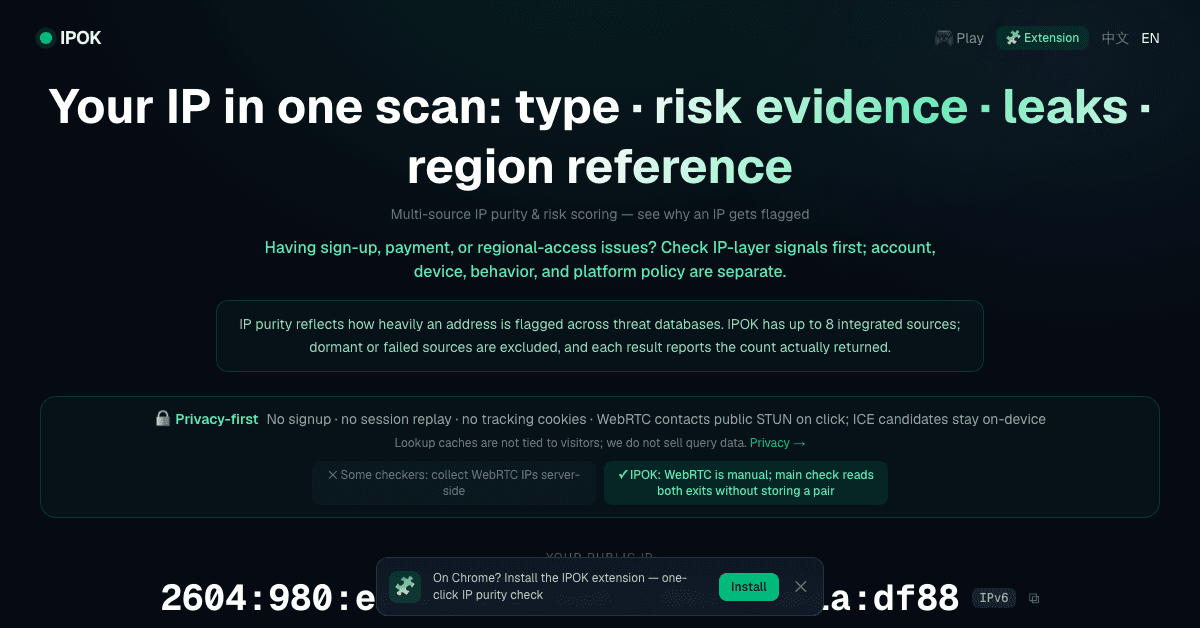
Seven live reputation sources plus an offline database built from the Tor exit list, X4BNet VPN ranges and the Spamhaus DROP list
Weighted scoring rather than a blind average across sources
Datacenter addresses need two specialist sources to agree before being flagged; residential addresses need one
Neighbourhood score for the surrounding /24
ASN history with first-seen and last-seen dates
Per-source breakdown of how the final number was reached
No account to create and no paywall
CLI and Chrome extension
Checking whether a signup, order or comment came from a datacenter range or a proxy
Seeing why an address was flagged before blocking anything larger than it
Looking at the ASN history of an address that appears to have changed hands
Checking addresses from the terminal with the CLI, or from the browser with the extension
6 ratings

AI video with native sound, paid per clip. Nothing stored.

A calmer Mac menu bar, one click away.

Enterprise Software. Intelligent Automation. Global Impact.


Comments
5Most IP checkers hand you one number and stop there. The interesting part is where the sources disagree: Scamalytics can call an address a proxy while proxycheck says it is clean, and a blended score hides exactly that. IPOK shows each source's own answer next to the final one, and a datacenter address needs two specialist sources to agree before it gets flagged, so whole AWS or Hetzner ranges do not get written off. No account, no paywall. Happy to explain the weighting if anyone wants to poke holes in it.
The rule that a datacenter range needs two specialist sources to agree is a smart default. We run anti-scraping on a job board, and blanket-blocking AWS/GCP ranges was our first mistake. One question: do you treat verified search-engine crawlers (Googlebot or Bingbot confirmed by reverse DNS) differently from ordinary datacenter traffic, or would they score like any other cloud IP? That's the case where a false positive hurts most.
The per-source breakdown is the useful part: seeing which list flagged an IP tells you whether to trust the score. Can the CLI check a whole list of IPs from a server log in one go?
This is great for security research.
Project Manager
something new to explore