

Turn your iPhone into a Wi-Fi remote for your TCL smart TV.
4.8(6)1TechnologyStartups
TCL Remote turns an iPhone into a Wi-Fi remote for TCL TVs — Roku TV, Google TV, Android TV or Fire TV — no pairing codes, no extra hardware, free to download.
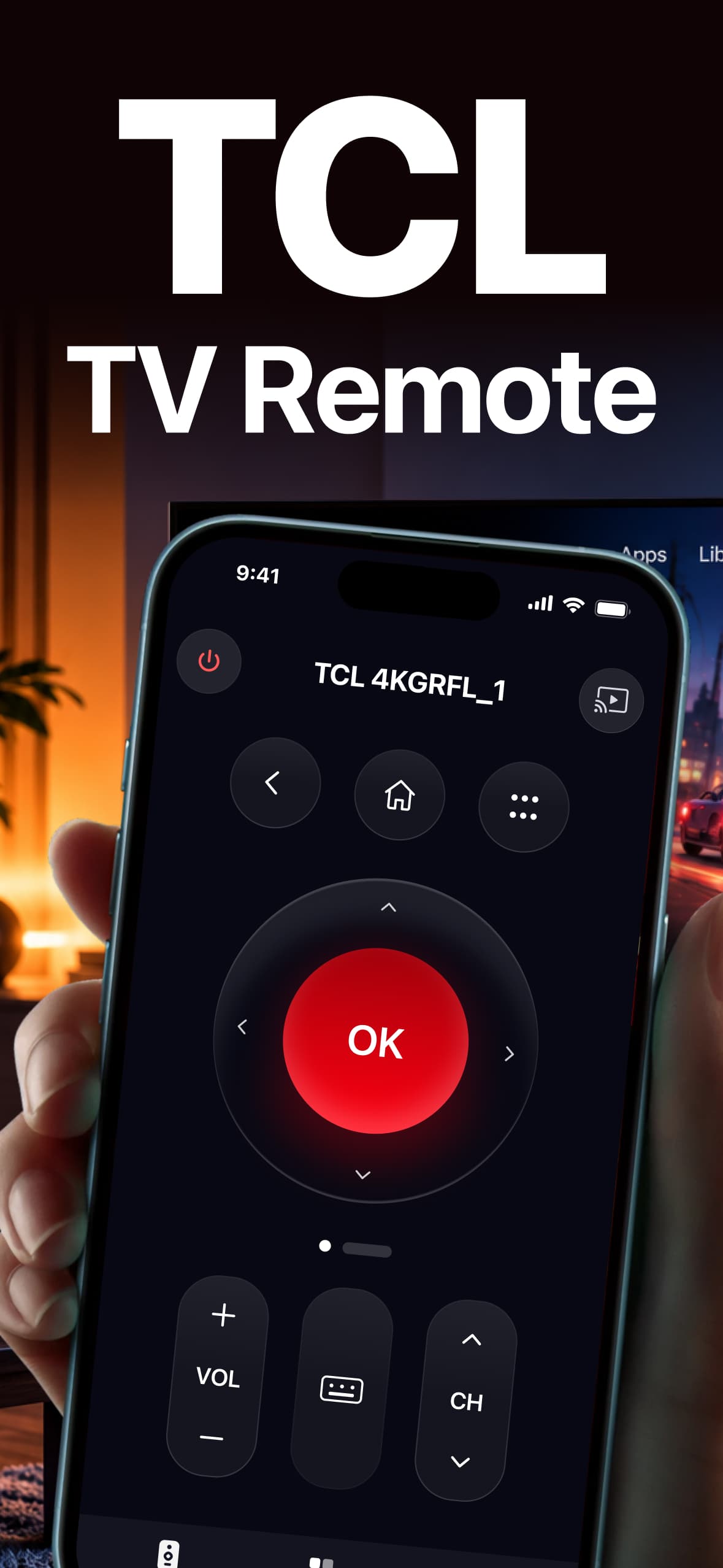
The app detects the TV automatically and works across TCL TV platforms: Roku TV, Google TV, Android TV and Fire TV. It includes a keyboard for typing search queries instead of using an on-screen keyboard with arrow keys. The app is free to download, requires no account, and shows no ads on the remote screen. It requires iOS 16.0 or later.
TCL Remote is an iPhone app that replaces a lost TCL TV remote. It connects over the same Wi-Fi network as the TV, so there is no pairing code to enter and no extra hardware or dongle to plug in.
6 ratings
Love developing apps

AI video with native sound, paid per clip. Nothing stored.

A calmer Mac menu bar, one click away.

Enterprise Software. Intelligent Automation. Global Impact.


Comments
1The phone keyboard is the feature I'd install this for. Typing a Wi-Fi password with arrow keys on a TV is painful. Two things worth covering: on Google TV and Android TV the first connection usually asks for a code shown on the TV screen, so a short note about that step would avoid confusion. And if the phone is on a guest network or the router has client isolation on, discovery fails silently, so a clear "both devices must be on the same network" hint would save support emails. Can you paste text from the iPhone clipboard into the TV search box?