

Turn any image into a video with AI
4.8(6)8StartupsTechnologyDesign
ImagesArt is an AI image-to-video generator that turns still images into short videos with native audio. Animate one photo, morph between a start and end frame, or build a scene from up to nine reference images. Choose from Grok Imagine, MiniMax, Gemini, Kling, Seedance, and Veo models, create clips from 1–15 seconds, and export at up to 4K. New users can start with free credits, and paid credits are available without a subscription.
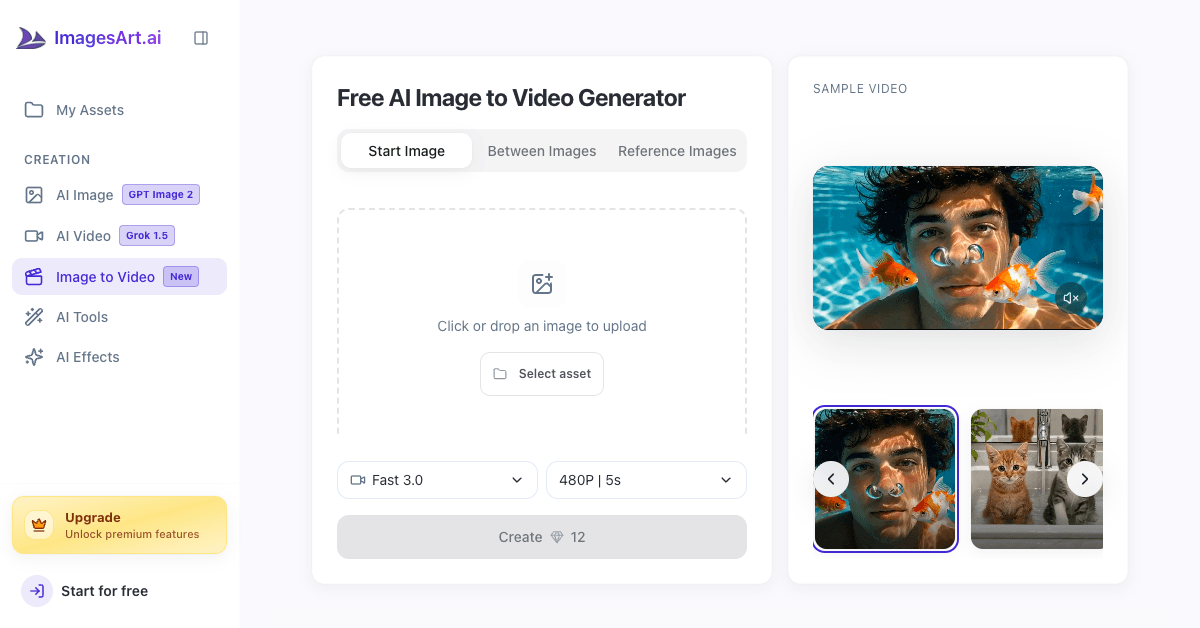
Three creation modes: start image, between images, and reference images
Six AI video models for speed, quality, and creative control
Up to 4K resolution with flexible 1–15 second clips
Native audio generated in sync with every video
Pay-per-clip credits with no subscription required
Turn product photos into scroll-stopping video ads
Animate portraits, family photos, and old pictures
Create vertical clips for TikTok, Reels, and Shorts
Bring illustrations, concept art, and AI images to life
Create smooth before-and-after transitions between two frames
6 ratings

AI video with native sound, paid per clip. Nothing stored.

A calmer Mac menu bar, one click away.

Enterprise Software. Intelligent Automation. Global Impact.


Comments
8Hi Fazier! We built ImagesArt Image to Video to make AI video creation simple and accessible. You can animate a single image, create smooth transitions between two images, or use reference images to guide the result—all without complicated editing tools. We’d love for you to try it and share your feedback. Let us know what you create and which features you’d like us to add next!
start image, between images
The nine-reference workflow is interesting. If the references disagree—for example, two character angles plus a separate lighting mood board—can you prioritize one image for identity and another for style? A simple weighting control could help keep the subject consistent between frames.
Building AI UGC Video Generator for ecommerce and marketing teams.
The between-images and nine-reference modes seem useful for maintaining continuity. How do you handle temporal consistency and native audio when switching between models for short clips?
Letting people choose between six models in one place is genuinely useful, since each one handles motion and faces quite differently. Two questions. Does the "native audio" get generated from the image and prompt alone, or can you upload your own track and have the motion sync to its beat? For music creators making Reels, beat-synced motion would be a big deal. And do you show a preview or per-model estimate of how credits differ before generating a 4K 15-second clip? The morph between a start and end frame is a nice idea for before-and-after content.
Building AI UGC Video Generator for ecommerce and marketing teams.
The native-audio workflow sounds especially useful for product and social clips. Having start, between, and reference-image modes plus 4K and 1–15 second controls gives creators a practical range. How do you handle audio timing and motion consistency across the six models?
Founder @DunSocial
Does it support API keys? or we have to buy credits in-app?
this idea looks really cool