

Instant, browser-based icon command center. Unify 28+ open-source icon libraries into a single lightning-fast icon search. Adjust colors and sizes, copy SVG code to your clipboard, or export high-resolution PNG and ZIP files without ever touching a server.
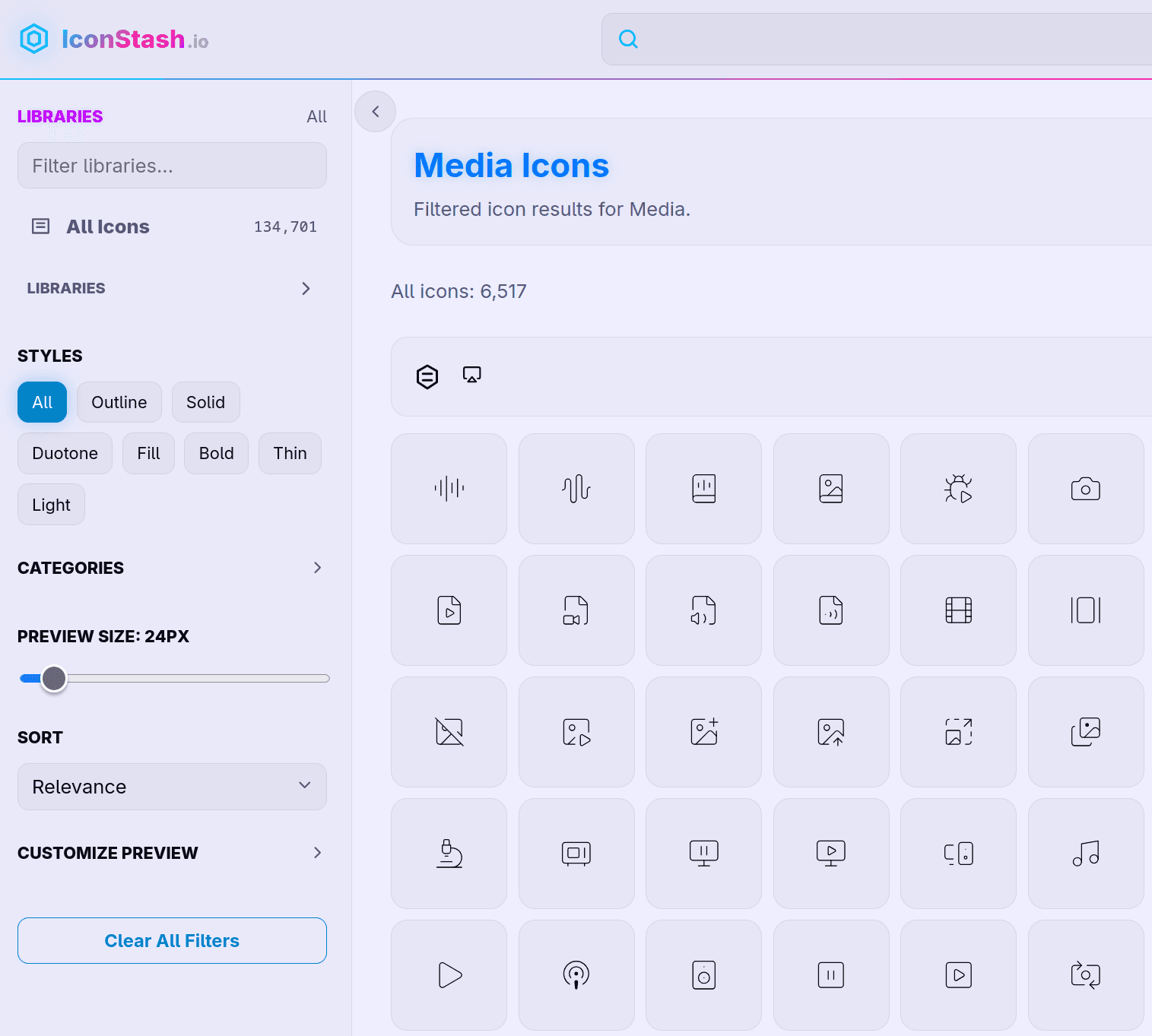
→ Search Lucide, Tabler, Phosphor, Material, Remix, Bootstrap Icons, Heroicons and 20+ more, all in one search
→ Filter by style — outline, solid, duotone, fill, bold, thin
→ Live color picker and stroke width control, see changes instantly
→ Copy as SVG, JSX, Vue, or Svelte with one click
→ Download PNG from 16px to 512px
→ Select multiple icons and download them all as one ZIP
→ Save icons into named collections for your projects
→ See the exact same icon across every library side by side before picking one
→ Get the npm install command for whichever library you land on
No account. No login. No backend touching your data. Runs 100% in your browser.
Search open source icons
6 ratings

AI video with native sound, paid per clip. Nothing stored.

A calmer Mac menu bar, one click away.

Enterprise Software. Intelligent Automation. Global Impact.


Comments
9Nice focus. Searching across many icon libraries in one place is useful, but the strongest part is that it runs in the browser with no backend. I would highlight that privacy/local angle earlier on the page.
I'm an enthusiast of frontend development specialized in Next.js and TypeScript, with a strong focus on UX and UI.
Really useful por my side project. Thank you
vibecoder at free time, student full time
I really like the idea behind IconStash. It’s an interesting, positive, and clearly useful concept: offering a large collection of icons from many libraries in one place, with the ability to customize size, color, and format (SVG/PNG/ZIP). This is a great thought and solid execution. However, there are a few problems that need to be addressed: Color palette is visually harsh – In both light and dark themes, the color scheme is very unpleasant and hurts the eyes. The bright blue font in the header, combined with yellow, green, and lime-green icon colors, creates strong visual irritation. No way back from an icon detail page – When I select an icon and open its detail page, there is no close button or back button. I can only return by clicking the “Logo” and losing my current search and position in the list. Color accessibility is not optimized – The current colors do not seem adapted for different theme modes and likely fail color accessibility guidelines. Visual noise from icon variety – The high variety of icon colors and styles together creates visual clutter, especially when scrolling through large lists. Fixing these issues would significantly improve the UX and make IconStash even more valuable for designers and developers.
Very good points, thank you! Fixing the mentioned issues right now.
The website has now been updated. Thank you for your feedback!
Very good project actually very useful
Using this for my next icon search..
Tech enthusiast
There are many useful packages for my personal projects. Love the editor which is great to customize the icons
Useful idea for icon discovery. Open source makes it easier for teams to trust and extend the search workflow. License filters and framework tags would make this even stronger.