

See what makers actually build with — every claim sourced
4.8(6)36Development ToolsSaaSStartups
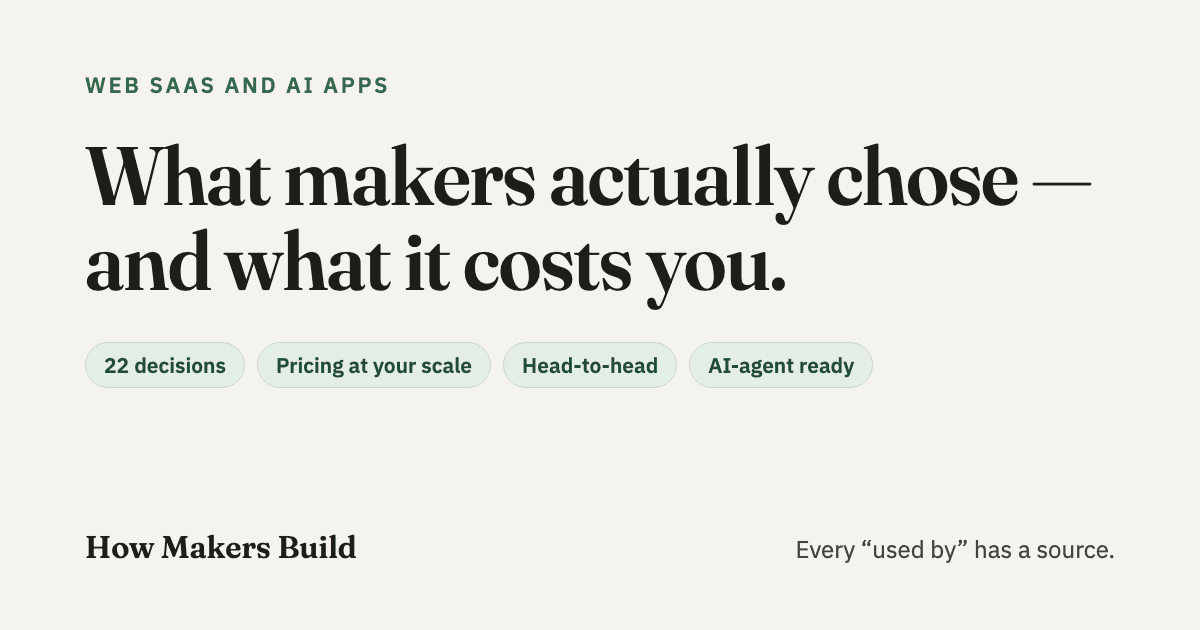
How Makers Build helps indie makers and small teams pick the tools behind a web SaaS or AI app — database, auth, hosting, payments, email, LLM APIs and more. For each decision it shows which tools real products use, with a source you can open: the maker's own words, the product's code, its website, its subprocessor list or its job postings. Compare two tools side by side, price a stack at your usage, or paste your current stack to see what peers chose instead. Free, no sign-up.
73 people supporting this launch
4.8
6 ratings


AI video with native sound, paid per clip. Nothing stored.

A calmer Mac menu bar, one click away.

Enterprise Software. Intelligent Automation. Global Impact.


Comments
36Hi Fazier 👋 I built How Makers Build because every "what stack should I use" thread ends in opinions. So I collected evidence instead: for each decision behind a web SaaS or AI app (database, auth, hosting, payments, email, LLM APIs…), which tools 6,600+ makers' products actually use — each claim linked to a source you can open, like the maker's own words, public code, DNS records or subprocessor lists. It's free, no sign-up. I'd love to hear which decision you'd want covered next, or any tool you think I've got wrong.
I am totally amazed by how other developers use almost the same version or overlapping pieces of the stacks. It gives you real insight into market trends and what is latest in the tech community.
Founder of Savyly
Love that every usage has a source link, most stack lists are guesswork. I just moved my site off Netlify because their credit plan charges for every deploy, which none of the comparisons I read mentioned. Does the pricing calculator cover usage-based gotchas like per-deploy or bandwidth charges? That's where my real costs surprised me.
Thanks, and the Netlify credit plan is a perfect example of what I wanted to catch. Partly. The hosting calculator prices bandwidth, requests and function compute at your usage, so the bandwidth side is in the total: https://howmakersbuild.com/pricing/hosting Per-deploy charges aren't in the total yet. They're listed under "what to watch" on each tool's pricing page. Netlify says each production deploy costs 15 credits and that every project pauses when credits run out unless auto recharge is on: https://howmakersbuild.com/tools/netlify/pricing Your comment makes a good case for adding deploys per month as an input, so the total reflects how often you ship. I'll add it. How many production deploys a month were you doing?
Expert Web Developer | Building Fast Interactive Web Apps & SaaS Solutions
Really clean concept! It’s super helpful to see transparent proof of what makers are actually using to build and ship their products. Are you planning to add tech-stack filtering in the future?
Expert Web Developer | Building Fast Interactive Web Apps & SaaS Solutions
Really clean concept! It’s super helpful to see transparent proof of what makers are actually using to build and ship their products. Are you planning to add tech-stack filtering in the future?
Thanks! Some of it is already there, depending on what you want to filter by: - One tool: every tool page lists the products that use it, and you can filter and sort that list. - Your framework: pages like "auth for Next.js" show what products on that framework chose: https://howmakersbuild.com/tasks/authentication/for/nextjs - Your whole stack: paste it into Check my stack and it shows products built like yours: https://howmakersbuild.com/check - Visually: the Landscape view lets you pick a tool and see what it's paired with: https://howmakersbuild.com/landscape What's missing is filtering products by a combination, like "Next.js + Supabase + Stripe". That's next on my list. Which combination would you search for first?
Sourced usage data is a refreshing take on stack research — opinions are cheap, but pull requests and source links are hard evidence. The 'check my stack' idea especially stands out; most teams never revisit their tool choices after the first commit. Curious how often the migration trends get updated.
Thanks! Switching trends come from public pull requests titled "X to Y" over the last two years, and they're refreshed monthly. Pricing, Product Hunt reviews and status pages are checked weekly, and every update lands on https://howmakersbuild.com/changes (there's an RSS feed too).
File every email attachment in the right cloud folder, automatically.
Finding real, verified tech stacks without the marketing fluff is always a challenge. Being able to compare tools side-by-side and see actual pricing for your scale is a game-changer when deciding what to build with. Great work on this! 👏
Thanks Javier, glad the side-by-side and the pricing are useful. If there's a pair of tools you'd like compared that isn't there yet, tell me.
Sourcing the claims is a differentiator - most galleries in this space just list what builders say about themselves. Curious how you decide what counts as verifiable: a live URL, a screenshot, or something the builder submits? That rule will shape trust more than the design does. Also worth showing when a link was last checked, since project pages tend to rot quietly.
Great question! Nothing is builder-submitted. A claim counts only if there's a public source you can open: the maker's own words (such as a Product Hunt review, a tweet or a blog post by the maker), a dependency in the product's public code, a subprocessor list or DPA, a customer story on the vendor's site, a job posting, or what the live website and DNS show. Makers' own words and live-product sources are shown first; open-source code second. Each source shows its date, and product pages show when they were last checked.
this is a good tool !
Thank you!
Really useful angle - sourcing every claim directly helps a lot when evaluating tools for my own workflow. Would love to see a filter by industry or a way to export the sourced claims into a spreadsheet, since I often need to share comparisons with my team.
Thanks! For industry, the product-type pages (https://howmakersbuild.com/categories) show what products of one kind chose for each decision. Export isn't there yet. A CSV of a tool's sourced users would be easy to add. Would that cover what you share with your team, or do you need whole comparisons?
Sourcing every claim is what makes this useful. Most "stack" lists are guesses or affiliate links. "Check my stack" is a smart touch. One request: could you show how recent each source is? A job posting from 2023 says less about what a product runs on today than a pull request from last month. Filtering by product size (solo maker vs 20-person team) would help too, since the right choice changes a lot with scale.
Agreed! Every source already shows its date, and on a tool page you can sort who uses it by newest evidence. Size is a good idea and isn't in yet. Product sizes are mostly missing from the public sources I use, so I'd rather add it when I can source it than guess.
Full Stack Developer || Jr Penetration Tester
Sourcing every claim with real evidence and source links makes this so much more valuable than typical guesswork stack lists. 'Check my stack' is a brilliant touch for teams!
Thank you! Glad Check my stack is useful.
Full Stack Developer || Jr Penetration Tester
Sourcing every claim with real evidence and source links makes this so much more valuable than typical guesswork stack lists. 'Check my stack' is a brilliant touch for teams!
The 'every claim sourced' angle is the right answer to stack-shopping fatigue — nobody trusts another 'we use Notion' listicle. Do you verify versions over time or is it a point-in-time snapshot?
Thanks! Each claim is a point-in-time source with its date. The pipeline re-checks on a schedule (weekly, monthly and quarterly, depending on the source), and keeps a monthly snapshot of each tool's adoption, so you can see it move over time. It doesn't track library versions since I couldn't find trusted sources yet
AI tool for business
nice one! 1
Thank you.
Building PZERO, saving you money - pzero.studio
Linking every tool claim to a source like public code or a subprocessor list, then letting you paste your own stack to compare, is a smart way to cut through stack opinions. If your business ever wants to put AI to work, PZERO is worth a look at pzero.studio.
Thanks
Love the idea of making real product decisions and their costs transparent. As a product designer and AI product builder, I know how much time goes into choosing the right tools and stack. Seeing what others actually use, why they chose it, and what they pay could save makers a lot of time and money. Great concept!
Thank you, Abdullah! That's exactly the time I wanted to save. If you try it on your next build, I'd love to hear what was missing.
Love the idea of making real product decisions and their costs transparent. As a product designer and AI product builder, I know how much time goes into choosing the right tools and stack. Seeing what others actually use, why they chose it, and what they pay could save makers a lot of time and money. Great concept!
AI voice agents that automate business calls, qualify leads, book appointments, and streamline customer support.
https://www.ondial.ai/
The distinction between a point-in-time stack snapshot and changes found in pull requests is especially useful. Could the comparison view surface a ‘last independently observed’ date beside each claim? That would make it easier to weigh older job posts against newer code evidence.
Thank you! A ‘last independently observed’ date will be added soon