

Convert HEIC/HEIF images to PDF instantly. No registration, no watermarks. Supports batch conversion. Perfect for iPhone photos. 100% free and secure.
1. Minimalist User Experience
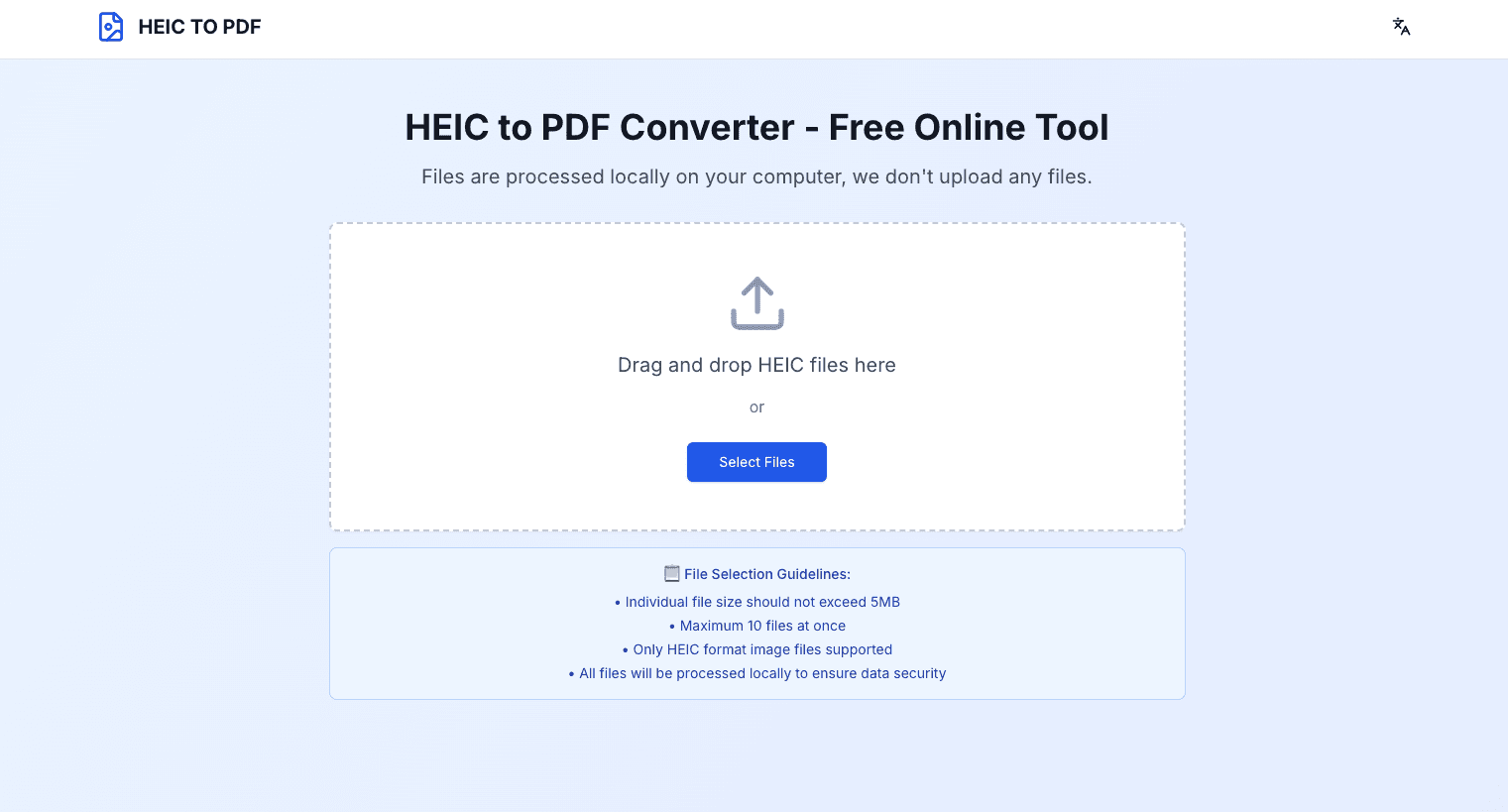
HEICToPDF.Run features an intuitive drag-and-drop interface. Users can complete the conversion in just three steps: upload HEIC files, select output settings, and download the PDF document. No account registration or software installation is required, ensuring a true "use-and-go" experience.
2. Batch Processing Capability
Supports uploading multiple HEIC files simultaneously and merging them into a single PDF document or converting them into separate PDF files. This feature is particularly useful for professionals like photographers, designers, and business users who need to process large volumes of images.
3. High-Quality Output Guarantee
Utilizes advanced image processing algorithms to ensure no loss in image quality during conversion. The output PDF documents retain the clarity and color accuracy of the original HEIC images, meeting professional-grade requirements.
4. Cross-Platform Compatibility
Compatible with all major operating systems and browsers, including Windows, Mac, Linux, Android, and iOS. Whether using desktops, tablets, or smartphones, users enjoy a consistent conversion experience.
5. Data Security Assurance
Employs 256-bit SSL encryption to protect file transfers, automatically deletes user files after processing, and ensures no privacy data is leaked. All conversion processes are performed locally in the user's browser for enhanced security.
1. Apple Device Users (Core Demographic)
iPhone and iPad users are our primary target group, as their daily photos are stored in HEIC format, creating a need for conversion when sharing, printing, or organizing.
2. Professional Photographers and Designers
Creative professionals require high-quality HEIC images converted to PDF for portfolios, client proposals, or print preparations.
3. Business Users and Office Workers
Employees often need to integrate photos taken with their phones into PDF documents for reports, presentations, or records, especially for on-site product images or meeting documentation.
4. Educators and Students
Teachers and students converting image materials into PDF format for teaching resources, assignments, or research reports to facilitate sharing and archiving.
5. E-Commerce Professionals
Online store operators and product managers who need to quickly convert iPhone product photos into PDF format for catalogs or client materials.
70 people supporting this launch
4.8
6 ratings


AI video with native sound, paid per clip. Nothing stored.

A calmer Mac menu bar, one click away.

Enterprise Software. Intelligent Automation. Global Impact.


Comments
7Our platform focuses on addressing this pain point, offering fast, secure, and high-quality HEIC-to-PDF conversion services, enabling users to seamlessly integrate photos taken with iPhones or iPads into various document workflows.
nice hdfhoi sd oiaaio
Freelance
This is a fantastic tool! Super easy to use and very convenient. It solved my HEIC compatibility issue in seconds. Thank you!
me
good product!!!!!!!!!!!!!!!!!!
Hello
very useful product, nice
Keenthmes
Hello! Very useful product, amazing,
Bringing people together with tech.
I face this problem all the time. This product has been super useful for me