
Free AI transcription for audio, video & YouTube
4.8(6)11ProductivityAudioVideo
Gyuret Notes transcribes audio and video files, public YouTube links, microphone recordings, and compatible Chrome tab audio. From the transcript, users can generate a concise summary, detailed notes, or a translation, and reopen previous results from their transcription history. Available on the web and Android.
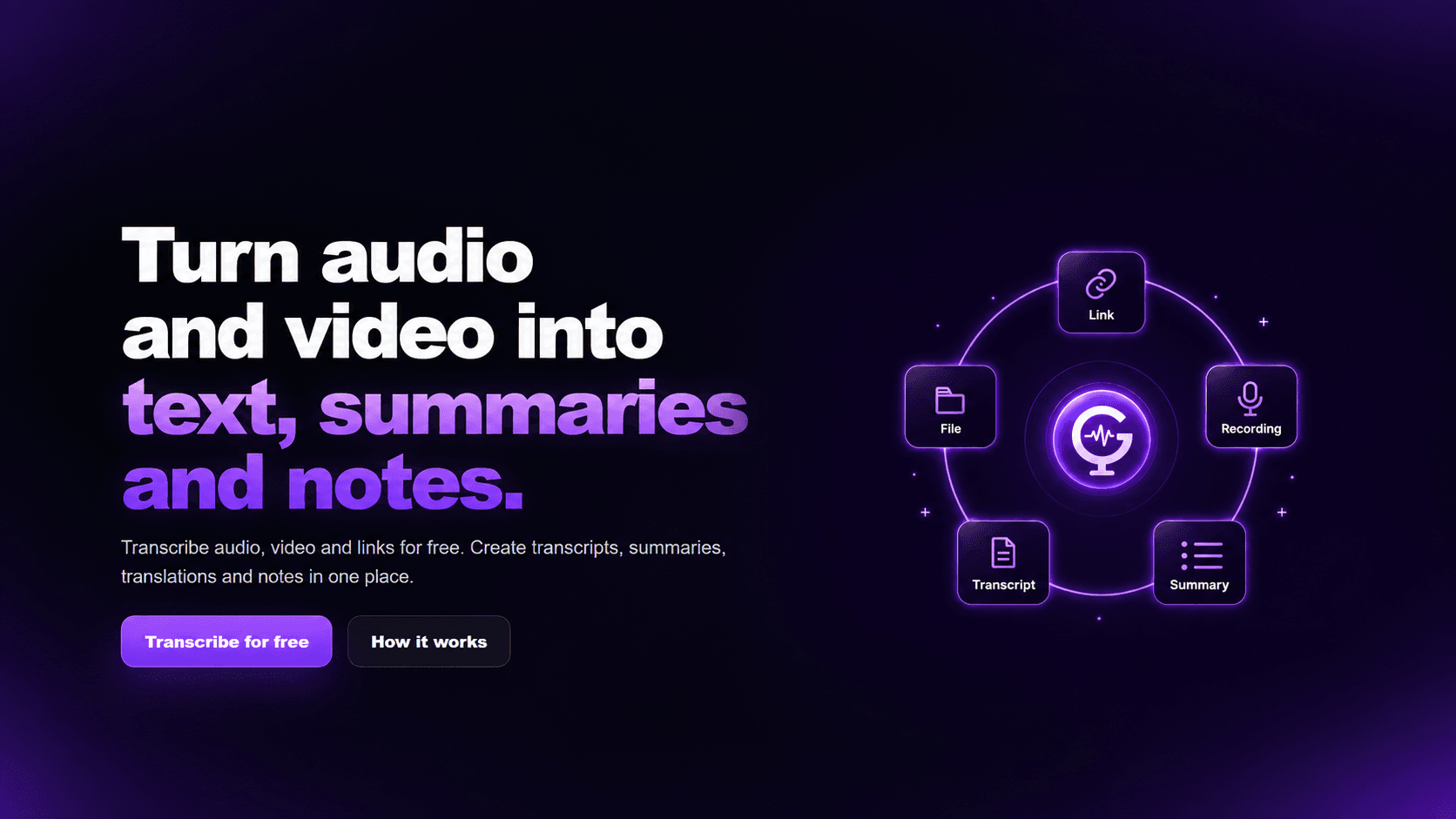
• AI transcription for audio and video files
• Public YouTube link transcription
• Microphone and compatible Chrome tab recording
• Summaries, detailed notes and translations
• Transcription history
• Available on Web and Android
• Transcribe meetings, lectures, interviews and podcasts
• Turn class and meeting recordings into notes
• Convert YouTube videos into text
• Summarize long recordings
• Translate transcript content
66 people supporting this launch
4.8
6 ratings
Founder of Gyuret Notes, building AI transcription tools for audio, video and recordings.

AI video with native sound, paid per clip. Nothing stored.

A calmer Mac menu bar, one click away.

Enterprise Software. Intelligent Automation. Global Impact.


Comments
11Founder of Gyuret Notes, building AI transcription tools for audio, video and recordings.
I built Gyuret Notes because I wanted one place to transcribe an audio or video file, a public YouTube link, or a recording, and then create a summary, detailed notes, or a translation from the transcript. The product is already live on web and Android, and I’m continuing to improve the transcription flow and media tools.
Capturing Chrome tab audio is the part I'd use most. A lot of what I want transcribed is a webinar or a live stream that has no file and no public link. How do you handle long tab recordings: is there a length limit, and does the transcript keep timestamps so I can jump back to a specific moment in a video? timestamps on the summary points would make it great for long youtube talks
Founder of Savyly
Chrome tab audio plus YouTube links covers most lecture setups, nice. One thing from building in this space: Indian students often mix Hindi and English in the same sentence. How does the transcription handle code-switched audio like that? A "mixed language" option would really stand out for that audience.
Clean and straightforward! Being able to transcribe YouTube links, files, and even Chrome tab audio in one place is really handy. 10 free minutes/day without signing up is a nice touch. Congrats on the launch! 🎉
Recording audio straight from a Chrome tab is a smart addition, since a lot of webinars and calls never offer a download. Two things I'd want to know before using it for interviews: does the transcript separate speakers (Speaker 1 / Speaker 2), and can you export with timestamps as SRT or VTT? With both, it would also work for people subtitling their own videos, not just taking notes.
Free transcription is a strong hook. A practical question: how do you handle speakers talking over each other, and do you let users correct the transcript afterwards? In my experience the correction flow matters more than raw accuracy - if fixing a word takes too long people go back to listening. A timestamped edit view would likely raise retention.
Found this app really helpful for transcription
Free YouTube transcription is a genuinely useful wedge — most tools gate that behind a trial. How do you handle speaker diarization on longer videos, or is it single-stream text?
Building PZERO, saving you money - pzero.studio
Being able to go from a public YouTube link or Chrome tab recording straight to a summary or translation, then reopen it later from history, makes this handy for lectures. If the transcription and summary model calls behind all that free usage start to pile up, PZERO at pzero.studio offers lower cost AI capacity.
The combination of YouTube links, file uploads, and Chrome-tab capture makes the handoff from source to notes unusually direct. It would be helpful to expose timestamp links inside generated summaries, so someone reviewing a long lecture or webinar can jump straight back to the supporting moment.
Musician building MIDI Lab and SongTools, tools for producers and songwriters
Chrome tab audio capture is a nice touch, that covers webinars and live sessions that never get uploaded anywhere. I record a lot of rehearsals and songwriting sessions, so I'm curious how it does with music in the background. Does it keep the spoken parts clean when there's a band playing, or is it mostly tuned for voice only recordings?