

AI Frame to Video Generator Free: Create Video from Frames
4.8(6)27Side projectsSaaS
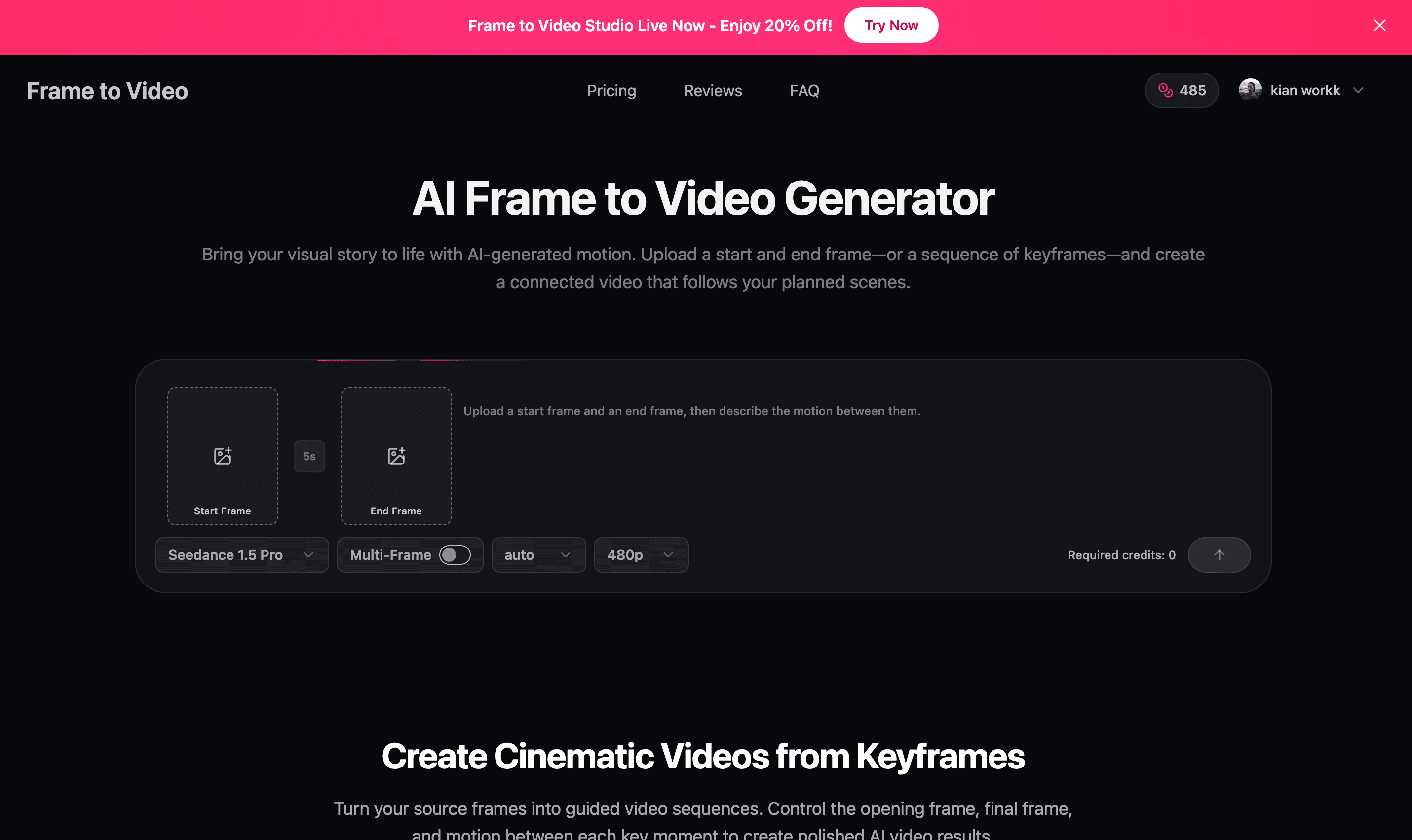
Frame to Video is an AI video generator that turns start and end frames or a sequence of keyframes into connected video clips. Upload your planned scenes, describe the motion between them, and create controlled transitions for storyboards, product visuals, social content, and creative concepts.
92 people supporting this launch
4.8
6 ratings


AI video with native sound, paid per clip. Nothing stored.

A calmer Mac menu bar, one click away.

Enterprise Software. Intelligent Automation. Global Impact.


Comments
27Bridging the gap between static storyboards and smooth video motion is a huge pain point for creators. Controlling keyframe transitions and custom prompts per scene gives so much more creative precision compared to pure text-to-video tools. Congrats on the launch!
Very very very very cool
The per-scene transition duration control is a thoughtful touch — describing the motion between frames with custom prompts makes this far more useful than basic frame interpolation, especially for pre-visualizing storyboards. Curious whether longer keyframe sequences keep characters consistent across scenes, since that's where most tools break down.
Hello
that's great to see your procudt
Very very very very cool
For content creators who want to make creative videos, AI can help you.
Very very very very cool cool
Founder of BuyHub, a search engine for collectors and resellers across 100+ marketplaces.
Thanks for sharing, it's a great website
Professional ICT Analyst
this is awesome development
Stop Losing Leads in WhatsApp. Start Converting Them with Realatic.
For content creators who want to make creative videos, AI can help you.
Stop Losing Leads in WhatsApp. Start Converting Them with Realatic.
that's great to see your procudt
Great tool for turning keyframes into smooth AI video clips. Useful for storyboards, product visuals, and creative content. 👍
📵 Screen unknown callers in real time 🌍 25 languages • One-time purchase • No subscription Live transcripts | 🚫 Auto spam block 👇▶️ Get it on Google Play - Link Below🔸 🌐 wcsg.app🔸
Wild, love the in between idea yet controlling the start and end points, very cool!
The storyboard supports up to ten frames and motion prompts between them. If one transition misses the intended movement, can that segment be regenerated while preserving the other clips and their timing?
Frame to Video is a useful AI tool for turning static frames into smooth, connected video clips. It’s great for creating engaging storyboards, product visuals, and creative social media content with controlled motion.
Web designer with love for AI and tech
Seamless keyframe interpolation with custom prompt control is brilliant. Great work on this launch! 👏
The per-segment motion prompts and duration controls look useful for storyboards. A timeline preview showing each keyframe, its transition prompt, and duration before rendering would make it easier to catch pacing issues before generating the clip.
The start-and-end frame control is the standout here — being able to describe the motion between keyframes and set the transition duration per scene makes it much more useful for storyboards than a one-prompt video generator. For product visuals, that control over the first and last frame should help keep branding consistent. Curious how it handles more than 5-6 keyframes in one sequence?
Great for content creators!
Non-custodial DEX aggregator + token safety scanner
The per-keyframe-pair prompting is a smart constraint most frame-to-video tools only take one global prompt, so describing the motion between each pair is where control actually comes from. Does render cost scale with transition duration, and what's the longest sequence you've seen hold together before the drift kicks in?