

Interactive User Journeys with Zero Coding
4.8(6)21ProductivitySaaSNo-code
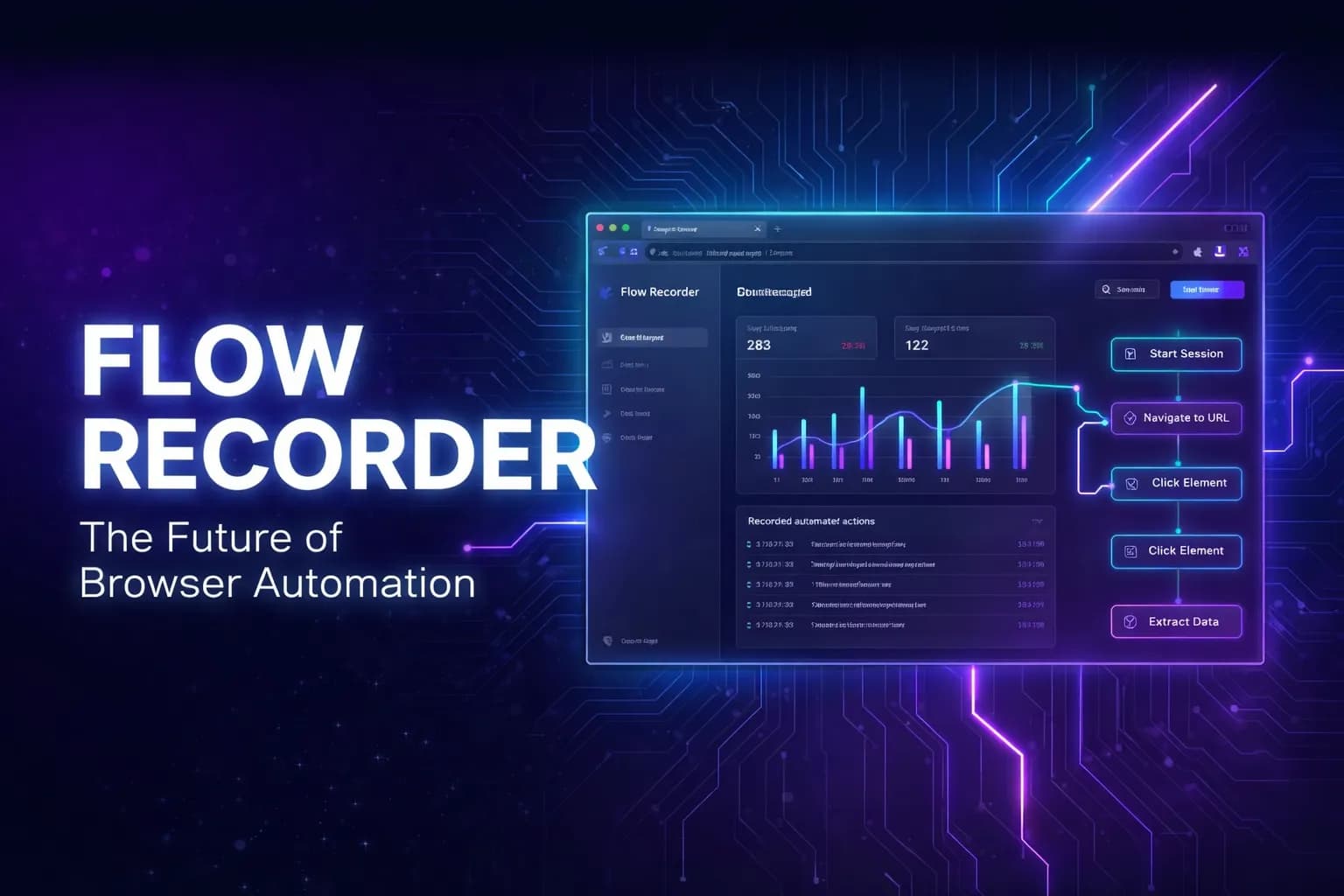
Flow Recorder is the no‑code way to capture and replay real user journeys in your browser. Install the extension, browse as usual, and every click, input, navigation, and multi‑tab path is turned into a lightweight, shareable guide you can play back or hand off.
Refine steps in a simple visual editor, automatically mask sensitive data, and sync flows to the cloud for effortless team collaboration. Ideal for onboarding, customer support, internal SOPs, and automated testing, Flow Recorder sets up in minutes and is built for enterprise‑grade safety.
46 people supporting this launch
4.8
6 ratings

💡 Dreamer • 🧑💻 Entrepreneur • Turning ideas into scalable software that empowers businesses to grow online 🚀

AI video with native sound, paid per clip. Nothing stored.

A calmer Mac menu bar, one click away.

Enterprise Software. Intelligent Automation. Global Impact.


Comments
21💡 Dreamer • 🧑💻 Entrepreneur • Turning ideas into scalable software that empowers businesses to grow online 🚀
Hello Fazier community! 👋 I’m Ratul, the maker of Flow Recorder. We’ve all been there: a user asks how a feature works, and you find yourself recording a Loom, taking 5 screenshots, or typing out a long "Step 1, Step 2..." email. It’s manual, it’s slow, and it’s out of date the moment you change your UI. We built Flow Recorder to automate that process. It lets you record your actions directly in the browser and instantly turns them into Interactive User Journeys. Why we built this: Virtual Hand-Drawn Cursor: Our replay feels human. It doesn't just "jump" between steps; it guides the user with smooth, premium animations. Smart Spotlights: The app automatically highlights the exact button or field the user needs to focus on. Embed Anywhere: With one line of code, you can put these walkthroughs in your support docs, landing pages, or onboarding flows. It’s all about showing, not telling. I’d love to hear how you currently guide your users through your product. Looking forward to your feedback! 🚀
building in public - https://shortgram.co - https://severino.io - https://mindrest.ai
The version-controlled flows feature is underrated — most documentation tools treat guides as static snapshots that go stale, so having versioning built in is a real differentiator for teams that ship fast. The "embed anywhere with one line of code" is also a killer use case for support docs and landing page demos. Curious whether flows can auto-detect when the underlying UI changes and flag outdated steps? That would make this a must-have for fast-moving product teams. Great work, Ratul!
💡 Dreamer • 🧑💻 Entrepreneur • Turning ideas into scalable software that empowers businesses to grow online 🚀
Thank you so much for the thoughtful feedback- that really means a lot 🙌 . You nailed the core problem we're trying to solve. Documentation shouldn't become stale the moment a team ships a UI update. Our version-controlled flows are designed exactly for fast-moving teams that iterate frequently and need their guides to evolve alongside the product. To answer your question about auto-detecting UI changes: Yes, we actually have two layers of protection for this. First, our Smart Selector Engine uses multi-strategy matching (IDs, Test IDs etc) to "auto-heal" during playback. If a selector changes slightly, the system can often find the right element without any manual fix. Second, if an element has fundamentally moved or disappeared, the Flow Recorder player automatically flags this as a "Skipped Step". These "step drifts" are reported directly to your team dashboard as proactive alerts and send notification to Slack and/or Telegram. This acts as an automated early warning system, letting you know exactly which guides need a quick update before they impact your users. And yes, the one-line embed is intentionally built to make support docs, changelogs, onboarding flows, and landing page demos frictionless. Really appreciate you highlighting these points. This kind of feedback is what helps us shape the roadmap. 🚀
This looks really useful 👏 Recording browser actions and turning them into reusable workflows or guides without any coding sounds like a huge time-saver. If it really makes documenting journeys and automating repetitive tasks that easy, I can see teams actually using it in day-to-day work. Nice launch — excited to try it out! 🚀
💡 Dreamer • 🧑💻 Entrepreneur • Turning ideas into scalable software that empowers businesses to grow online 🚀
Thanks so much for the kind words! Day-to-day usability was exactly what we were aiming for documentation and automation shouldn't feel like a 'chore' that's separate from your actual work. We really wanted a tool where you just do the task once, and the guide/test is basically born from that action. Can't wait to hear what you think after you've given it a spin! 🚀
these type of tool is easy to create and when people what to research then they can use aizolo.com
💡 Dreamer • 🧑💻 Entrepreneur • Turning ideas into scalable software that empowers businesses to grow online 🚀
Thanks for the comment! You're absolutely right that the 'Hello World' version of a recorder is a fun and relatively straightforward weekend project for many developers. The real 'magic' (and the part that took us months to refine) is handling the messy reality of the modern web things like dynamic iframes, complex Shadow DOM, high-latency environments, and ensuring the 'one-line embed' works flawlessly on any host.
Curious about AI creativity and digital transformation tools. Enjoy exploring new ways to express art, cartoonize images, and experiment with cutting-edge visual technologies.
Thanks for useful tool.
💡 Dreamer • 🧑💻 Entrepreneur • Turning ideas into scalable software that empowers businesses to grow online 🚀
Thanks so much for the kind words! Can't wait to hear what you think after you've given it a spin! 🚀
🛠 Building SaaS & giving away the entire playbook Building http://hrefstack.com 0→$10k MRR 🚀 http://airwrite.pro 🤖 http://aihumaniser.pro 🎥 http://castmunk.com
The auto-masking of sensitive data is the underrated killer feature here most teams skip building SOPs and onboarding docs because screen recording tools expose PII, so solving that removes the biggest friction to actually adopting this
💡 Dreamer • 🧑💻 Entrepreneur • Turning ideas into scalable software that empowers businesses to grow online 🚀
Thank you so much for the thoughtful feedback- that really means a lot 🙌 . Can't wait to hear what you think after you've given it a spin! 🚀
YC Founder in YCs21. Founder of Pamela
Cool! I use this all the time!
Fuel2Electric co-founder
Very cool for debugging and devs.
💡 Dreamer • 🧑💻 Entrepreneur • Turning ideas into scalable software that empowers businesses to grow online 🚀
Thanks so much for the kind words! Can't wait to hear what you think after you've given it a spin! 🚀
Hi Ratul Hasan, the product looks good
💡 Dreamer • 🧑💻 Entrepreneur • Turning ideas into scalable software that empowers businesses to grow online 🚀
Thank you so much for the thoughtful feedback- that really means a lot 🙌 . Can't wait to hear what you think after you've given it a spin! 🚀
Indie developer — building privacy-first tools
Interactive user journey recording without code injection is a genuinely hard problem. Tools that require you to write custom code for each step create a maintenance burden. How does Flow Recorder handle dynamic content like modals, tooltips, or elements that only appear after scroll? That's typically where these tools break down in real-world apps.
Growth Marketing strategist whose career blends technology, creativity, and growth. In 2025 I coached 4 of the finalists in the Startup WorldCup.
i like the idea. I think you're under selling the real usp - automatically mask sensitive data. I think this is where you beat Loom and Cap.
The zero-coding approach to user journey recording solves a real pain point. Product managers spend hours manually documenting flows with screenshots when something like this could capture everything in real time. Version-controlled flows is a smart addition too — tracking how onboarding paths evolve helps teams understand what actually converts. The automatic sensitive data masking is also a strong differentiator against tools like Loom.
great, tool that I wanted
DevOps Architect | Solo Founder | Building in Public
Browser automation is becoming a separate industry in itself!