

Convert bank statement PDFs to CSV and Excel files
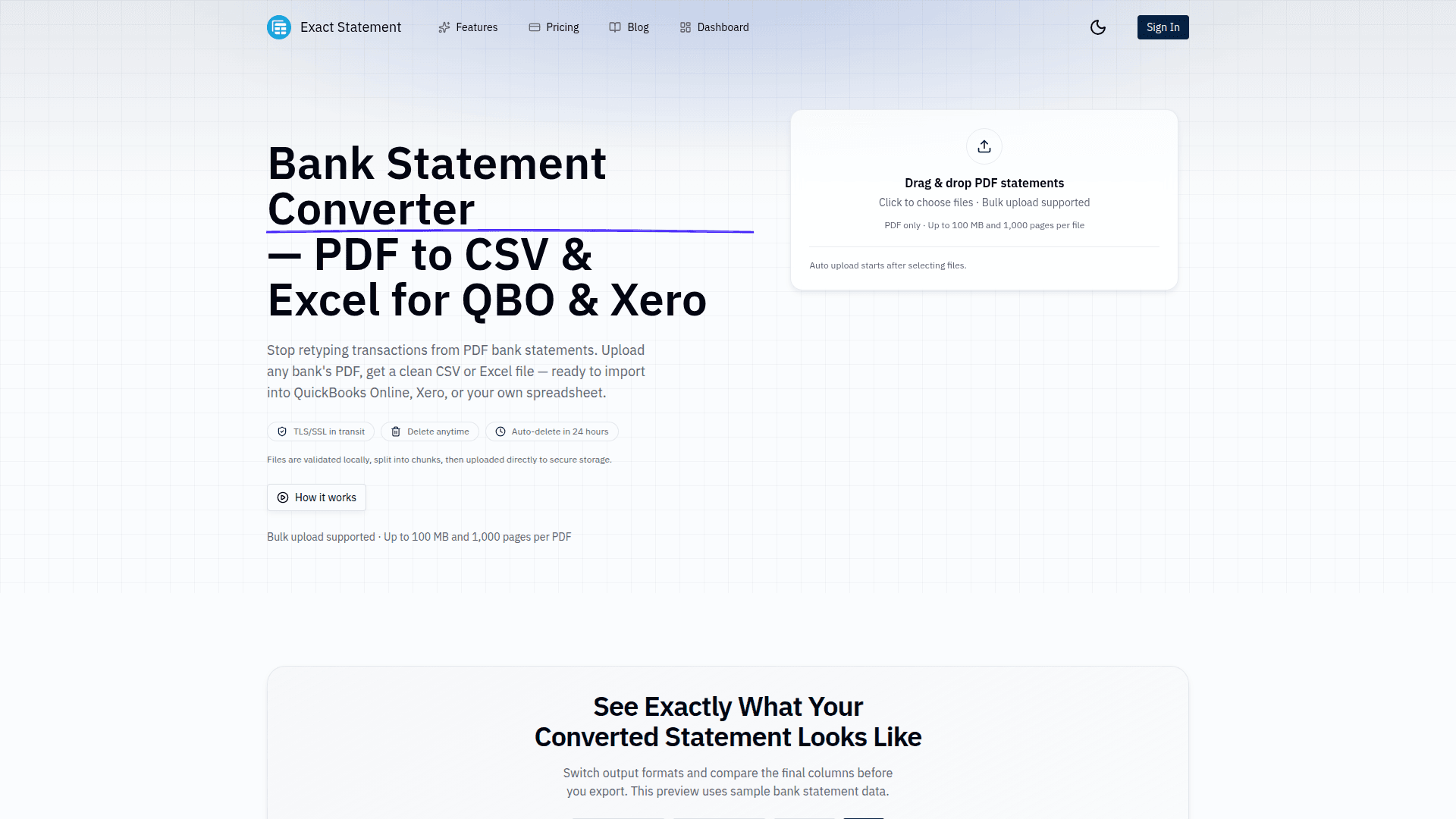
Exact Statement converts bank and credit card statement PDFs into clean, structured CSV and Excel files ready for import into QuickBooks Online and Xero. Upload files from any bank, review extracted transactions, and export in minutes. It is built for speed, accuracy, and security with encrypted transfer, manual file deletion, and automatic data deletion after 24 hours.
6 ratings


AI video with native sound, paid per clip. Nothing stored.

A calmer Mac menu bar, one click away.

Enterprise Software. Intelligent Automation. Global Impact.


Comments
4I built Exact Statement after seeing how much time people lose retyping transactions from PDF bank statements into QuickBooks, Xero, or spreadsheets. The goal was simple: upload a statement, get a clean and import-ready CSV/Excel, and keep full control of your data (including auto-delete). Most of the work went into edge cases like inconsistent layouts, multi-page tables, and messy transaction formats. If you try it, I’d really value your feedback on accuracy, export formats, and anything that slows you down in your workflow.
Compare Prices Across Every Store
what's the differentiation vs other pdf converters?
This solves a real pain point for bookkeepers and accountants. Manually re-entering bank statement data into accounting software is tedious and error-prone. The 24-hour auto-delete and encrypted transfer are solid security choices for handling sensitive financial data. The batch upload for multiple PDFs is a nice touch too — during tax season that could be a massive time saver. Does it handle statements from international banks with different formatting conventions?
Nice product dude, keep it up