

Offline voice dictation for Mac, in 30 languages
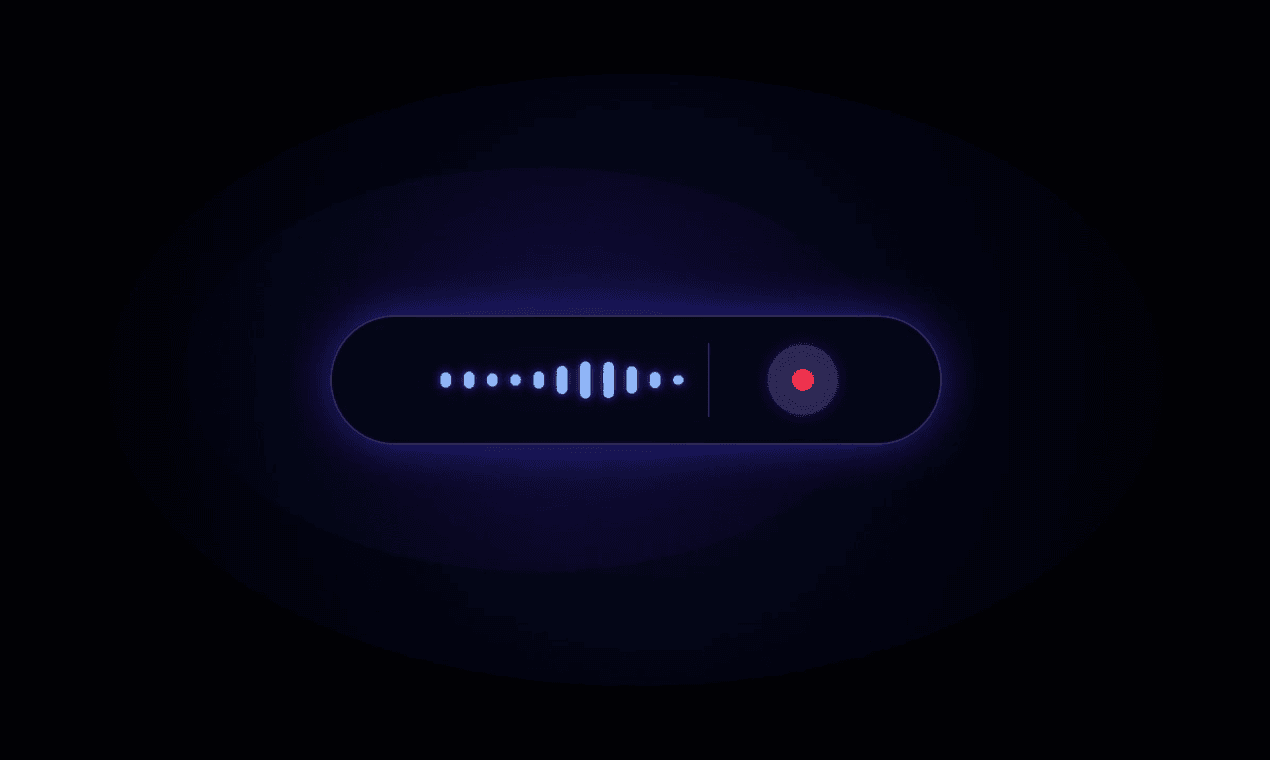
Hold a key, speak, and punctuated text appears wherever your cursor is. Dictami runs entirely on your Mac, works offline, and supports 30 languages.
• Offline speech recognition
• Works in any Mac app
• Automatic punctuation
• 30 languages
• One-time license
• Writing emails and documents
• Capturing notes quickly
• Accessible voice typing without an internet connection
6 ratings
Founder of Dictami — private, offline voice dictation for Mac.

AI video with native sound, paid per clip. Nothing stored.

A calmer Mac menu bar, one click away.

Enterprise Software. Intelligent Automation. Global Impact.


Comments
5Building PZERO, saving you money - pzero.studio
Offline Mac dictation that works in any app across 30 languages is a clean local workflow. If you ever need AI for the business side of shipping tools like this, PZERO is at pzero.studio.
Keeping dictation on-device is especially useful for notes that should not leave a Mac. Can users set the recognition language per session, and which Apple Silicon and macOS versions are supported today?
Building PaperFig, an AI scientific figure maker for researchers.
Offline dictation is exactly what academic users ask for — recordings of lab meetings and drafts with patient or unpublished data cannot leave the machine. How does it handle domain terminology like gene names and clinical abbreviations, and can users add a custom vocabulary? Also curious whether the Mac app exports speaker-separated transcripts for interview-based research.
The interface feels modern and responsive. Everything is where you would expect it to be, which makes the tool easy to use even for beginners.
Offline recognition plus a one-time license is an unusual combination. Are all 30 languages in one multilingual model that ships with the app, or does each language download separately, and how much disk does one language take?