
Email Countdown Timer Builder for High-Converting Campaigns
4.8(6)7MarketingSaaSEmail marketing
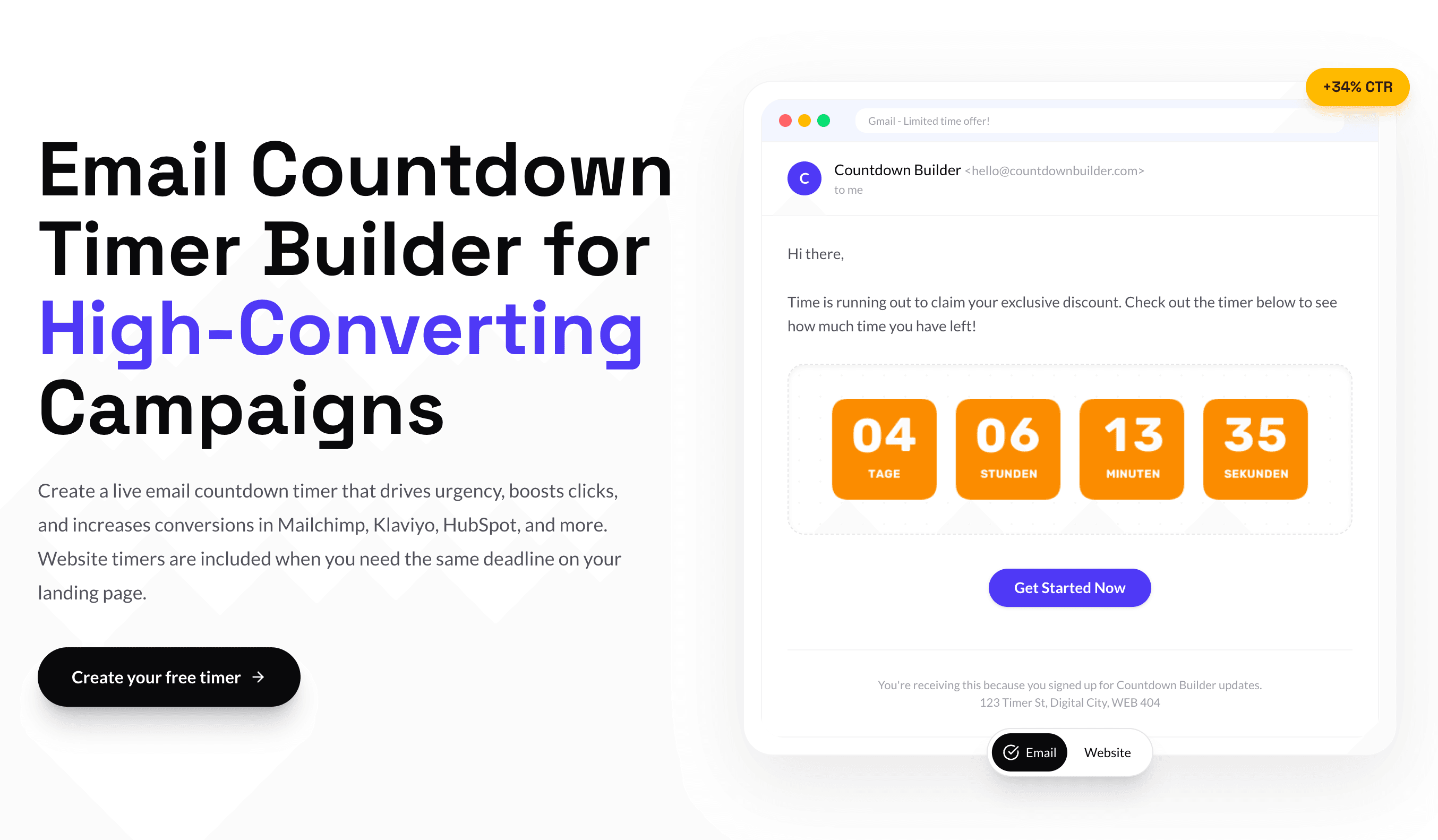
Countdown Builder turns any deadline into a live, ticking timer you can drop straight into an email or web page. Design a countdown in your brand's colors, copy one HTML embed code, and paste it into Mailchimp, Klaviyo, HubSpot, ActiveCampaign, or any platform that renders HTML — no dev work needed. Every subscriber sees an accurate, real-time countdown whether they open your email the moment it lands or three days later. Beyond fixed-date timers, choose Evergreen timers that start on open (perfect for onboarding and abandoned-cart flows) or Dynamic timers with a unique deadline per recipient. Free plan available, no credit card, live in under five minutes.
6 ratings
Founder of Countdown Builder, ogdynamic and more

AI video with native sound, paid per clip. Nothing stored.

A calmer Mac menu bar, one click away.

Enterprise Software. Intelligent Automation. Global Impact.


Comments
7The MPP handling is the part I would look at first. The timers that broke on me were always the ones Apple pre-fetched: the subscriber opens two days later and sees a frozen frame from the moment the mail was cached. Which of your three display modes do you recommend when most of the list is on Apple Mail, and does the fallback swap to the expiry state or keep showing the stale frame?
Selzee is an AI-powered platform that generates on-brand social media ads, by analyzing top-performing ads in a brand's specific market.
Perfect tool, very happy i give it a try!
The evergreen and dynamic timer options stand out because they address two different lifecycle needs without requiring custom development. Support for common platforms such as Mailchimp, Klaviyo, and HubSpot also makes the HTML embed workflow practical for smaller teams.
Web dev
For campaigns that use the same countdown in an email and on a landing page, can both embeds share one deadline and expiry message? A preview of the active and expired states side by side would help marketers catch mismatched offers before sending.
Evergreen timers that start on open are the right primitive - fixed-date timers punish anyone who opens the email late, and per-recipient deadlines via merge tag solve the abandoned-cart case properly. The Apple MPP handling modes are a detail most timer tools ignore until deliverability reports look wrong. On the free plan, is the timer image rendered per-open or cached?
Simple yet interesting idea, clean UI - Nice!
I run a product where everything revolves around a weekly deadline, so this is close to home. One case I haven't seen covered: what happens when the deadline moves after the email has gone out? Events get postponed, and ours shifts by hours sometimes. If I edit the end time in the dashboard, do already-delivered emails pick up the new time on the next open? Related: can the text next to the timer show the end time in the recipient's local timezone? With an audience across several countries, "ends Sunday 18:00" in the sender's zone is the part people get wrong, not the countdown itself.