
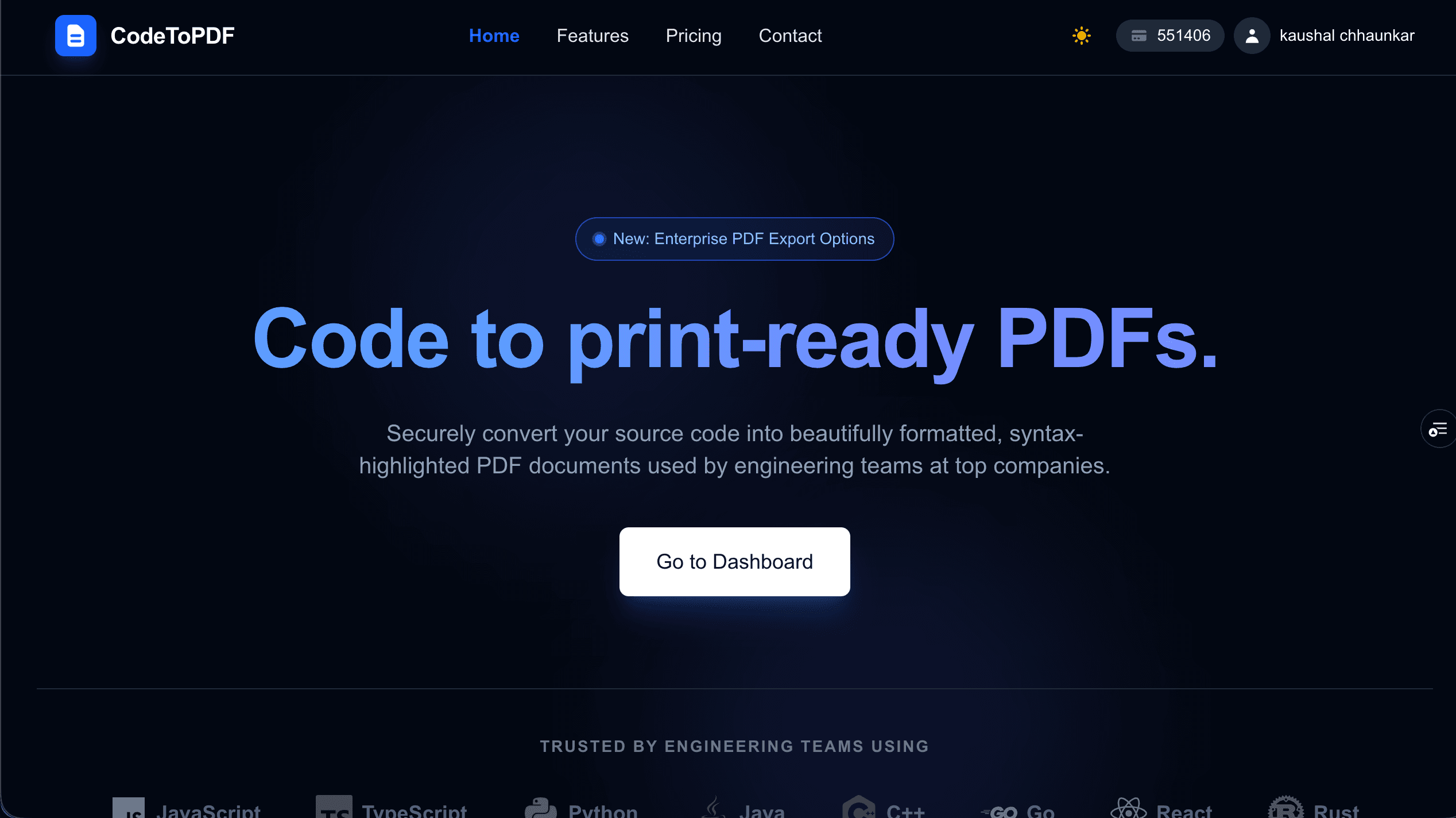
CodeToPDF is the professional standard for documenting code. Instantly convert source files into elegantly formatted PDFs with enterprise-grade syntax highlighting, smart pagination, and support for over 100+ programming languages.
85 people supporting this launch
4.8
6 ratings


Full Stack developer

AI video with native sound, paid per clip. Nothing stored.

A calmer Mac menu bar, one click away.

Enterprise Software. Intelligent Automation. Global Impact.


Comments
35Works Great! Love using this product.
luck takes work
How does it handle large codebases? For example, can it generate structured PDFs with file trees or multiple files in a single export?
Full Stack developer
We actually already support custom headers (with text and logo), custom footers, cover pages, and multi-file export where you can combine multiple code files into a single PDF with your own custom order. For larger codebases like Git repos and ZIP folder imports, that's on our radar, if enough users want it, we'll prioritize it. Would love to know your use case! Thanks for the suggestion.
I'm software engineer
Interesting tool, usefull overall to show the code in the printable documentations
Works Great! Love using this product.
Really useful tool for developers who need to share code in a clean, readable format. The syntax highlighting across 100+ languages is impressive, and the Rust-based engine makes it noticeably fast. Great for code reviews and documentation.
Really useful for developers who need to share code snippets in meetings or documentation. The syntax highlighting across 100+ languages is a nice touch. Does it handle dark mode themes for the PDF output?
Web Developer building scalable platforms for data analysis, monitoring, and online services.
I like the idea behind this tool. Converting source code into clean, well-formatted PDFs with proper syntax highlighting and pagination can be really useful for documentation and sharing code with non-technical stakeholders.
Software Engineer | Actor
as someone who does technical interviews occasionally, the clean pagination and syntax highlighting is exactly what's missing when you try to print code from a regular IDE. the Rust-based engine making it fast is a smart architectural choice too. would love to see a multi-file export with a file tree view added down the line.
push
Nice idea, I'll deffinetly use it
AI Invoice & Receipt Data Extraction – Automate Data Entry and Convert Documents to Spreadsheets
Really impressive work! The combination of universal syntax highlighting and smart formatting makes this ideal for clean, readable documentation. The Rust-based engine sounds fast and efficient — curious how it handles very large projects or multiple files at once.
AI Invoice & Receipt Data Extraction – Automate Data Entry and Convert Documents to Spreadsheets
Really impressive work! The combination of universal syntax highlighting and smart formatting makes this ideal for clean, readable documentation. The Rust-based engine sounds fast and efficient — curious how it handles very large projects or multiple files at once.
24, learning, building, improving, and writing - Step by Step, Ferociously :)
Love the site theme and options!
A dev who enjoys making good things for creativity & innovation
This is actually a really useful idea. One thing that’s always annoying when sharing code in documents or interviews is how formatting gets messed up when exporting from an IDE or copying into Word or Google Docs. Having something that preserves indentation, syntax highlighting, and spacing exactly like the editor solves a real pain point. The security aspect with ephemeral containers is also a nice touch, especially for teams working with proprietary code. I could see this being valuable for companies that need to generate documentation or compliance records of codebases.
A dev who enjoys making good things for creativity & innovation
This is actually a really useful idea. One thing that’s always annoying when sharing code in documents or interviews is how formatting gets messed up when exporting from an IDE or copying into Word or Google Docs. Having something that preserves indentation, syntax highlighting, and spacing exactly like the editor solves a real pain point. The security aspect with ephemeral containers is also a nice touch, especially for teams working with proprietary code. I could see this being valuable for companies that need to generate documentation or compliance records of codebases.
BorderAudit - Post-clearance customs audit. Automated.
Found this a really useful tool for outputting code to non-technical in readable format.
Building AI writing and detection tools
The ephemeral container approach for processing is a strong security decision — especially relevant for teams dealing with proprietary source code who can't risk data retention. The theme customization with Dracula, Monokai, and others is a thoughtful touch since developers already have strong preferences about how their code looks. One suggestion: adding a CLI version would make this really powerful for CI/CD pipelines that need automated documentation generation.
Building MetricLogic — free browser-based audit tools for developers and sysadmins. No backend, no tracking.
Syntax highlighting in PDFs is something I've always had to hack together with pandoc + custom CSS, so a dedicated tool for this makes sense. Curious how it handles very long functions that span multiple pages — does it break at logical points or just cut mid-block? Also wondering if there's support for monorepos where you want to export a subset of files with a shared context header rather than one PDF per file.
A small software company in Africa.
Oh this is great. Now you can "print" code the way you see it in VSCode.
Interesting tool. Gonna use it.
great product , it will surly help