

AI caption generator — captions that look good, in seconds.
What is Captions Generator
Captions Generator is a free AI-powered tool that enables users to quickly add captions and subtitles to videos, making content more accessible and engaging.
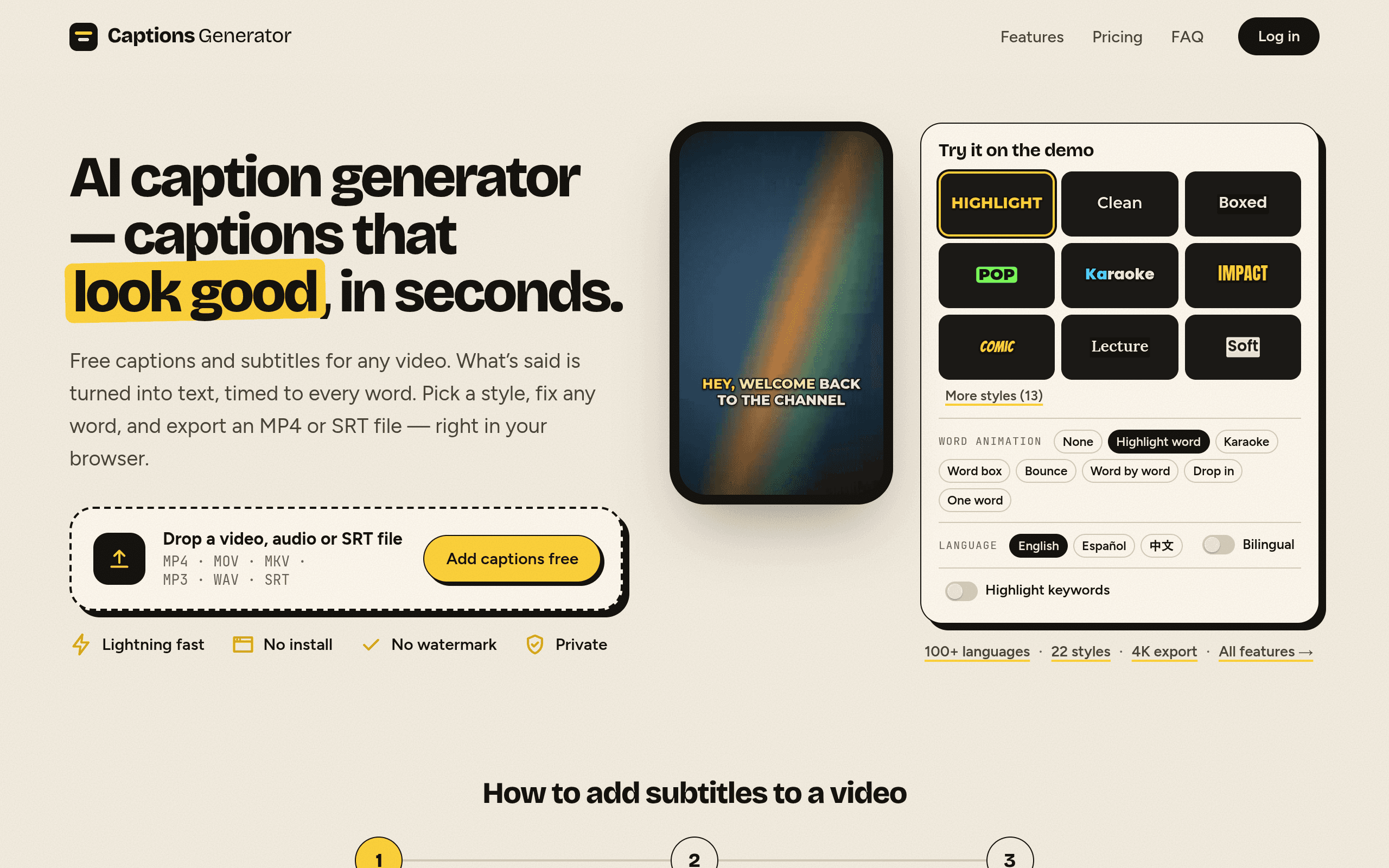
Features of Captions Generator
Fast Processing: Generate captions in seconds without the need for software installation.
Multi-language Support: Automatically transcribe speech in 100 languages and translate captions for global reach.
Customizable Styles: Choose from various caption styles, including karaoke and word highlight, to enhance viewer engagement.
Privacy Focused: Your video never leaves your device; only audio is sent for transcription, ensuring privacy.
Multiple Export Options: Download captioned videos in MP4 format or subtitle files in SRT, VTT, and TXT formats.
Use Cases of Captions Generator
Content Creators: Enhance videos for platforms like YouTube, TikTok, and Instagram with engaging captions.
Educators: Provide accessible learning materials by adding subtitles to educational videos.
Businesses: Improve communication in training videos and presentations with clear captions.
Marketers: Increase viewer retention and engagement by making videos more accessible to diverse audiences.
Translators: Easily translate and create bilingual subtitles for international audiences.
Indie Hacker

AI video with native sound, paid per clip. Nothing stored.

A calmer Mac menu bar, one click away.

Enterprise Software. Intelligent Automation. Global Impact.


Comments
2The combination of multilingual transcription, translation, and styled captions looks useful for both creators and educators. How well does it identify different speakers, and can users correct the transcript and timing before exporting the final video or subtitle file?
Sending only the audio for transcription and keeping the video on the device is a smart call, for privacy and for upload time on big files. How do you handle scripts like Devanagari or Arabic in the burned-in MP4? Do you bundle fonts for them or fall back to a system font? That tripped me up building captions for short videos.