

You hang up, and you have still got to write it all up.
CallNote does that part for you. It picks up the transcript your phone system or
meeting platform already made, reads it, and writes a finished file note using
your own template. It takes under two minutes, and gives you roughly ten minutes
back on every call.
How it works:
1. Receives the transcript. CallNote connects to Aircall, Dialpad, Zoom, Microsoft
Teams, RingCentral and more, and picks up the transcript automatically when the
call ends. You can also upload a transcript file or paste one in.
2. Writes the note. CallNote reads the transcript and writes the note using your
saved prompt template, in your voice and your structure, the same way every time.
3. Review and lodge. Tweak any line, then lodge the note. It is timestamped, sealed
with a tamper-evident checksum, and pushed to your CRM. Need a change later?
Amend it, and every edit is recorded.
What makes it different:
- No bot joins your call. CallNote never dials in, never records audio, and never
sits in your meeting as a visible participant. It only ever reads a transcript
your existing system already produced.
- Your template, not ours. Set up a different note structure for every call type.
A solicitor's attendance note and an adviser's file note are different documents,
and CallNote handles both.
- Human review before anything is filed. Nothing hits your CRM without you reading
it and approving it.
- Immutable audit trail. Every transcript received, note generated, section edited
and note lodged is time-stamped and sealed. Lodged notes cannot be silently
changed, only amended on the record.
- Australian data residency. Your data is stored in Sydney.
Built for mortgage brokers, financial advisers, law firms, agents and anyone who
has to write up a call afterwards. Integrates with HubSpot, Salesforce, Pipedrive,
Clio, Notion, Slack, Zapier, Make and n8n.
14-day free trial. No credit card required.
- Picks up your call transcript automatically from Aircall, Dialpad, Zoom, Microsoft Teams and RingCentral
- Or upload a transcript file, paste one in, or forward it by email
- Writes a finished file note from the transcript in under two minutes
- Build your own note template for every call type, with your own sections and wording
- Edit any line before it goes anywhere, with a proper rich text editor
- Lodge and lock: notes are timestamped and sealed with a tamper-evident checksum
- Append-only amendments, so a lodged note can be corrected but never silently rewritten
- Immutable audit log of every transcript received, note generated, edit made and note lodged
- Pushes finished notes straight into HubSpot, Salesforce, Pipedrive, Clio, Notion and Slack
- Connects to anything else through Zapier, Make or n8n
- Match a note to the right client automatically by phone number
- Searchable notes library across your whole team
- One-click PDF export of any note
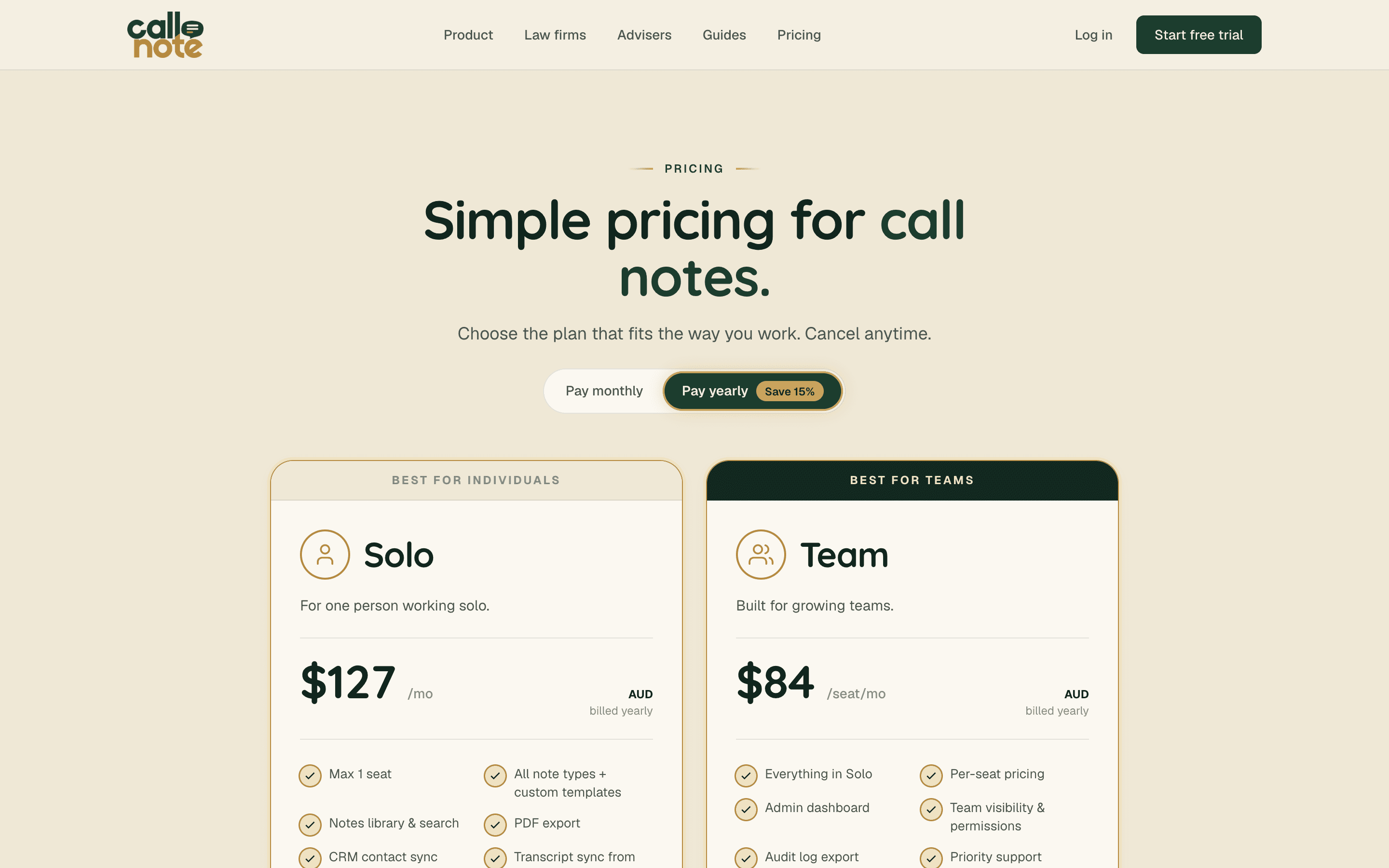
- Team plans with an admin dashboard, per-seat access and audit log export
- Members see only their own notes, admins see the whole practice
- Built-in recording consent guidance for every Australian state
- Australian data residency, stored in Sydney
- No bot ever joins your call and no audio is ever recorded
- 14-day free trial, no credit card
- Mortgage brokers writing NCCP compliant file notes after every client call
- Financial advisers evidencing best interests duty and the safe harbour steps
- Law firms turning client calls into attendance notes without losing billable time
- Conveyancers and family lawyers keeping a defensible record of every conversation
- Insurance brokers and agents documenting advice given over the phone
- Sales teams that need call notes in the CRM without typing them up
- Recruiters logging candidate and client calls into their ATS
- Anyone facing an audit who needs a consistent, timestamped record of what was said
- Practices where every staff member writes notes differently and it needs to stop
- Teams who cannot use a meeting bot, because their state requires all-party consent
- People taking notes on plain phone calls, not just video meetings
- Solo operators who lose an hour a day to writing calls up from memory
6 ratings

AI video with native sound, paid per clip. Nothing stored.

A calmer Mac menu bar, one click away.

Enterprise Software. Intelligent Automation. Global Impact.


Comments
3Building PZERO, saving you money - pzero.studio
Picking up the transcript your phone system already made, with no bot joining the call, is a sensible way to handle file notes. If the model calls that write each note ever start to add up, PZERO offers lower-cost AI capacity at pzero.studio.
Interesting approach, especially the choice not to join the call as a bot. One practical question from someone who works a call list all day: most of my calls are plain mobile calls, not Zoom or Aircall, so there is no transcript produced by any system. Is the only path then to record on the phone, transcribe elsewhere and paste the text in, or do you plan a mobile capture of some kind? And a second one about the templates. You say the note follows my own structure every time. How does CallNote handle the parts a transcript simply does not contain, like the date I promised to call back or the next step we agreed on verbally but vaguely? Does it leave a blank for me to fill, guess, or flag it for review? For a solo seller the follow-up date is the one field that cannot be wrong.
Reading the transcript the phone system already made, instead of sending a bot into the call, removes the awkward "who invited the AI" moment. The tamper-evident checksum is a nice touch for solicitors. When someone amends a note later, does the CRM get the new version pushed automatically, or only the original?