
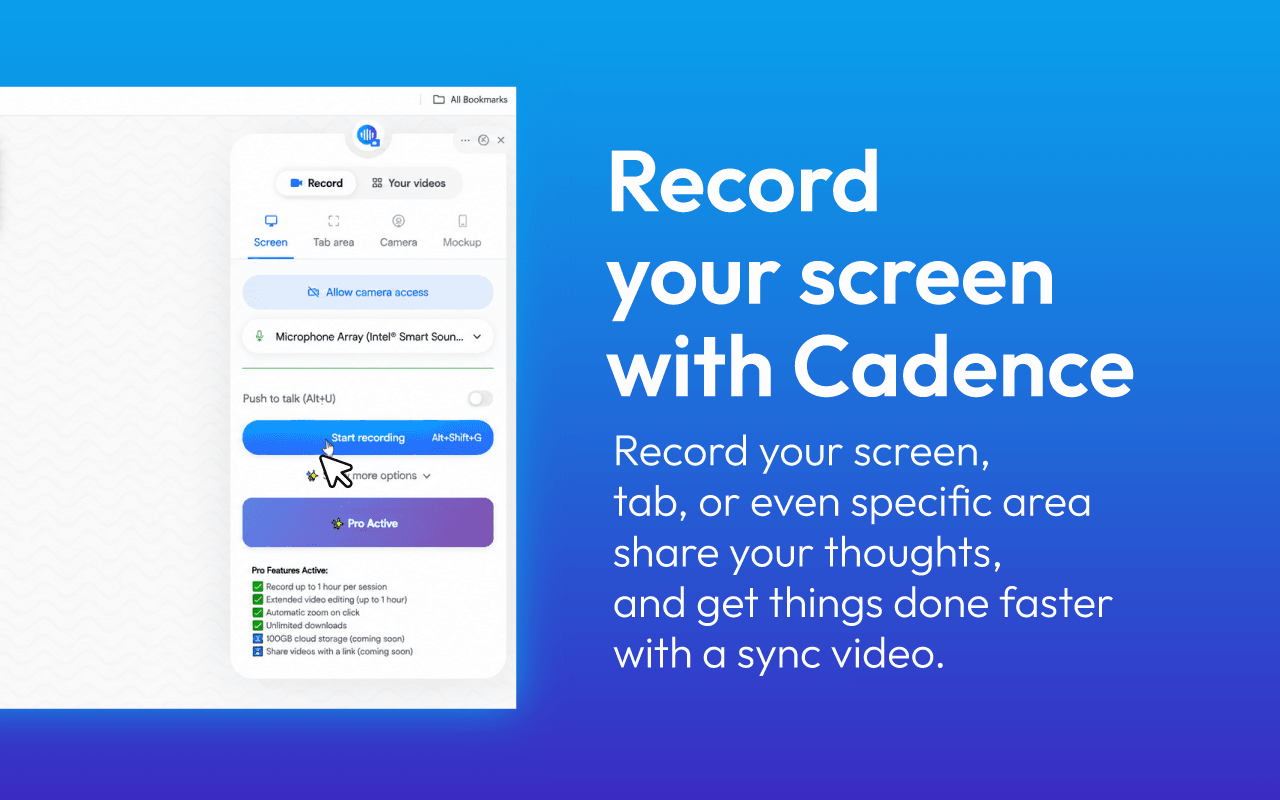
Cadence is the only screen recorder that effortlessly perfects your video the moment you hit stop. The AI instantly transforms accents, applies clear voice dubbing, handles AI screen extraction for screenshots, and generates automated AI video avatars.
30 people supporting this launch
4.8
6 ratings

AI video with native sound, paid per clip. Nothing stored.

A calmer Mac menu bar, one click away.

Enterprise Software. Intelligent Automation. Global Impact.


Comments
14Hey Product Hunt! 👋 Most screen recorders just capture your screen. We built Cadence to completely transform it. You shouldn’t need a studio-quality mic, a quiet room, a perfect accent, or complex editing skills just to share your work, ship a premium demo, or build in public. We realized that the biggest bottleneck for creators and founders isn't recording the video; it’s the hours spent editing, cringing at voice playbacks, or manually writing up documentation afterward. We’ve packed Cadence with advanced post-processing AI that goes to work the second you hit stop: - AI Voice & Accent Enhancement: Instantly swap accents, apply clear voice dubbing, and erase background noise in a single click. - AI Video Avatars: Turn your presentations or scripts into dynamic, avatar-led video guides without ever getting in front of a camera. - AI Screen Extraction: Automatically extract high-quality screenshots and visual assets right from your raw video. - Global Localizer: Translate and natively dub your recordings into 25+ languages to instantly reach a global market. - Auto-Documentation Suite: Instantly generate transcripts, summary briefs, and action items from your audio. Cadence lets you record once and instantly deploy your session as a polished video, localized content, or structured documentation. We’d love to hear your thoughts, feedback, and feature requests in the comments below. What are you building next? Let's ship it! 🚀
The AI accent/voice cleanup is a smart wedge — that's the actual reason a lot of solo founders avoid recording demos at all, not the screen capture part. Does the accent enhancement run locally or does it require uploading the raw audio to process, and how long does a typical 5-10 min recording take to come back post-processed?
Make any PDF look realistically scanned—directly in your browser.
Cadence goes far beyond basic screen recording by turning raw videos into polished, localized content and structured documentation. The AI voice enhancement, screenshot extraction, and automatic summaries could save creators and teams hours of editing. Great launch!
Founder of Tyrian Trade | Building the Trust Layer for Finance
The combination of recording, documentation, and localization in one workflow is compelling. Reducing post-production time is a huge productivity win.
Perfecting the video the moment you hit stop is the real unlock here, since editing and writing docs is where most of the time goes. Does the AI accent change keep the original timing and lip cues intact?
AI-powered Bazi calculator and personalized Four Pillars reading.
Cadence makes screen recording much more useful by handling voice cleanup, localization, screenshots, and documentation after you finish recording. Turning one raw recording into polished content in multiple formats could save creators and teams a huge amount of time. Great launch!
Building MediaCaption, a YouTube transcription and subtitle tool.
The blur-first capture zones and automatic screenshot extraction solve two different halves of the documentation workflow. It would be useful if extracted screenshots preserved the same blur masks so secrets stay redacted in every derivative asset—does Cadence do that?
Love the "Record once, send confidently" approach. AI-powered post-processing has the potential to make screen recording much faster and more professional. Congrats on the launch, and wishing your team continued success! 🚀
i write a16z speedrun scout checks within 24hours | Co-Founder & CTO at Dial AI
The async video documentation problem is massive for distributed teams. Every async demo usually requires multiple takes because of audio issues or mistakes. The voice dubbing and accent handling solve real pain points for non-native speakers. The AI avatar feature is game-changing for presentations that don't need the creator on camera.
The auto-documentation angle is underrated here — for support teams, getting searchable transcripts and ready-made screenshots out of a single recording replaces two separate tools. Curious how the AI screen extraction picks which frames become screenshots: is it keyed to cursor activity and UI changes, or can you mark moments while recording?
Data science
Cadence has great potential! A few improvements could make it even better. I'd love to share my feedback and suggestions. WhatsApp: https://wa.me/447307349530 Telegram: t.me/rforrank
It's very powerful, but I think the interface isn't pretty enough.
Founder @ Sparqo AI
is this open source?
Building innovative digital products and exploring the potential of AI-driven solutions
The 'AI Screen Extraction' feature is a huge time-saver-being able to pull clean assets directly from a recording for documentation is a workflow game-changer. I’m curious, how does the AI handle blur-first zones when generating those screenshots? Does it automatically include the blurred areas, or does it 'clean' the frame during extraction? This looks like a powerful replacement for manual editing loops