

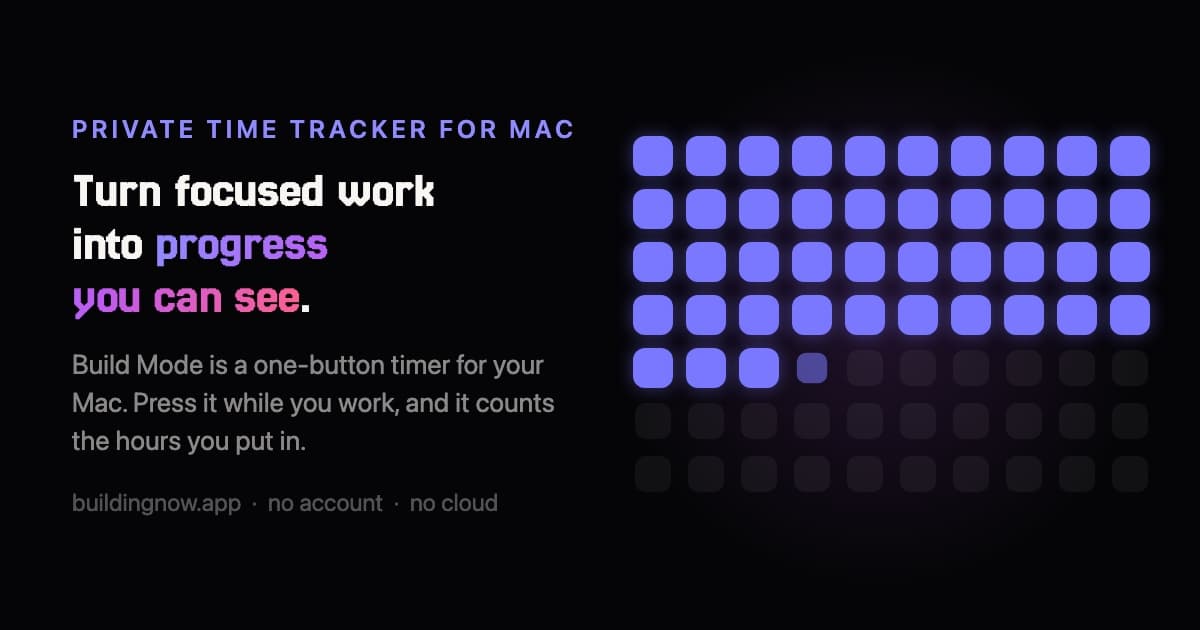
Build Mode is a native Mac focus app that turns focused work into progress you can see clearly. Start a session with one shortcut, follow the timer in your MacBook notch, and watch your active hours add up across days, weeks, and years. It organizes time by category, removes idle time, tracks long-term goals, and creates weekly reflections and shareable Build Cards. No screenshots, keystrokes, or browser history are recorded. Your data stays on your Mac, with no account or subscription required.
Easy to use
For devs who want insights
6 ratings

AI video with native sound, paid per clip. Nothing stored.

A calmer Mac menu bar, one click away.

Enterprise Software. Intelligent Automation. Global Impact.


Comments
5Search Console and Google Analytics, one dashboard
The local-only approach and idle-time removal make this interesting for focused work. Can weekly reflections be exported as plain text or CSV for reviewing progress over time?
Founder
No screenshots, keystrokes or browser history, with data staying on the Mac, is the right default for a time tracker. How does idle-time removal decide what counts as idle without watching input? And since there's no account, is there a way to back up the history or move it to a new Mac?
Showing the running timer in the MacBook notch is a clever touch — it keeps the session visible without another menu bar icon or floating window. I like that the weekly reflections are built from category totals rather than screenshots or keystroke logging. Does the category breakdown let you set per-category weekly targets that feed into the long-term goals view?
I was looking for something just like that so i can track even my non coding progress
Can a session be reassigned to a different category after it ends, and are past weekly reflections recalculated when time entries are corrected?