

Compress & resize media in your browser — nothing uploaded.
4.8(6)27VideoAudioPhoto Editing
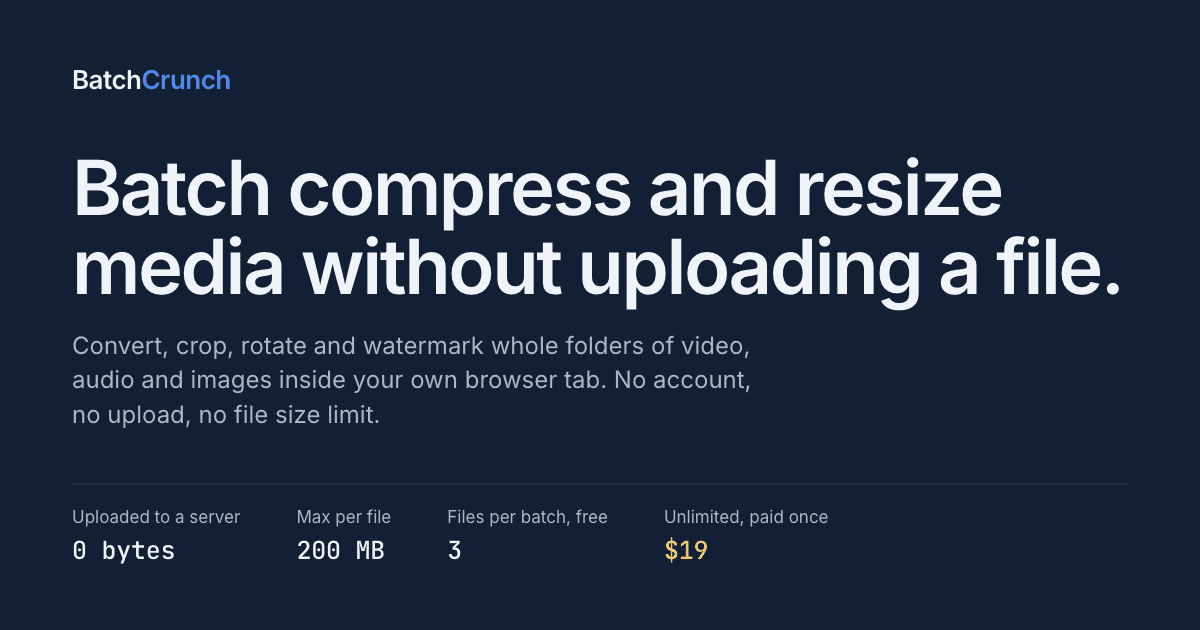
BatchCrunch processes folders of video, audio and image files entirely inside your browser tab. It is ffmpeg compiled to WebAssembly, running on your own CPU, so files are never uploaded to a server — no upload size cap and no queue.
Drop a whole folder and set one recipe per media type: compress, convert, crop, resize, rotate, flip and watermark video, audio and images, then rename outputs. Every file shows an estimated output size before it runs and a side-by-side preview after.
Free for 3 files per batch, no account and no email required. A one-time $19 licence removes the batch limit and changes nothing else.
Compress, convert, resize, crop, rotate, flip and watermark video, audio and images in one batch
No upload size cap and no queue — files never leave the tab
Per-file size estimate before the run and a side-by-side preview after
Runs offline once the encoder is cached
Free for 3 files per batch; one-time $19 unlocks unlimited batches
Video creators compressing a week of exports before sending them anywhere
Ecommerce teams resizing, cropping and watermarking product photos to one spec
Developers shrinking screen recordings for docs and issues
Anyone whose material cannot be uploaded to a third party — NDA, medical, legal
58 people supporting this launch
4.8
6 ratings


AI video with native sound, paid per clip. Nothing stored.

A calmer Mac menu bar, one click away.

Enterprise Software. Intelligent Automation. Global Impact.


Comments
27Built this because every online converter capped the upload, put the job in a queue, or wanted a subscription — for a folder of client screen recordings none of them worked. ffmpeg now compiles to WebAssembly and runs multithreaded in a tab, so BatchCrunch processes the whole folder on your own CPU. No upload, no account, one-time $19.
ffmpeg in WebAssembly with nothing leaving the tab is the selling point here, especially for anyone whose footage cannot legally go to a third party server.
Clean UI, love that it's one-time $19.
Co-founder @HighAdvocacy
Best tool I have in the marketplace with 14 days free trial
very helpful for everyone
I make things people actually click on
processing everything in the browser with zero uploads is a genuine privacy win. no file size limits because nothing leaves your machine is the kind of constraint removal that makes you wonder why every tool doesn't work this way. one-time $19 instead of a subscription is refreshing too
blogger
good but after check
I am freelance
Really smart concept! 🔥 Browser-based processing with zero uploads is a huge privacy win, and the one-time $19 pricing makes it even more appealing. Great tool for creators and teams! 👏
calculate.at PR manager
The "nothing uploaded" angle is the right call for this category — I went the same route with calculate.at (client-side calculators, no server round-trip for anything). The 3-files-free / $19-unlock split is a clean way to gate batch size without touching the no-upload promise. Curious how big a folder people actually throw at it before hitting the WASM/CPU ceiling on an average laptop?
processing everything in the browser with zero uploads is a genuine privacy win. no file size limits because nothing leaves your machine is the kind of constraint removal that makes you wonder why every tool doesn't work this way. one-time $19 instead of a subscription is refreshing too
calculate.at PR manager
The "nothing uploaded" angle is the right call for this category — I went the same route with calculate.at (client-side calculators, no server round-trip for anything). The 3-files-free / $19-unlock split is a clean way to gate batch size without touching the no-upload promise. Curious how big a folder people actually throw at it before hitting the WASM/CPU ceiling on an average laptop?
The "estimated output size before it runs" is the detail that stands out — normally you don't know the compressed size until you've actually encoded, so I'm curious whether that's a bitrate heuristic or a quick sample-encode under the hood. Also smart that it runs offline once the encoder is cached; for the NDA/medical use case you list, does it strip EXIF/location metadata from image exports by default, or is that a separate toggle?
I am the Founder of tooladda.online
Processing everything directly in the browser with zero uploads is a huge privacy win. No file size limits because nothing ever leaves your device—that kind of restriction-free approach makes you wonder why more tools aren’t built this way. And the one-time $19 payment instead of another subscription? Honestly, that’s refreshing.
I am the Founder of tooladda.online
Processing everything directly in the browser with zero uploads is a huge privacy win. No file size limits because nothing ever leaves your device—that kind of restriction-free approach makes you wonder why more tools aren’t built this way. And the one-time $19 payment instead of another subscription? Honestly, that’s refreshing.
Building Punchylime — AI ad creatives (video, UGC, image) from product photos in minutes. https://punchylime.com/
Browser-only compress/resize with nothing uploaded is a strong trust story for agencies handling client media. Does the WebAssembly path stay usable on large multi-GB video, or do you recommend chunking workflows?
Building Matchat — free AI character chat and roleplay in your browser.
Processing everything in the browser with zero uploads is a huge win.
good
https://indihunt.in/ try thia also it have more fetureswith 1 month off free campains
The per-media recipe plus an output-size estimate before processing stands out for creator workflows. Keeping large client footage local also removes a real upload bottleneck. Can recipes be saved and reused across folders, and if a long WebAssembly encode is interrupted, is there any way to resume the remaining queue without reprocessing completed files?
worked fine just was bit surprised that the quality slider for video quality is 0-40 instead of 0-100%
Keeping ffmpeg in the tab is the same constraint as other browser-only media tools: no upload queue, but you pay for WASM warm-up and RAM. The per-file size estimate before the run is the piece most compressors skip — without it people just hammer quality until the file looks wrong. For an ecommerce watermark plus resize recipe, does the side-by-side preview show the watermark at output resolution, or at source size? That's usually where "looks fine in the tab" diverges from the exported JPEG.