
Free tool to create beautiful App Store Screenshots
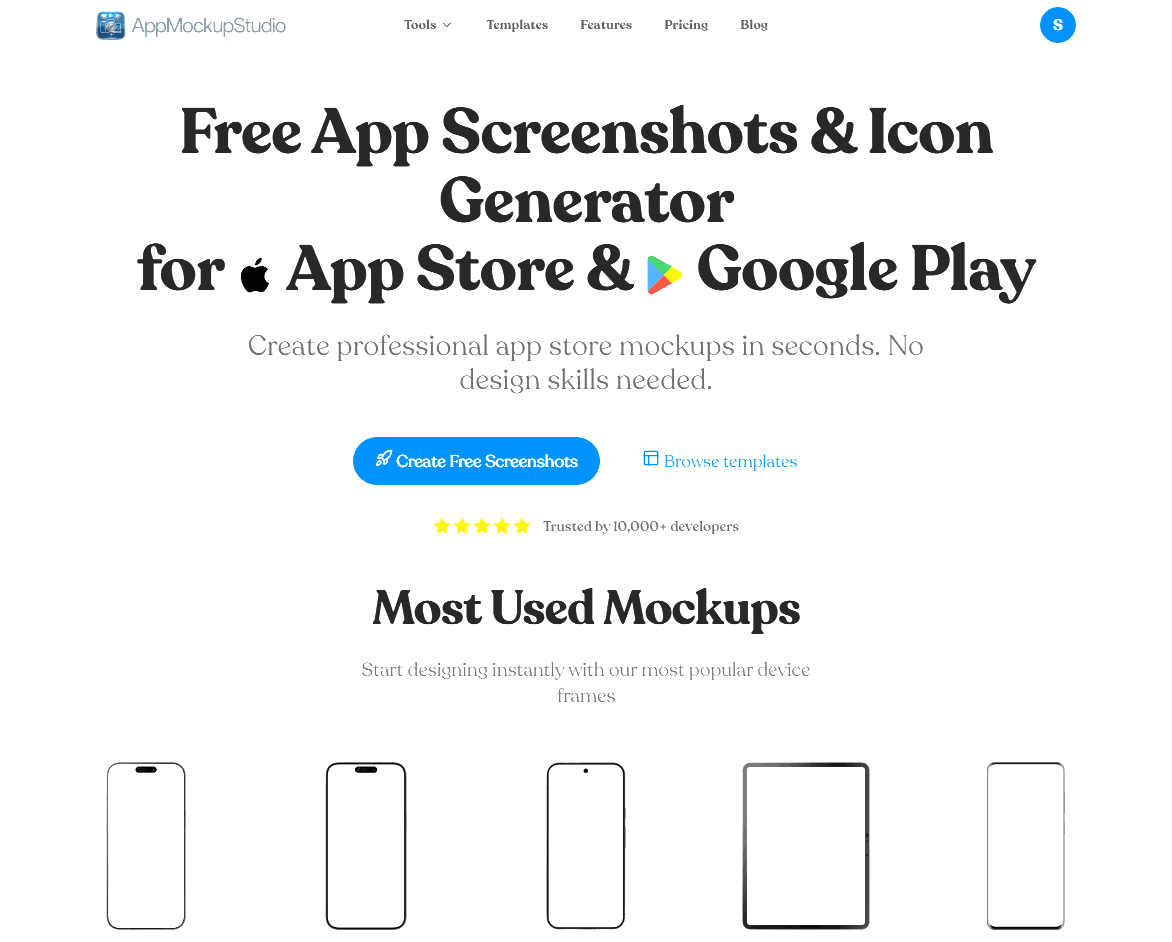
App Mockup Studio was built to solve a major headache for developers and designers: creating professional marketing graphics for mobile apps without expensive subscriptions or complex software. It is a completely free, lightning-fast generator that runs right in your web browser.
Say goodbye to heavily watermarked exports and downloading giant desktop applications. With App Mockup Studio, you can wrap your UI screenshots in beautiful, realistic Apple and Android device frames in seconds. The generated graphics are highly customized and exported in the exact resolutions required by the App Store Connect and Google Play Console.
43 people supporting this launch
4.8
6 ratings

AI video with native sound, paid per clip. Nothing stored.

A calmer Mac menu bar, one click away.

Enterprise Software. Intelligent Automation. Global Impact.


Comments
12Hey everyone! 👋 I'm incredibly excited to share App Mockup Studio with you today. As an indie developer, I was constantly frustrated by the process of creating marketing assets for the App Store. My options were to either wrestle with complex Photoshop templates or pay for a monthly subscription just to get access to a 3D iPhone frame without a watermark. I decided to solve my own problem by building a tool that does exactly one thing perfectly: generate gorgeous, high-converting app screenshots directly in the browser—for completely free. Why use App Mockup Studio? Zero friction: No log-ins required to start building. Fast: Runs entirely in your browser using modern web technologies. No paywalls: Export in ultra-high resolution without watermarks. I would love your feedback on the UX and the templates we currently have. What new device frames or specific layouts would you like to see added next?
The exact App Store Connect / Play Console resolution exports are what stood out to me — that's usually where I waste the most time before a release. Do you support localized text overlays per screenshot for different store locales, or is that on the roadmap? Also a big plus that the free tier has no watermark.
The exact-resolution export is the underrated bit. The pain was never making the mockup look nice — it's App Store Connect rejecting an upload because the dimensions are a few pixels off, and you're back in an image editor at midnight. Do you keep the size presets in sync when Apple quietly changes the required dimensions, or is that still on the user to catch?
We are a indian based startup solving the gap between robotics and learnign for kids with our own microcontroler board and toys
This is a good one. I have a doubt, Do you keep the size presets in sync when Apple quietly changes the required dimensions, or is that still on the user to catch?
As someone who just went through the screenshot grind for a Mac app launch, a genuinely free tool here is welcome — the store screenshot specs are fiddly and most editors paywall the good device frames. Does it support macOS app screenshot sizes and window chrome, or is it mobile-only right now? And can you export at exact App Store resolutions with localized text overlays for multiple languages?
just building things
great wuthout signup
just building things
great wuthout signup
This is really helpful. I never new I was looking for exactly this for my app. It makes screenshots feels super polished.
Answering your 'what to add next' question from the store-listing side: the biggest time-sink when updating a listing is re-applying the same caption and background across every required size (6.7", 6.5", iPad, etc.). If I can design one screenshot and batch-export the whole size set in a single click, that's the killer feature. Glad to see an iPad frame already in the most-used set — the no-login, no-watermark free tier is what makes this stand out from the subscription tools.
Answering your 'what to add next' question from the store-listing side: the biggest time-sink when updating a listing is re-applying the same caption and background across every required size (6.7", 6.5", iPad, etc.). If I can design one screenshot and batch-export the whole size set in a single click, that's the killer feature. Glad to see an iPad frame already in the most-used set — the no-login, no-watermark free tier is what makes this stand out from the subscription tools.
-
Tools like this are great for quick visualization, but they only cover a part of the process. A truly effective product requires deep analysis of user flows and architecture before moving to the final mockups. For businesses that need professional-grade results, https://fivecube.agency/ offers comprehensive solutions that go beyond simple prototyping. A well-thought-out product strategy often determines the success of an app more than just the visual presentation.
What about other device? I also loved to see macbook, ipad and more! Well done!